
AI Appointment Scheduling That Books During the Call. Not After.
Your AI appointment scheduling system checks real-time calendar availability mid-conversation and books the appointment before the call ends. Prefer a human touch for complex calls? A trained bilingual intake agent can step in seamlessly: same workflow, same speed, no repeat explanations. Either way, the caller leaves with a confirmed booking, your team gets a logged record, and your schedule stays current.
- 1 Month Free Trial
- Syncs with your existing calendar
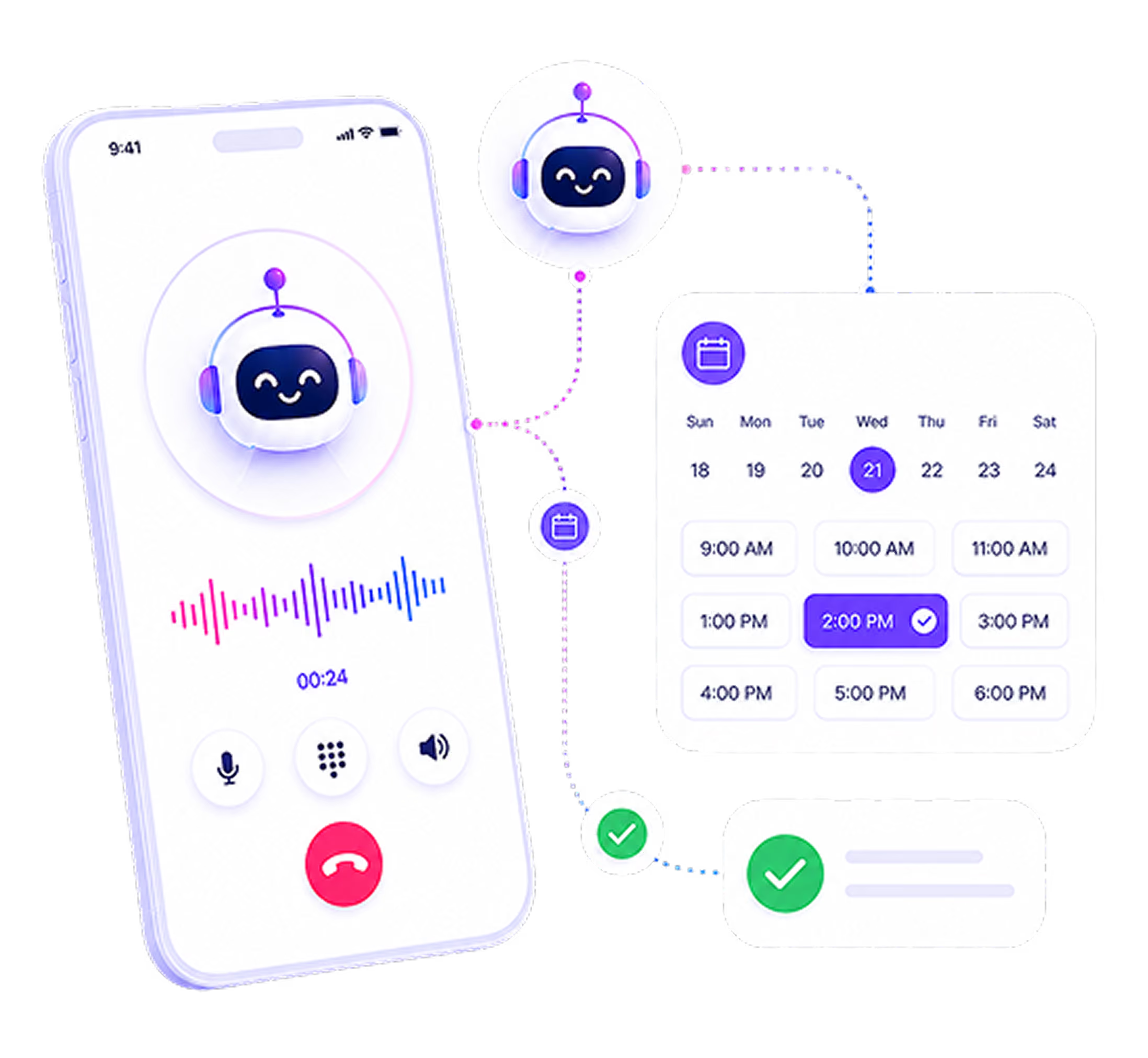
How Appointments Are Booked, Confirmed, and Managed
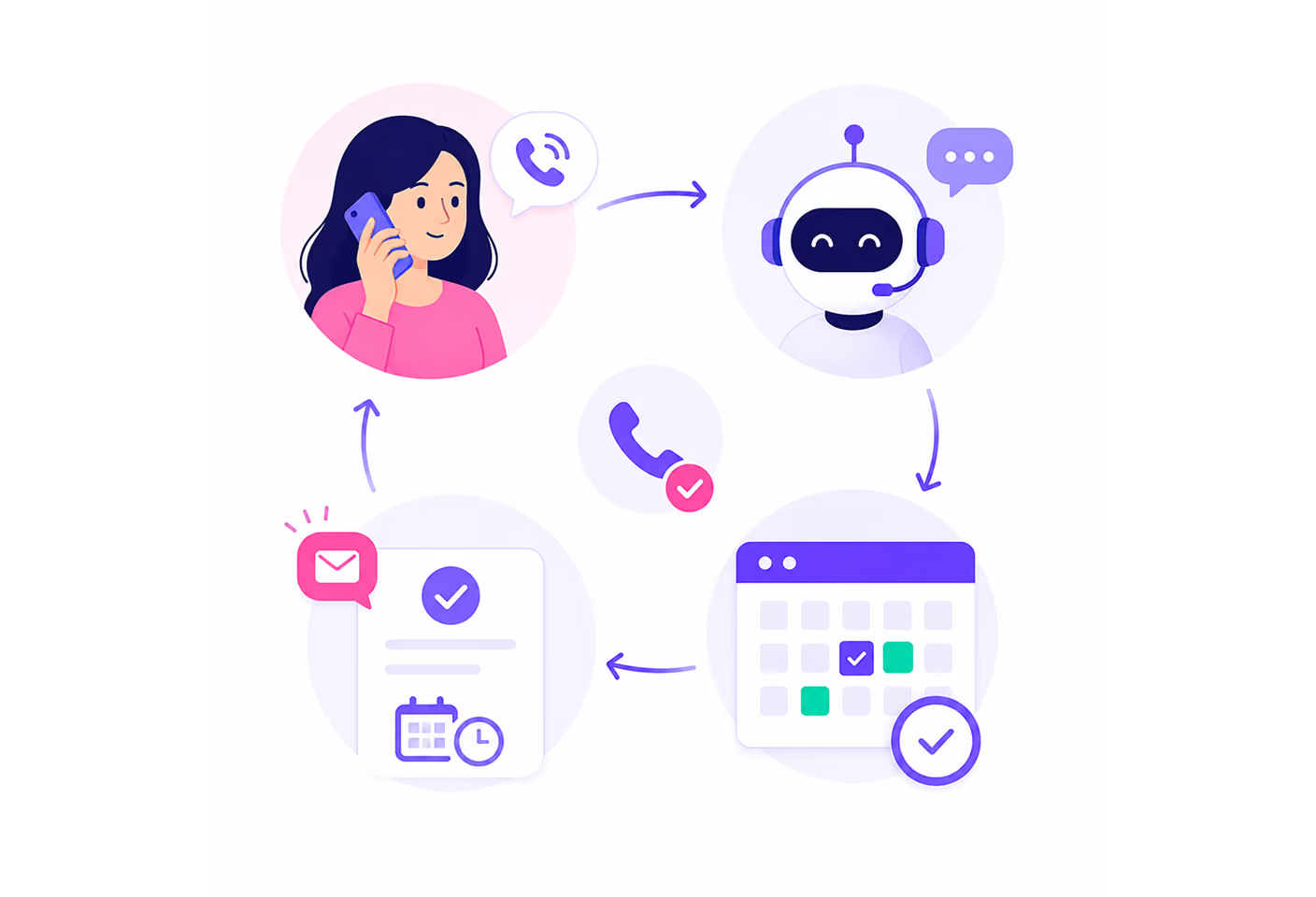
From the moment a caller asks for an appointment to the moment your team reviews the booking, here is exactly what happens.
Caller Asks for an Appointment
During an inbound call, your AI agent recognizes the request. Whether the caller says it directly or it emerges from intake, the system identifies that scheduling is the next step.
Learn more →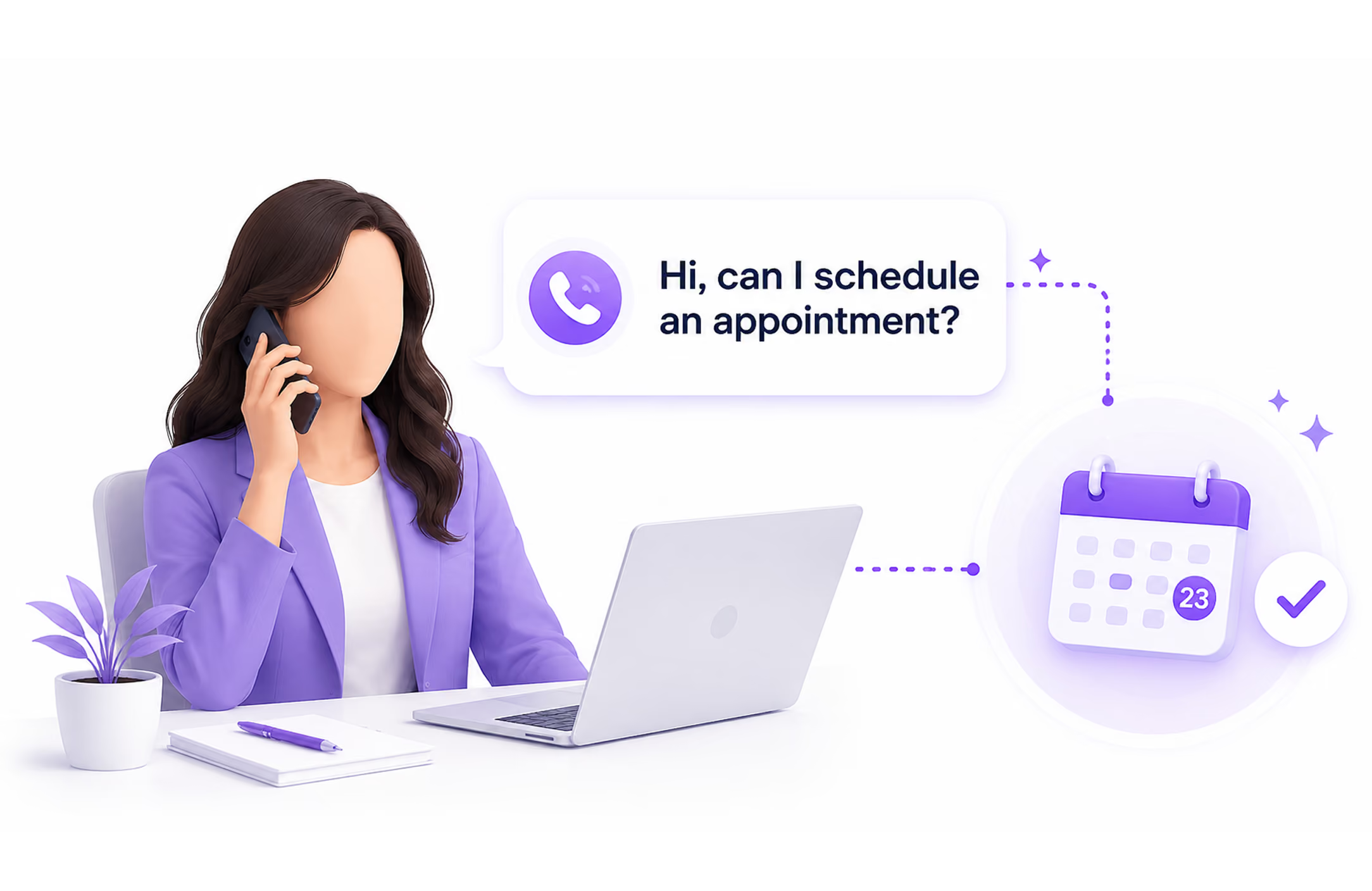
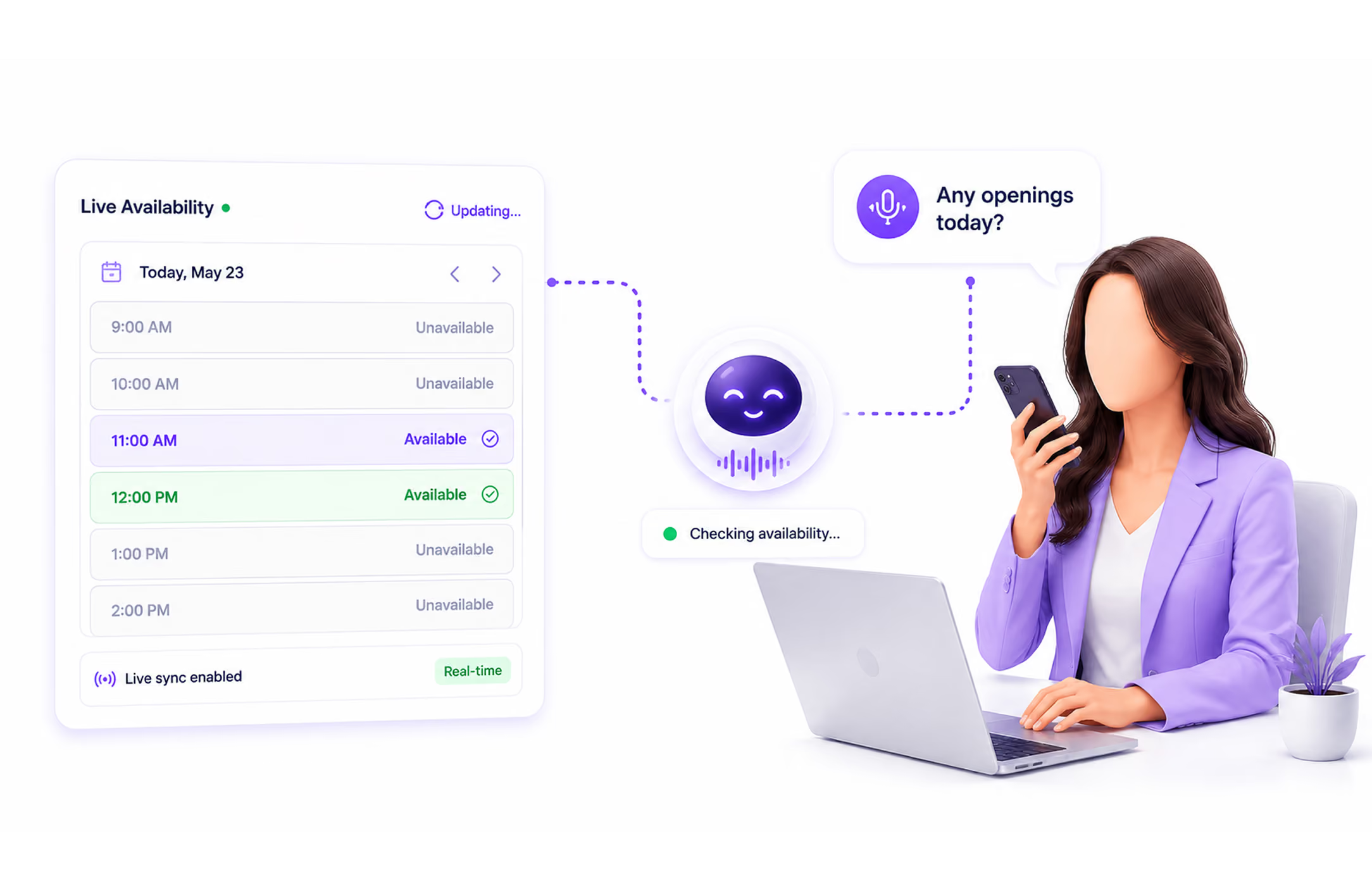
Availability Is Checked in Real Time
Your AI agent checks your calendar live, during the call. It sees what is available based on your configured booking rules and presents options to the caller without any hold time or callback.
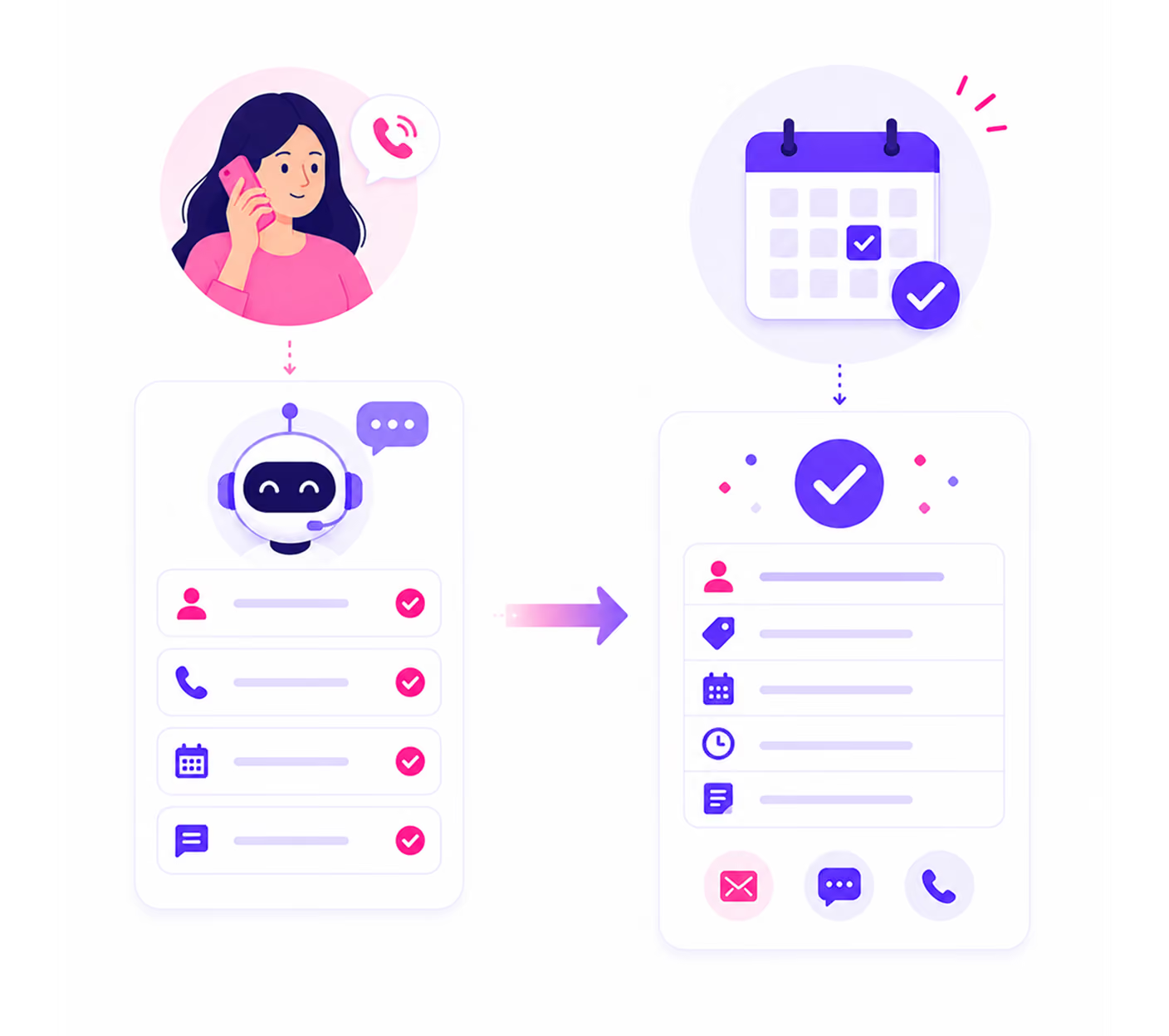
Appointment Is Booked on the Call
The caller selects a time. The AI agent confirms the booking before the call ends. The appointment is added to your calendar immediately. No manual entry required.
Learn more →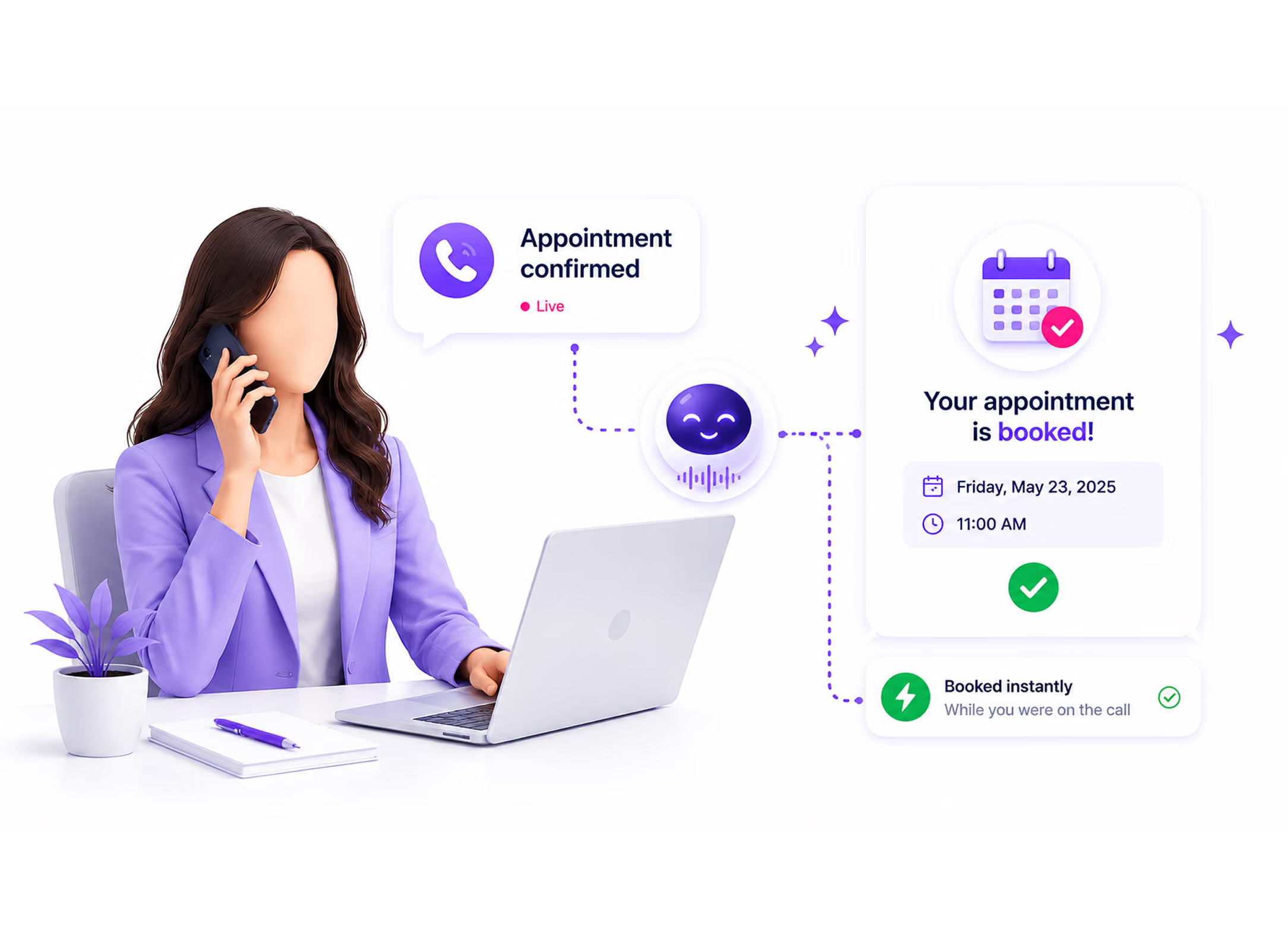
Confirmation Goes Out Automatically
The moment the call ends, an automated SMS and email confirmation is sent to the caller. The booking details, date, time, and any relevant information are included. Your team receives a notification based on your configured alert settings.
Learn more →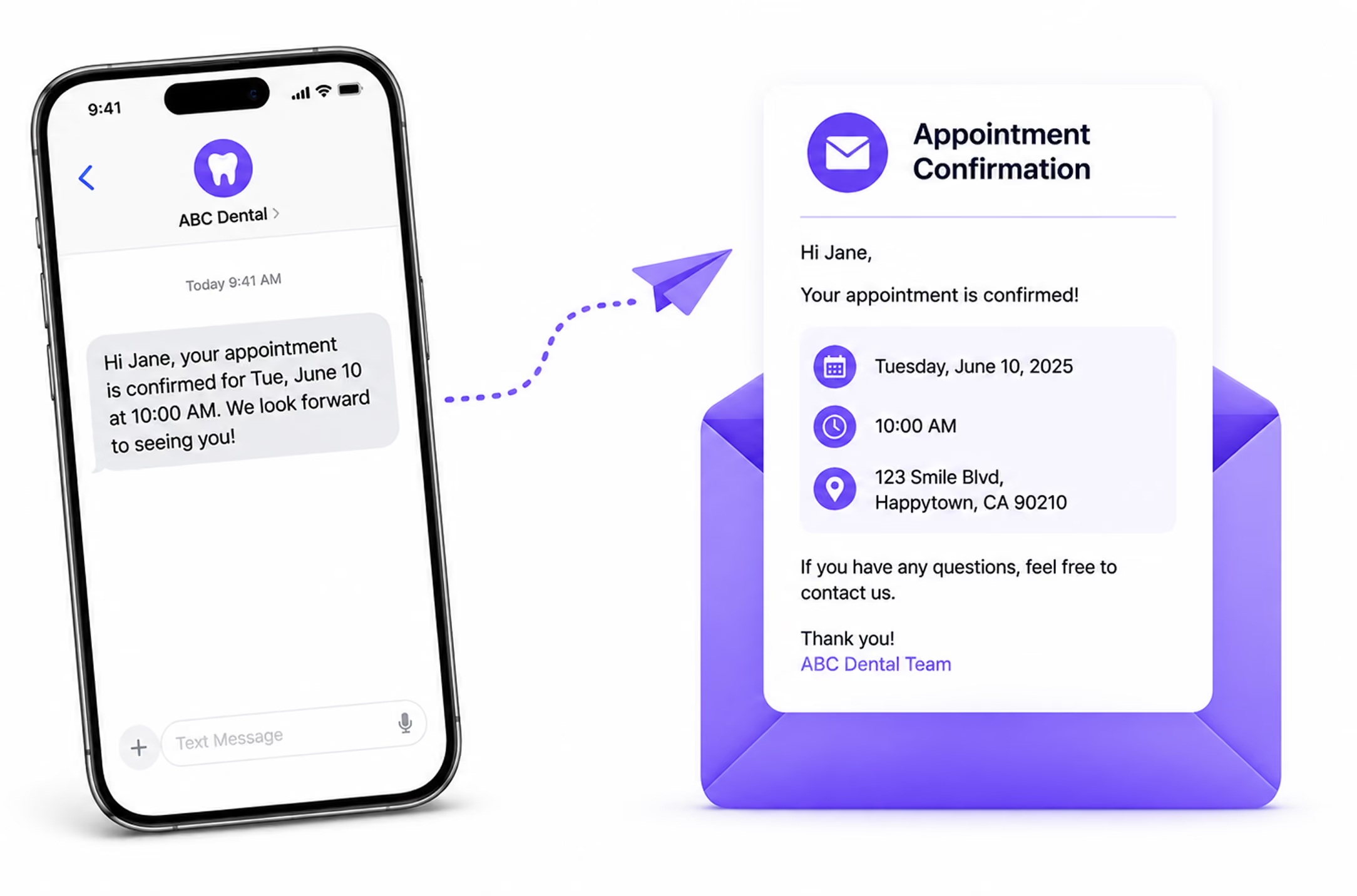
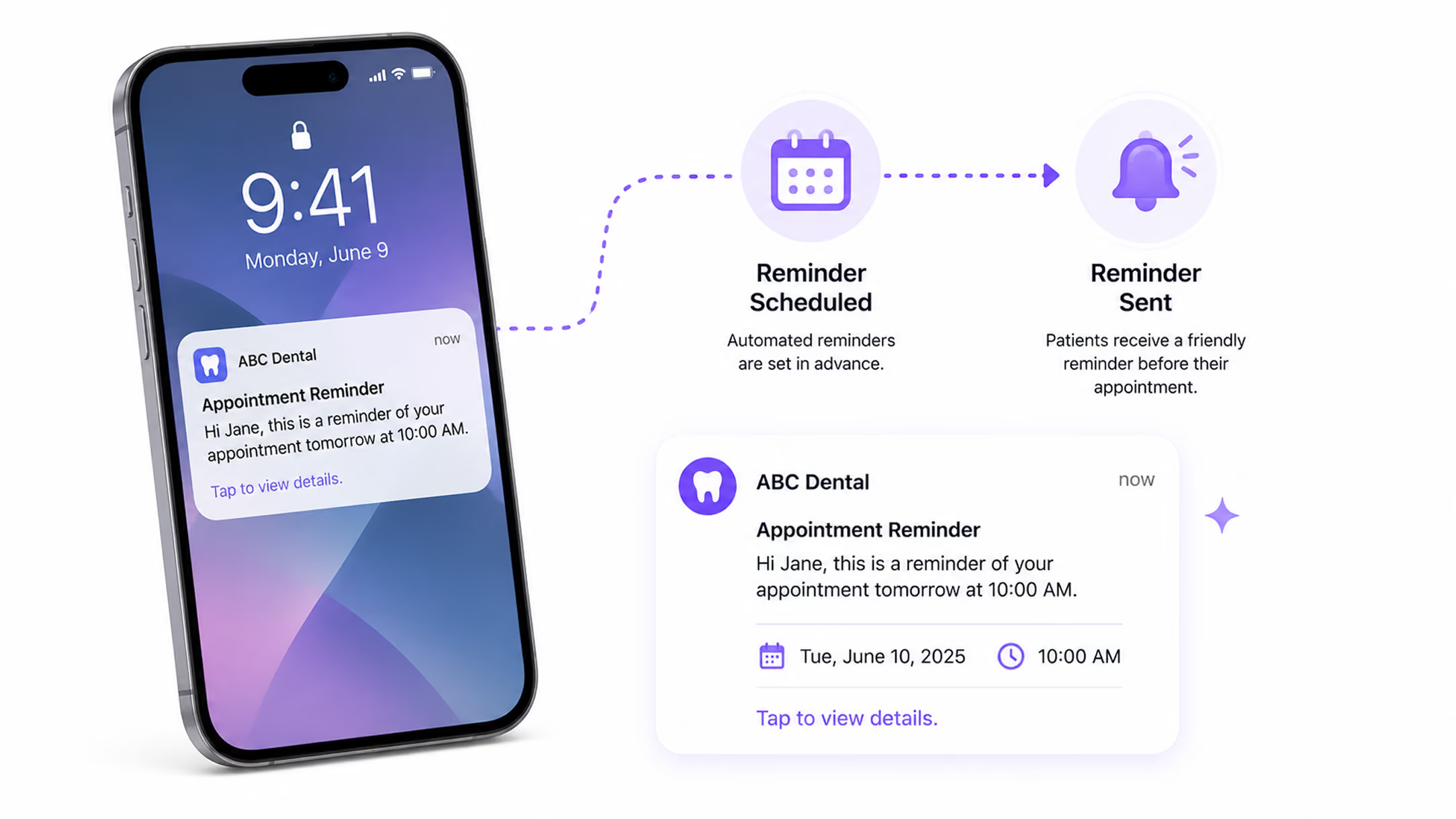
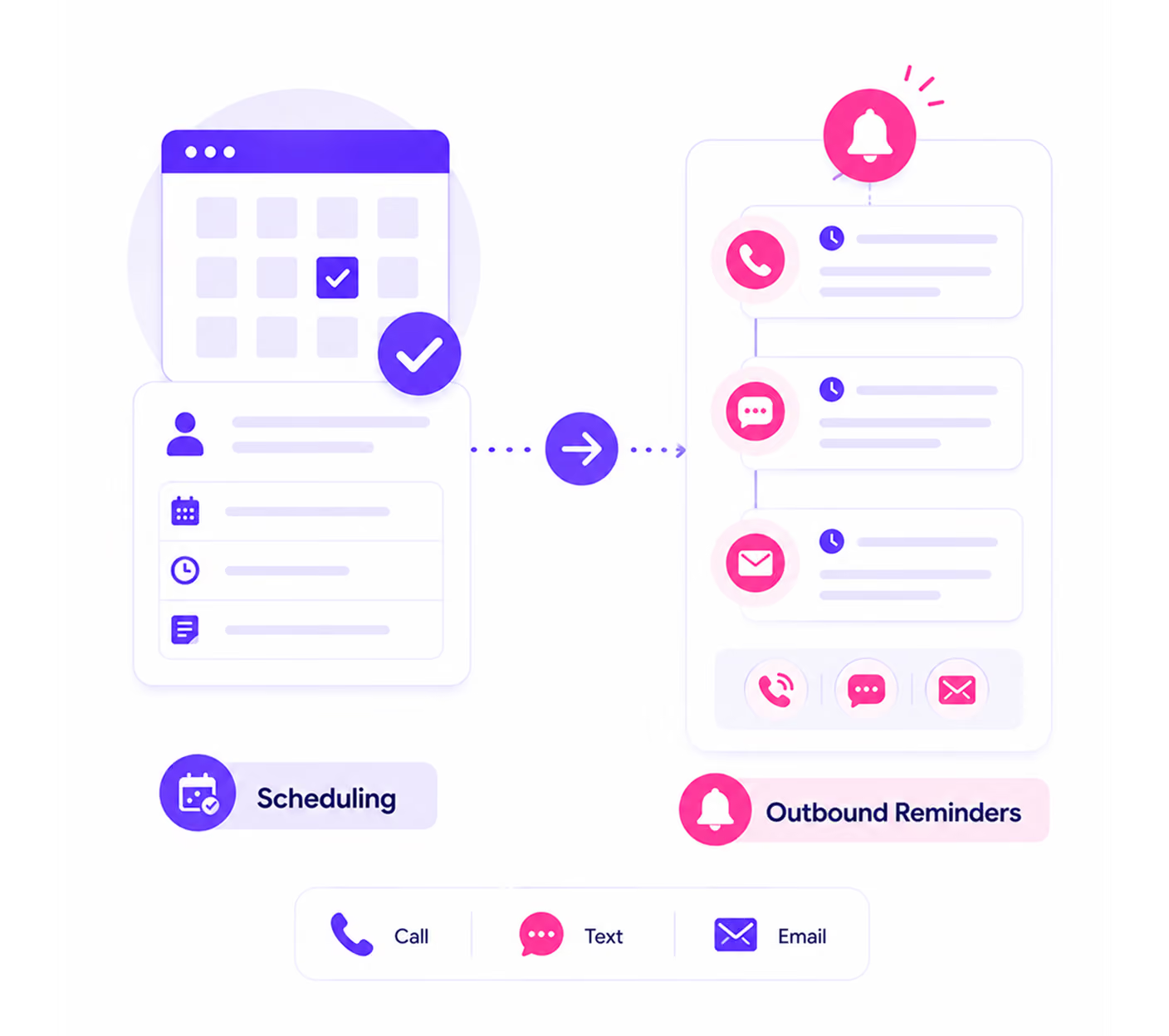
Reminders Run Before the Appointment
Automated appointment reminder messages (SMS and email) are sent based on the timing rules you configure before each appointment. Callers are reminded of your configured schedule without anyone on your team sending them manually.
Booking Is Logged and Visible
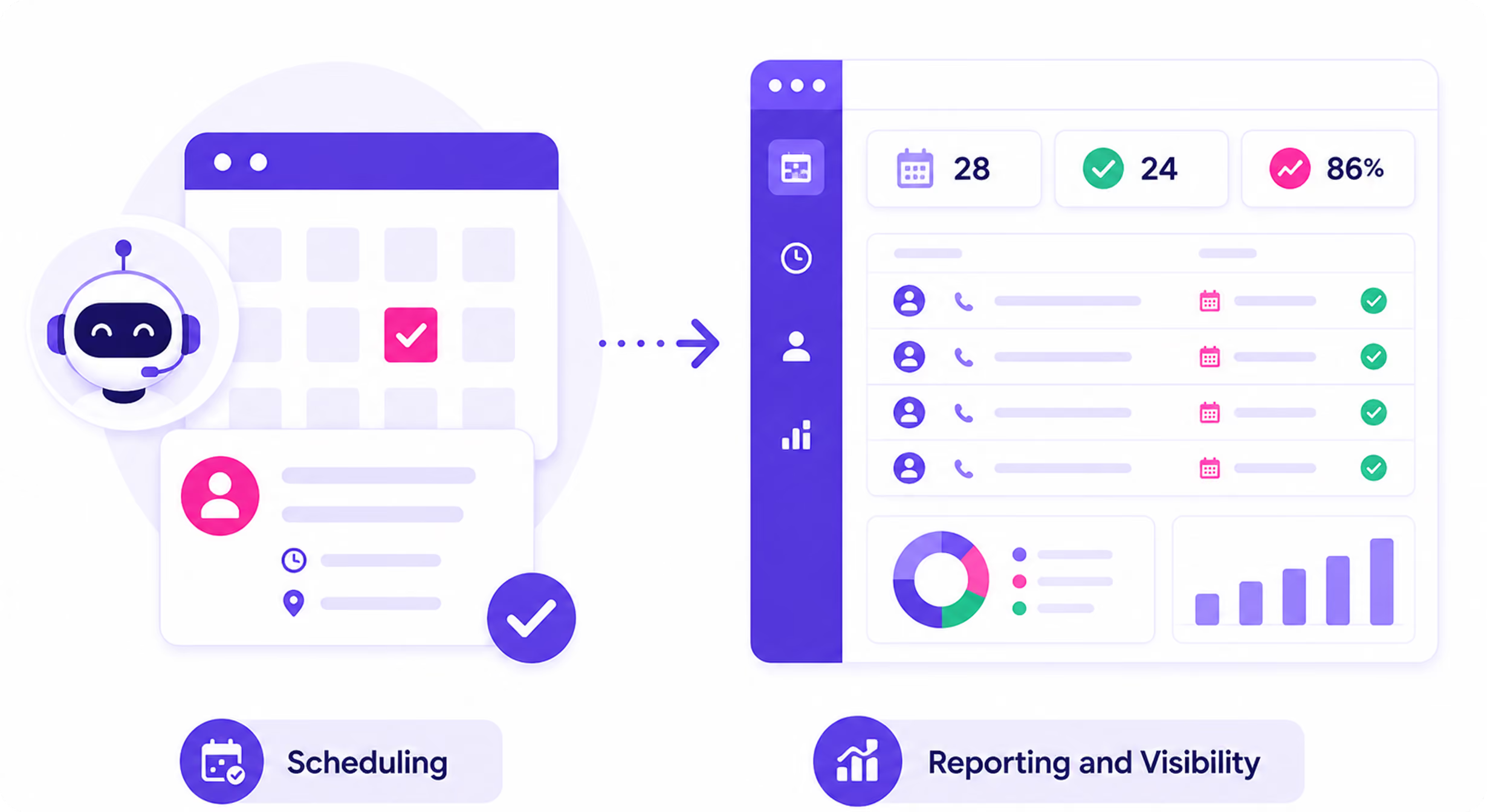
Every appointment appears in your Appointments dashboard with full details: caller name, booking reason, date and time, status, and a link to the originating call record. Your team can view, manage, and update appointments from one place.
Learn more →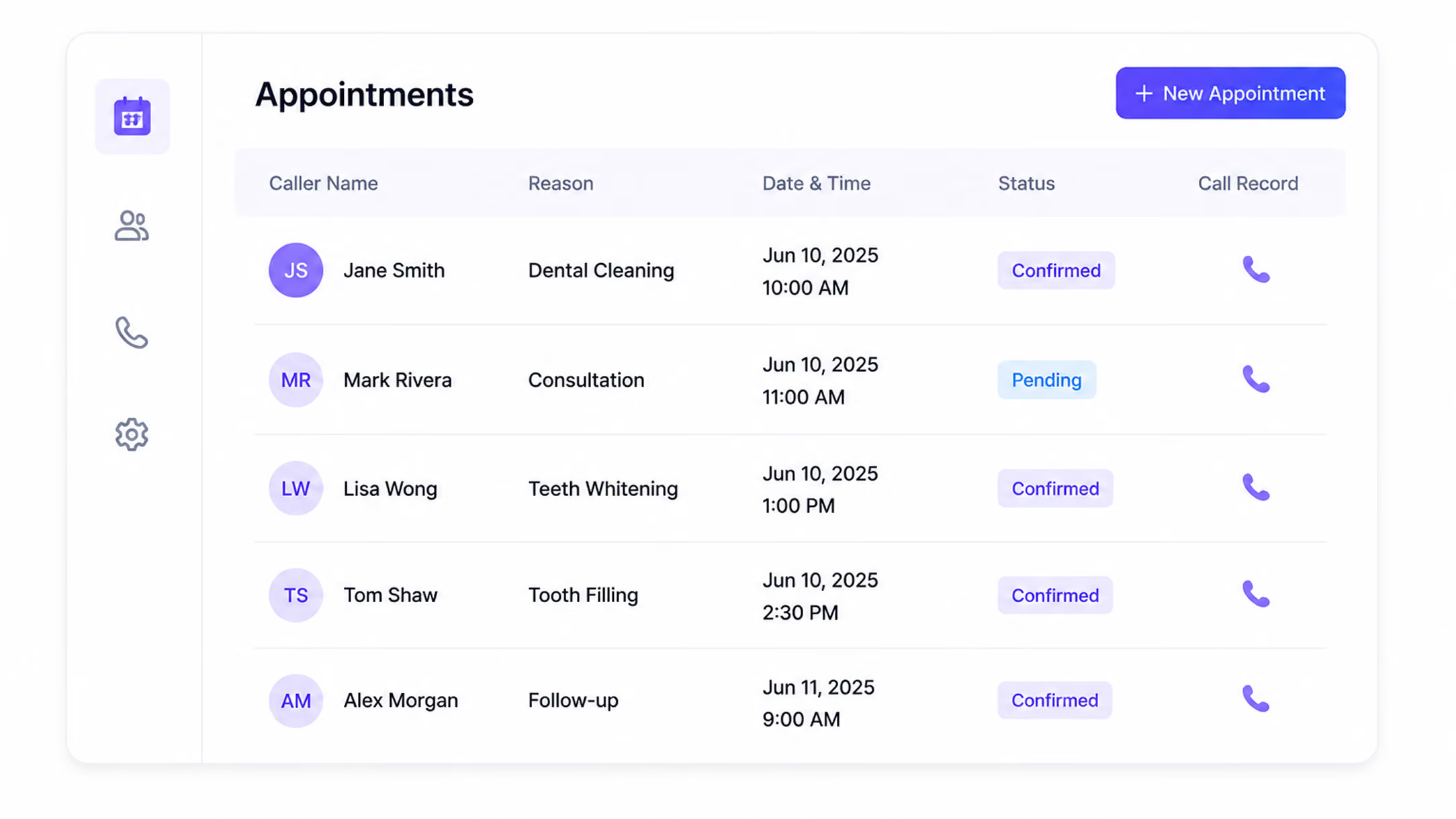
Hear an AI Voice Agent Book a Real Appointment on a Live Call
These are real examples of how AI Answering sounds when booking, rescheduling, and confirming appointments during a call.
What the Scheduling System Handles
From booking to follow-up, every part of the appointment lifecycle is managed by AI Answering.
- Real-time calendar availability check mid-conversation
- New appointment booking confirmed before the call ends
- Rescheduling handled on the call, new time confirmed immediately
- Cancellations processed and calendar updated in real time
- Automated SMS confirmation sent to caller immediately after booking
- Automated email confirmation sent to caller immediately after booking
- Multi-step reminder sequences run before every scheduled appointment
- Team notifications sent when appointments are booked or updated
- Appointments list view: caller, type, agent, date/time, status
- Calendar view: visual layout of all bookings by organization and agent
- Appointment details: full record per booking with link to originating call
- Status tracking: confirmed, completed, cancelled, awaiting confirmation
- Appointment settings: configure booking rules from your dashboard
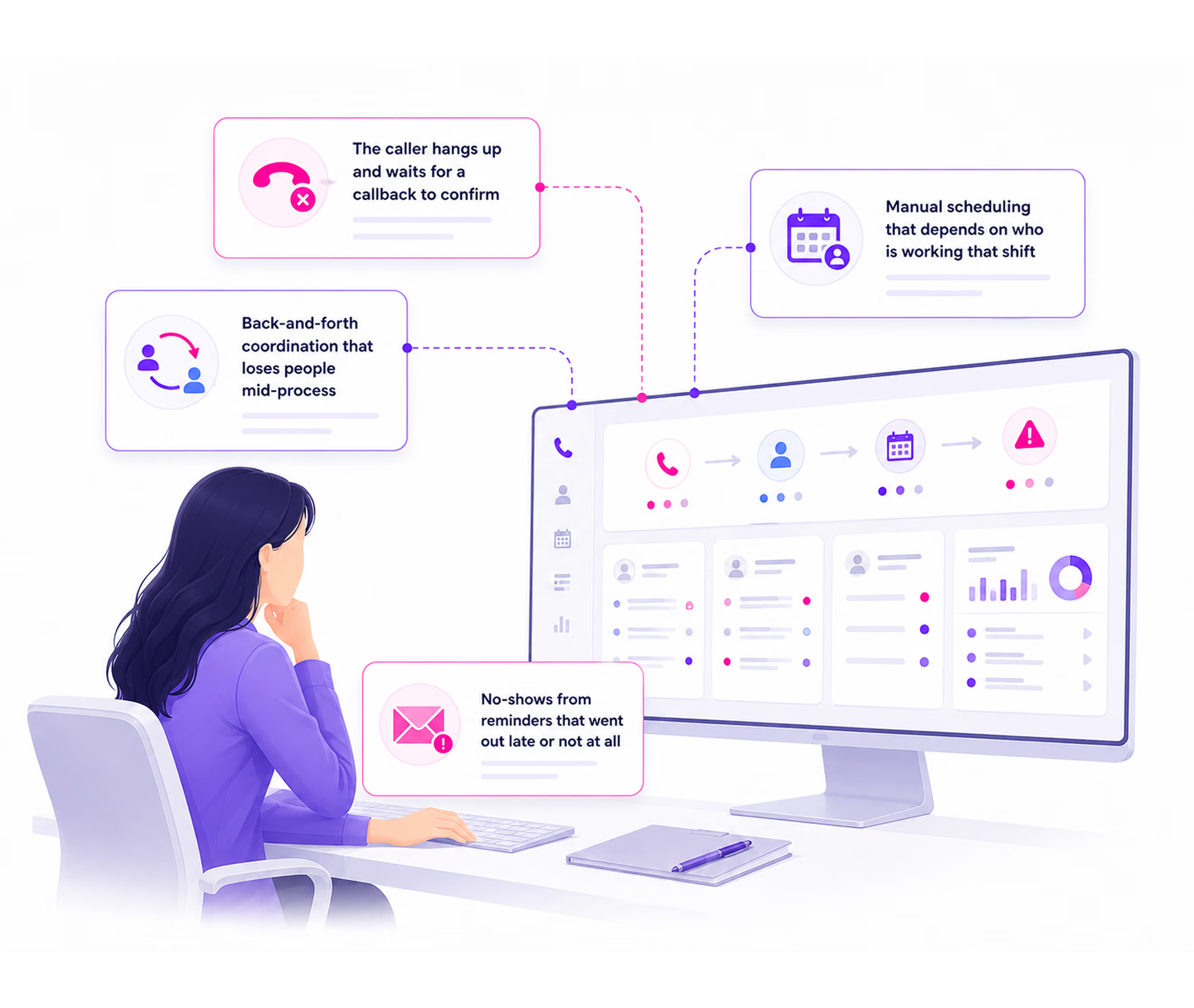
What Happens When Scheduling Happens After the Call
Booking an appointment over the phone sounds simple. The breakdown happens in the gap between the call ending and the appointment being confirmed.
If this sounds familiar, the problem is not your team. It is the gap between the call and the confirmation. AI Answering closes it.
Syncs With the Calendar You Already Use
AI Answering connects with your calendar so availability is checked and appointments are booked in real time. No manual sync. No double-booking. No separate entry.


Both organization-level and personal (appointment agent) calendar connections are supported. Configure integrations from the Settings tab in your dashboard. No developer access required.
Scheduling Happens During the Call
AI appointment scheduling in AI Answering does not operate as a standalone booking widget. It connects to every part of the call workflow.
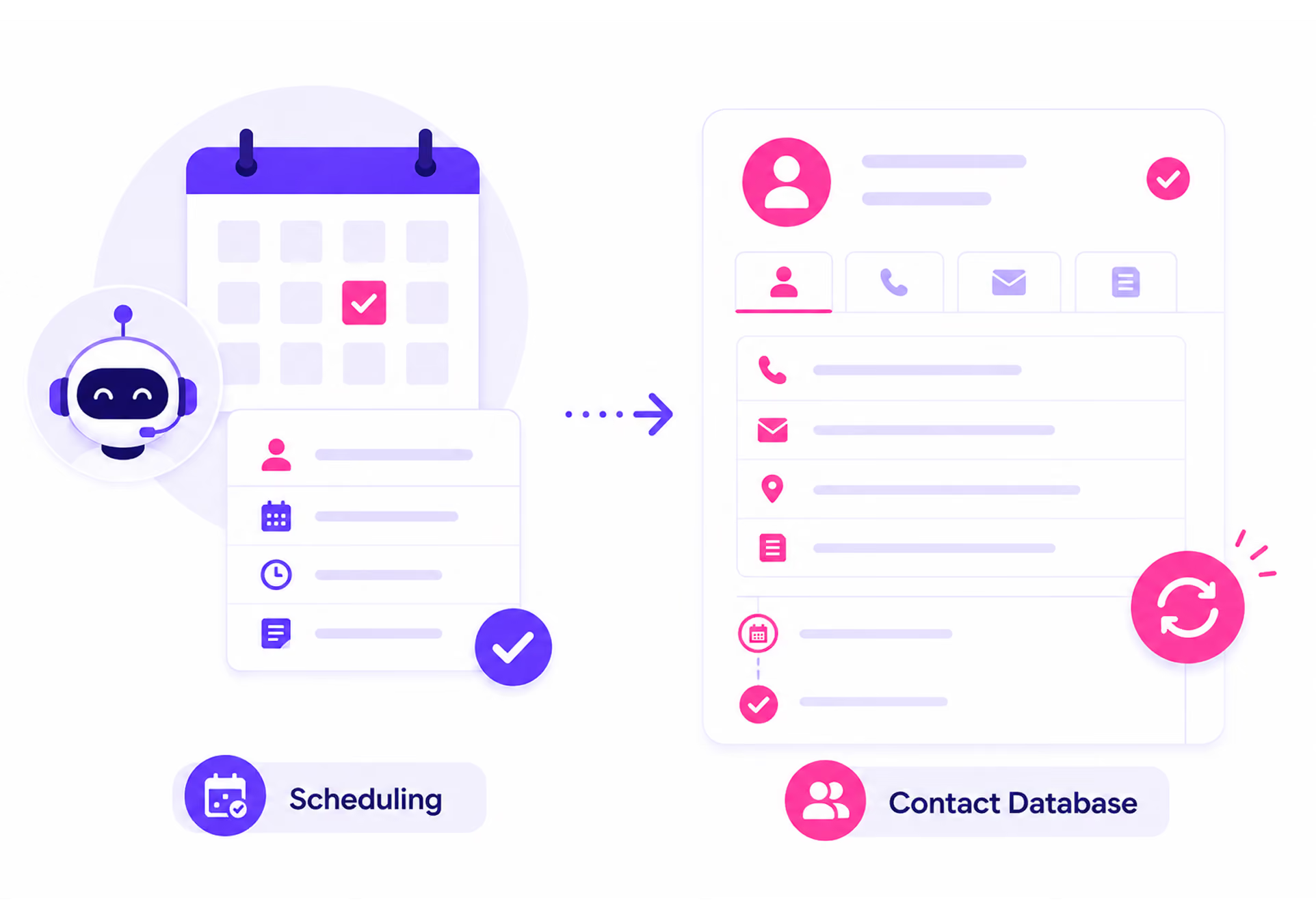
Your Full Schedule, Visible in Real Time
Every appointment booked by your AI agent is visible in your Appointments dashboard the moment it is confirmed. Your team can review, manage, and track every booking without asking anyone what happened.
Every booking in one searchable, filterable list. Caller name, appointment type, agent, date, time, and status at a glance.
A visual layout of all bookings across your organization and individual agents. See your full schedule without switching tools.
Full record per booking: caller, agent, reason, time, status, and a direct link to the call that generated it.
Configure booking rules, agent assignment, availability windows, and calendar integrations directly from your dashboard.
Trusted by Practices That Can't Afford Empty Calendar Slots

See an Appointment Booked in Real Time. On a Live Call.
Watch AI Answering check calendar availability, confirm a booking, and log the appointment, all before the caller hangs up.
Or start with one month free.