
AI Outbound Calling Agents That Follow Up So No Lead Goes Cold
AI outbound calling agents follows up automatically when a call is missed, intake is incomplete, an appointment needs a reminder, or a past lead has gone quiet. You configure when and how. AI Answering handles the rest, on schedule, every time.
- 1 Month Free Trial*
What AI Answering's Outbound Calling Is Used For
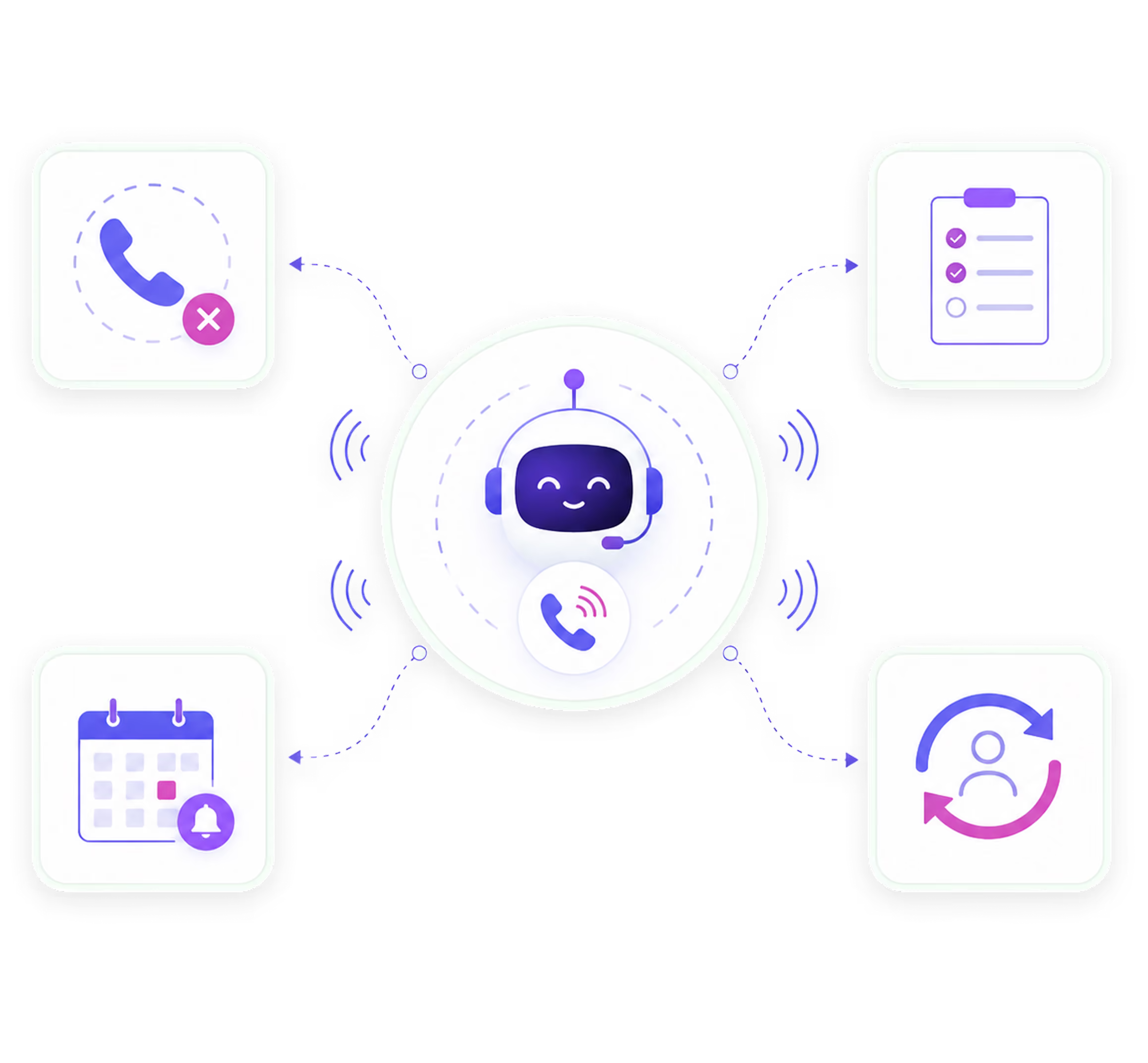
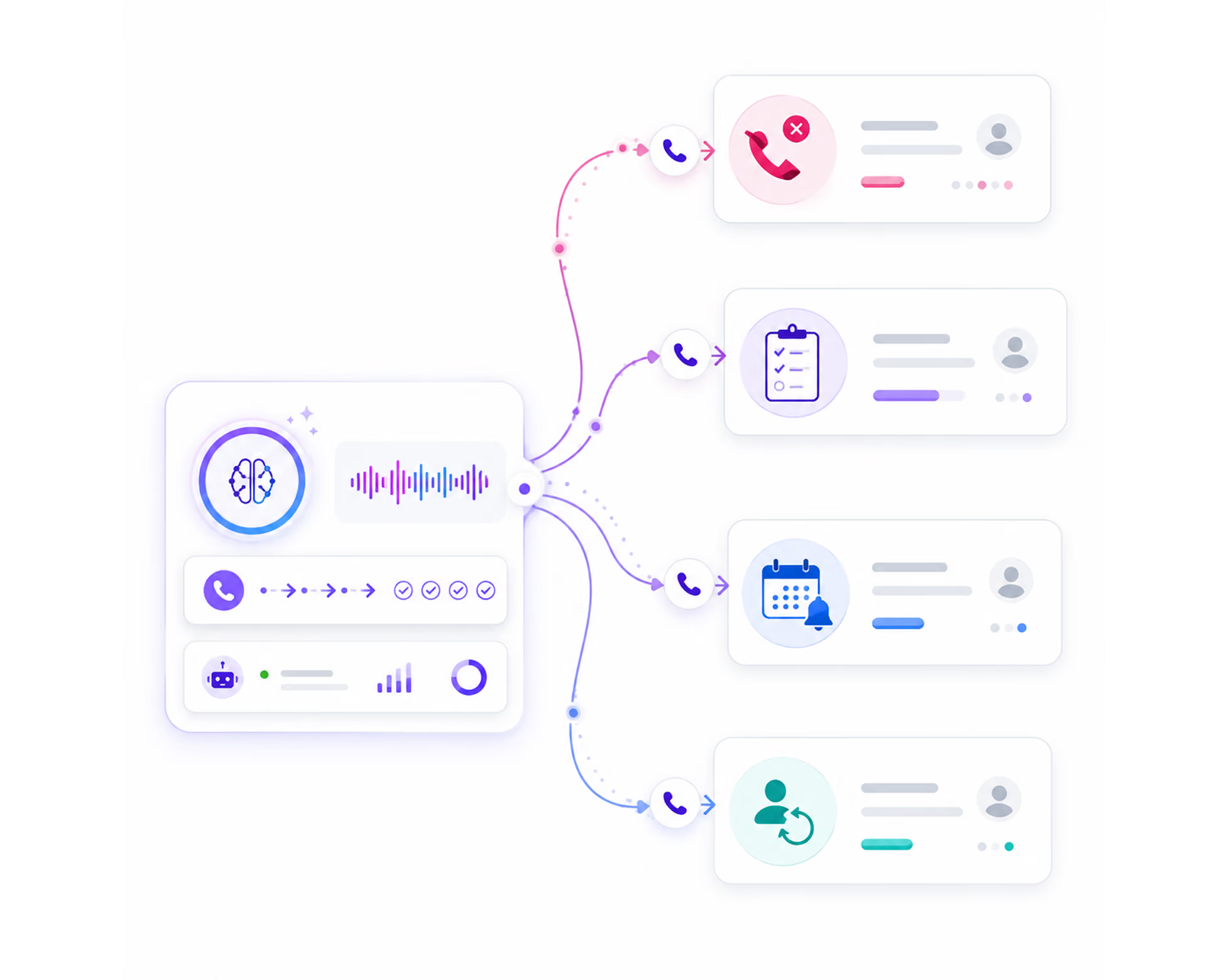
AI outbound calling agents handle four core outbound call types, each with its own trigger, script, and configuration.
Follow-Up
When an inbound call is missed, your AI agent places a follow-up call automatically. The caller is reached before they call a competitor. No manual callback list required.
When a caller starts intake but does not finish, your AI agent calls back to complete the process. Intake data is collected on the follow-up call using the same structured flow as the original call.
Reminders
Your AI agent places reminder calls in the lead-up to scheduled appointments. Multi-step reminder sequences run automatically based on the timing rules you set. No-shows drop when callers receive structured, consistent reminders before their appointment.
Outreach
Your AI agent reaches out to past leads who have gone quiet. Using a custom reactivation script you configure, the AI makes contact and, if the lead responds, guides them back into the intake or scheduling flow.
How Outbound Calls Are Triggered, Placed, and Logged
From trigger to transcript, here is exactly what happens on every outbound call.
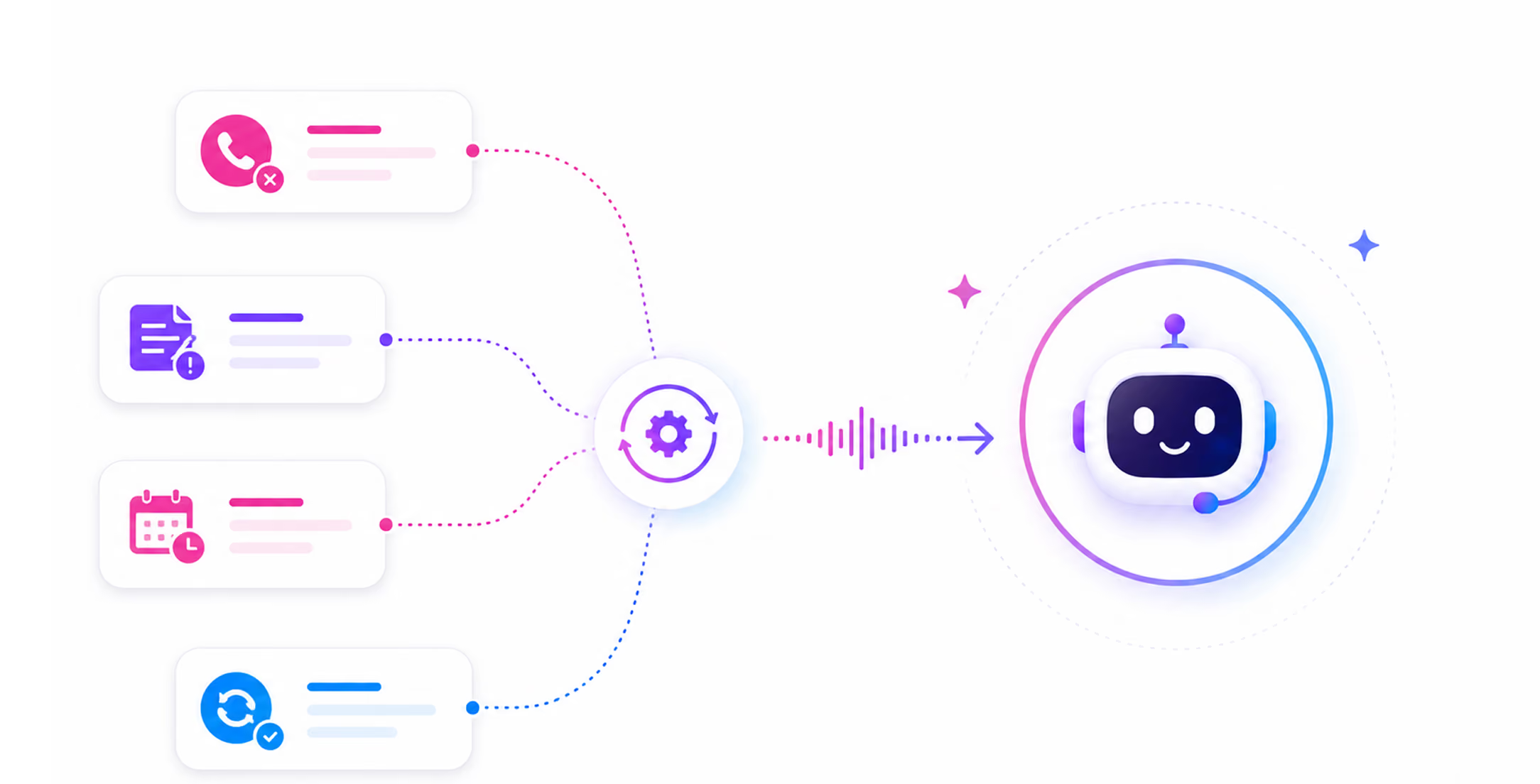
Trigger Occurs
A missed call, incomplete intake, upcoming appointment, or reactivation campaign fires the trigger, automatically, based on your rules.
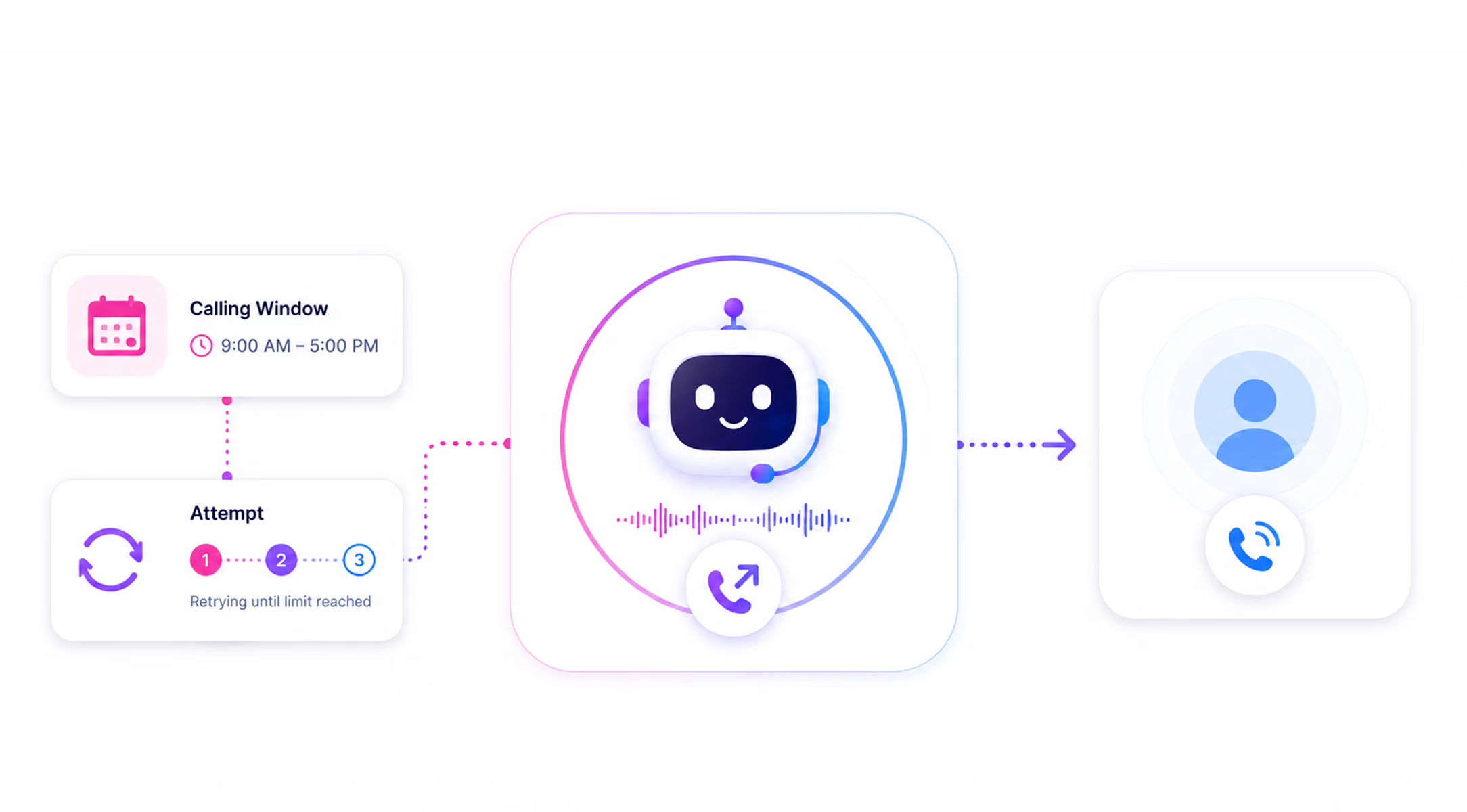
AI Agent Places the Call
The AI dials within your calling window and retries until the attempt limit is reached.
The Conversation Happens
When the call connects, the AI follows the script for that specific call type, reminders, intake follow-ups, and reactivation each run separately.
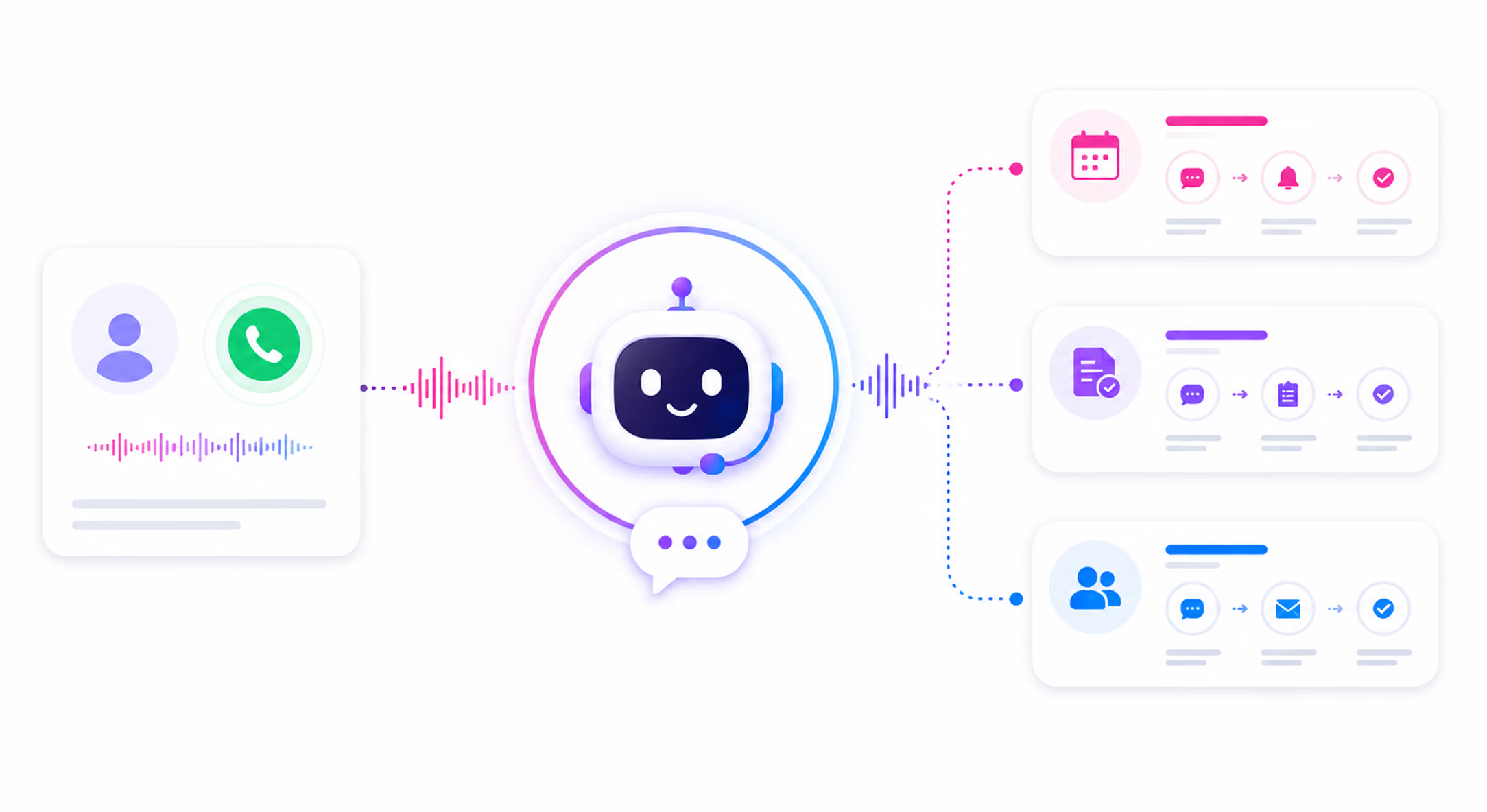
Call Resolves or Escalates
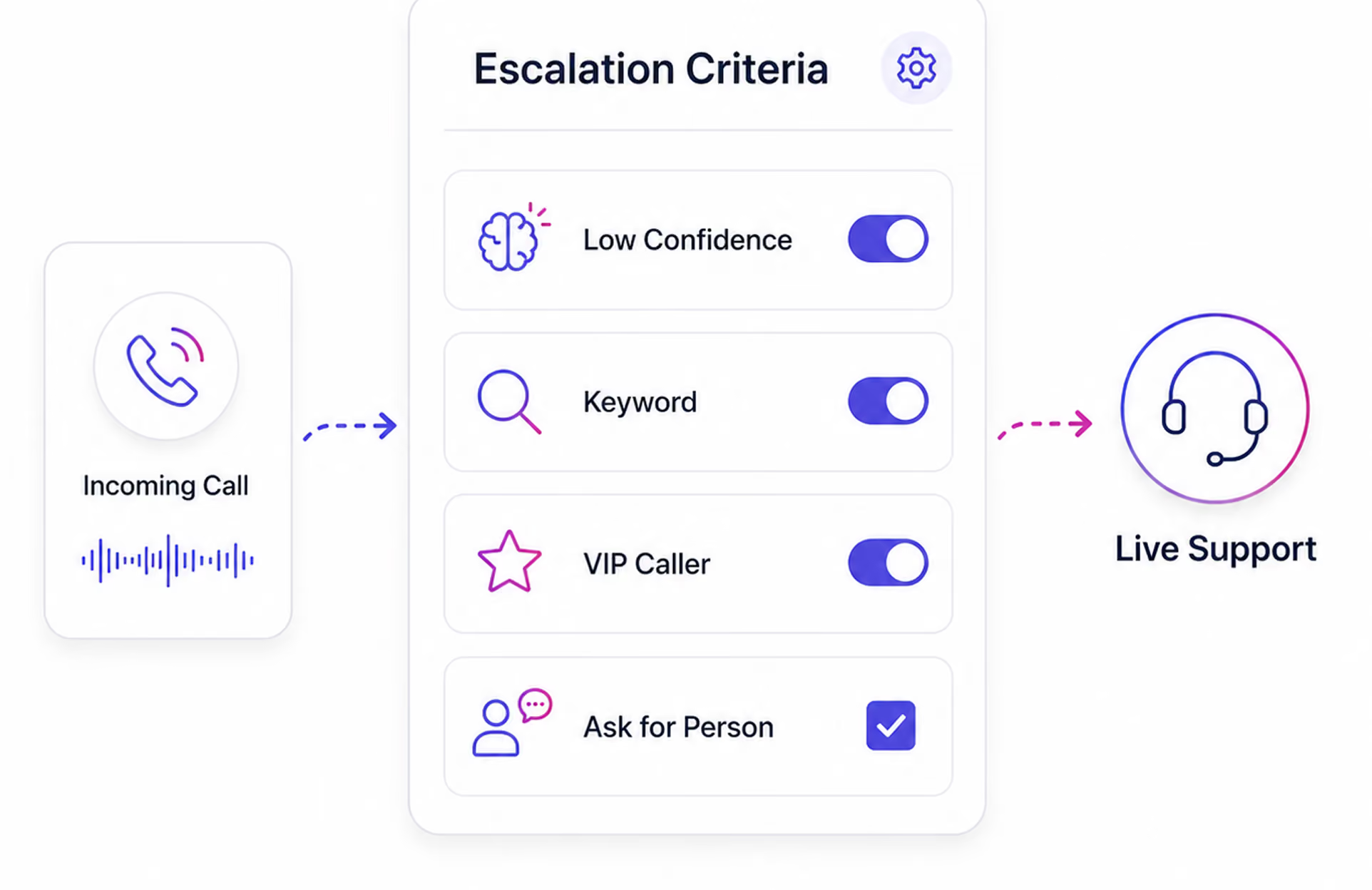
The call reaches its outcome, appointment confirmed, intake completed, or lead re-engaged and escalates to a live agent if your rules require it.
Learn more →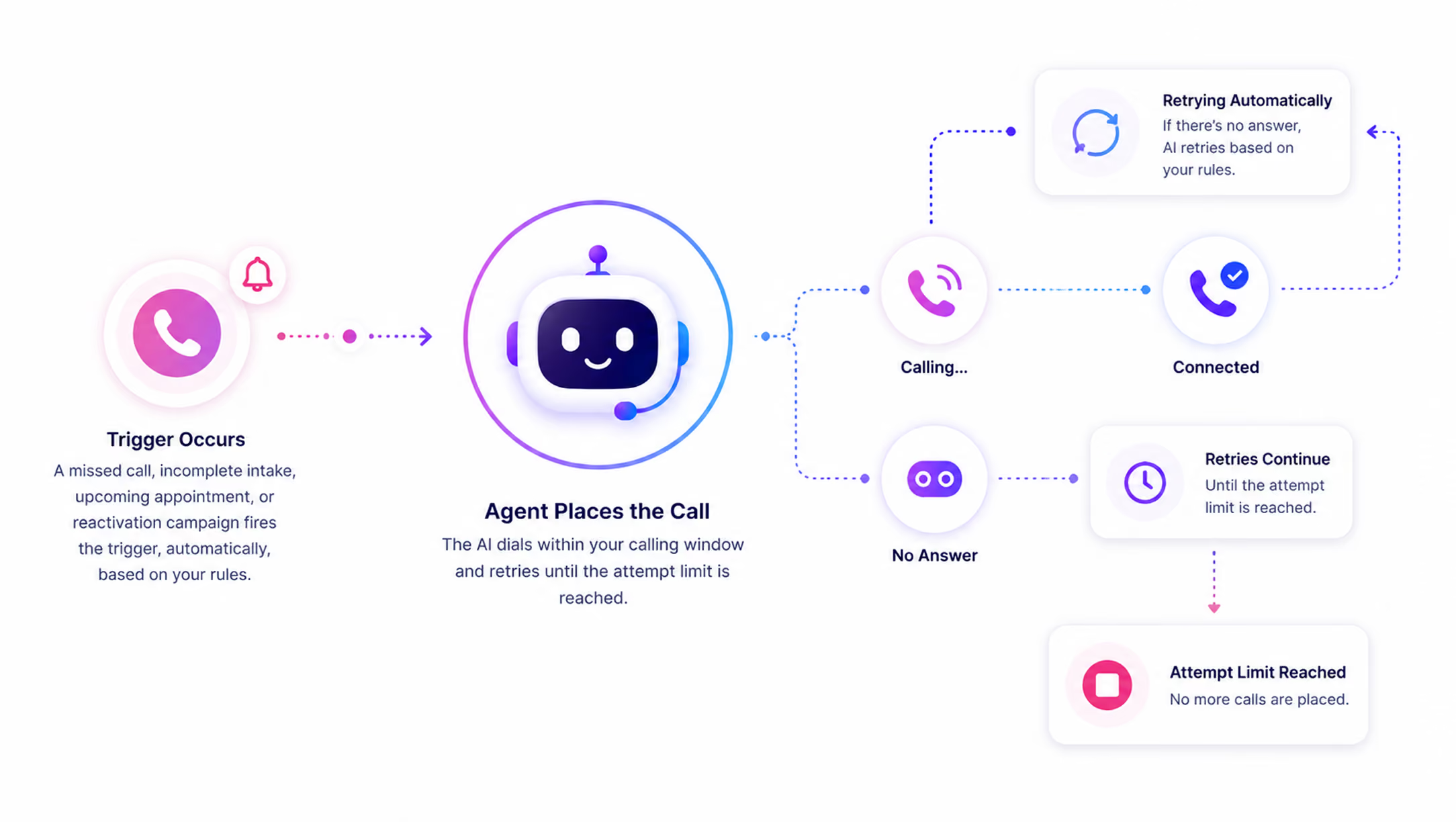
Everything’s Logged Automatically
Every call generates a full transcript, recording, and AI summary, logged in your dashboard, contact record updated.
Learn more →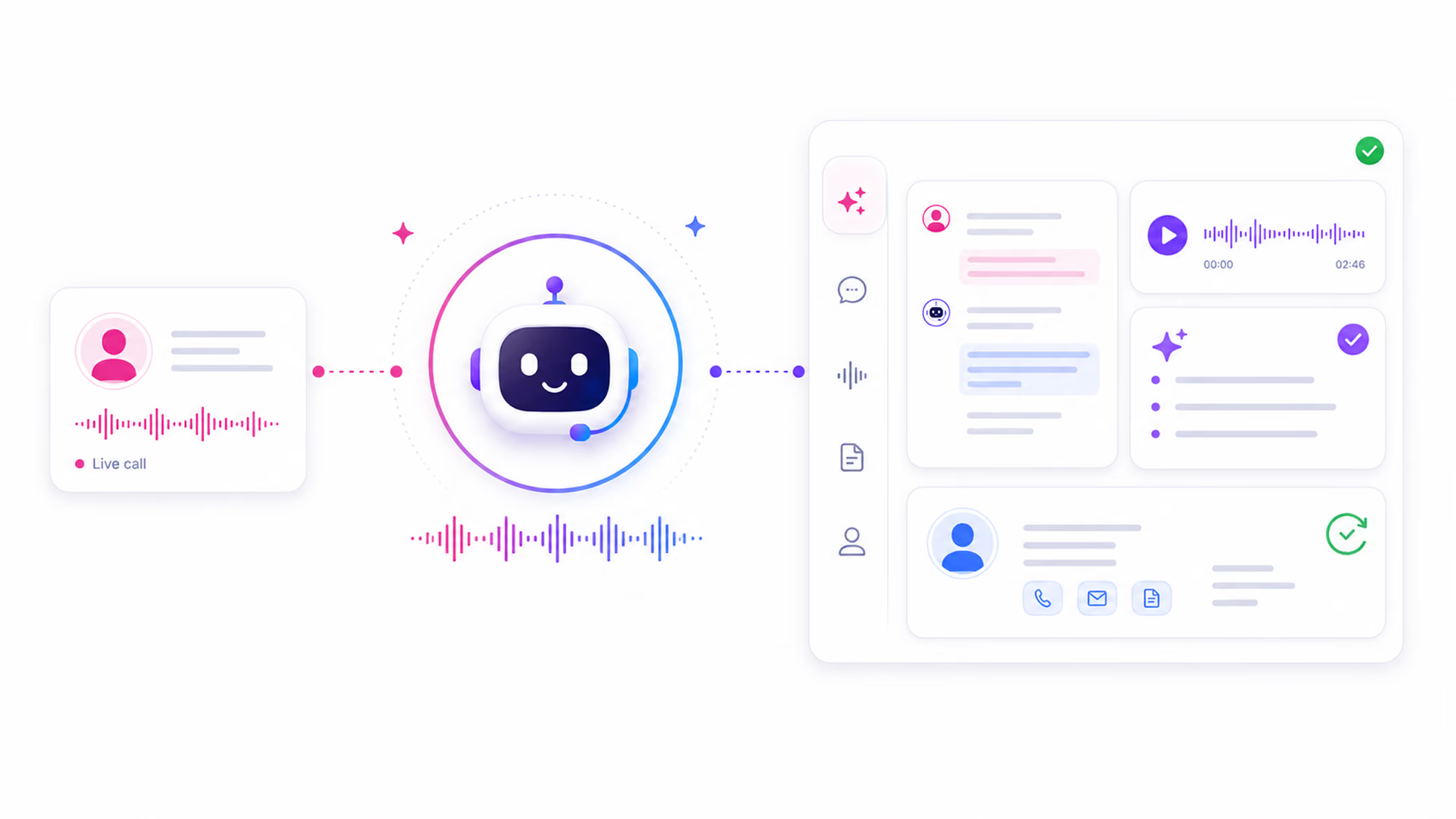
Hear an AI Voice Agent Handle a Real Outbound Call
These are real examples of how AI Answering sounds on an outbound call. Professional, clear, and built around your business.
You Configure When Outbound Calls Happen and How
AI Answering's outbound calling is not a set-it-and-forget-it system that fires without your oversight. Every rule that governs when, how, and how many times your AI agent makes outbound calls is configured by you.
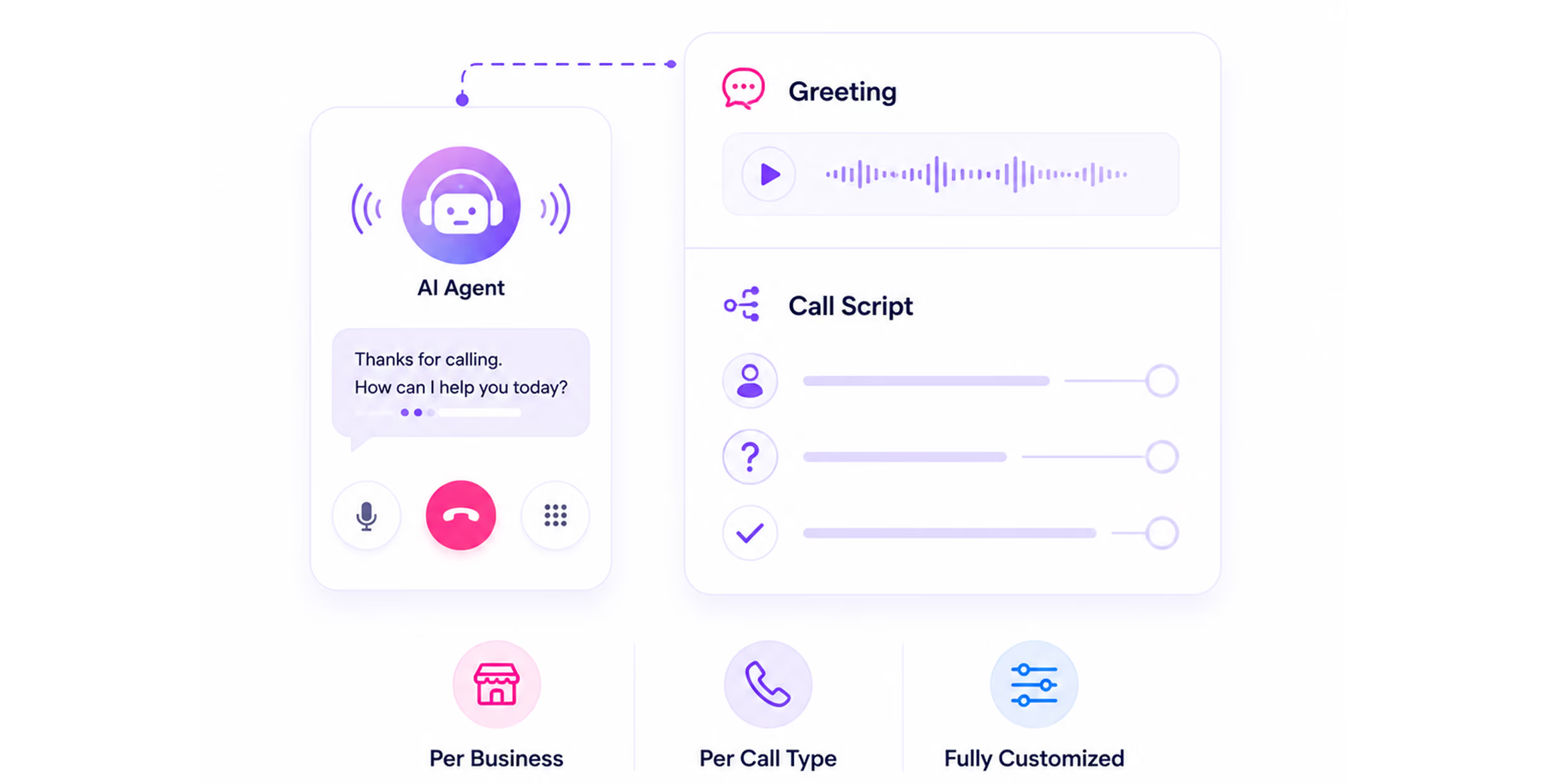
Missed call follow-ups, incomplete intake callbacks, appointment reminders, and reactivation calls each have their own script. Your AI agent does not use the same opening line for every outbound call, it uses the script you configure for that specific call type.
Set how many times your AI agent attempts to reach a contact for each outbound call type, and how much time passes between each attempt. Calls stop after your defined maximum. No runaway dialing.
Define the days and hours your AI agent is allowed to place outbound calls. Calls only go out during the windows you set. Outside those windows, the system waits, no calls placed without your permission.
Choose the voice profile for your AI agent on outbound calls: gender, age range, personality, and tone shaping. Outbound calls can be configured with a different voice profile from inbound if needed.
During setup, you choose whether your AI agent makes outbound calls at all, or handles only inbound calls for now. Outbound can be activated or adjusted at any time from your dashboard.
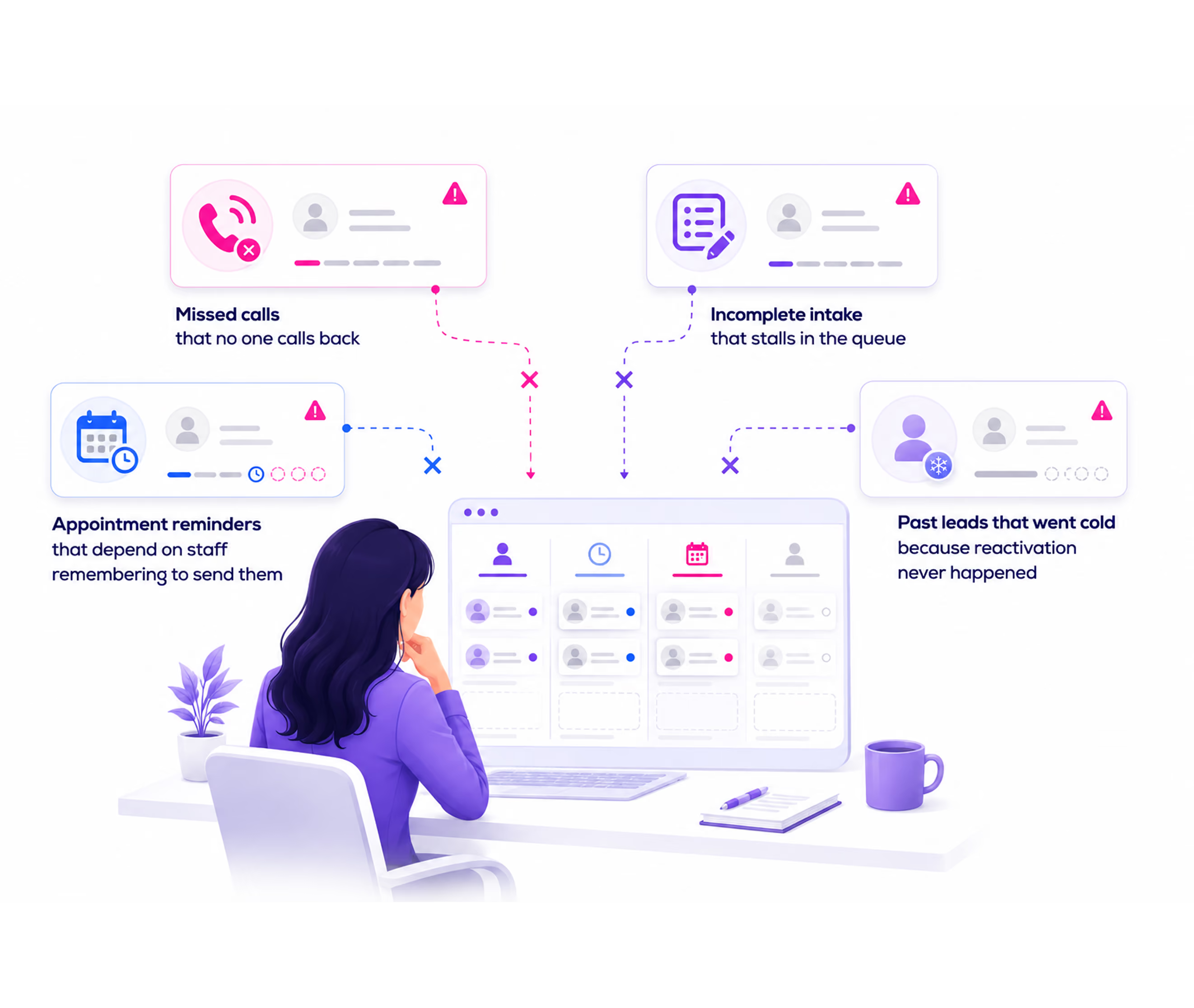
What Happens to Leads When No One Follows Up
Most businesses know follow-up matters. The problem is not intention. It is the system or the lack of one.
If this sounds familiar, the problem isn't your team, it's the system they're working without.
Outbound Is Part of the Workflow
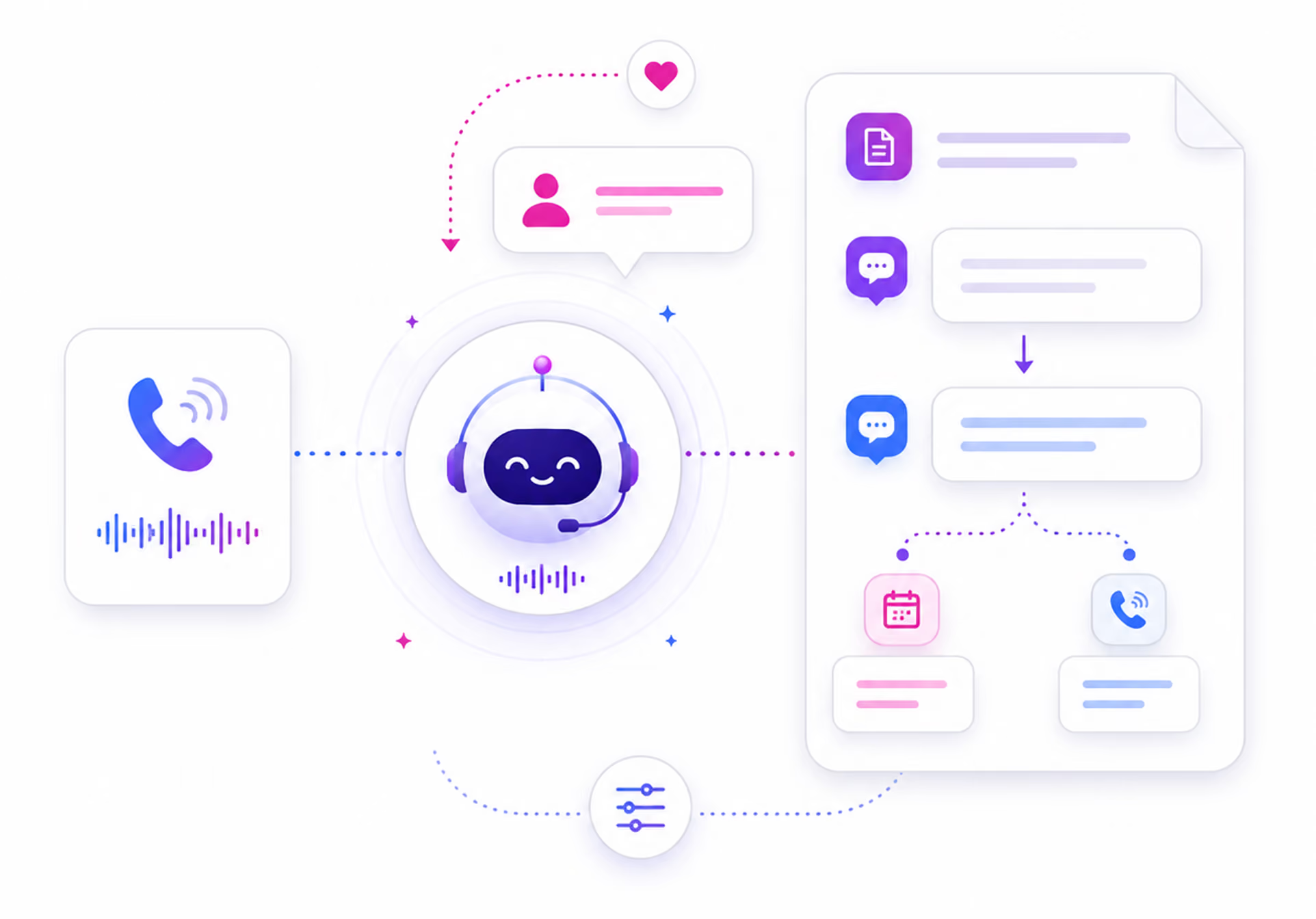
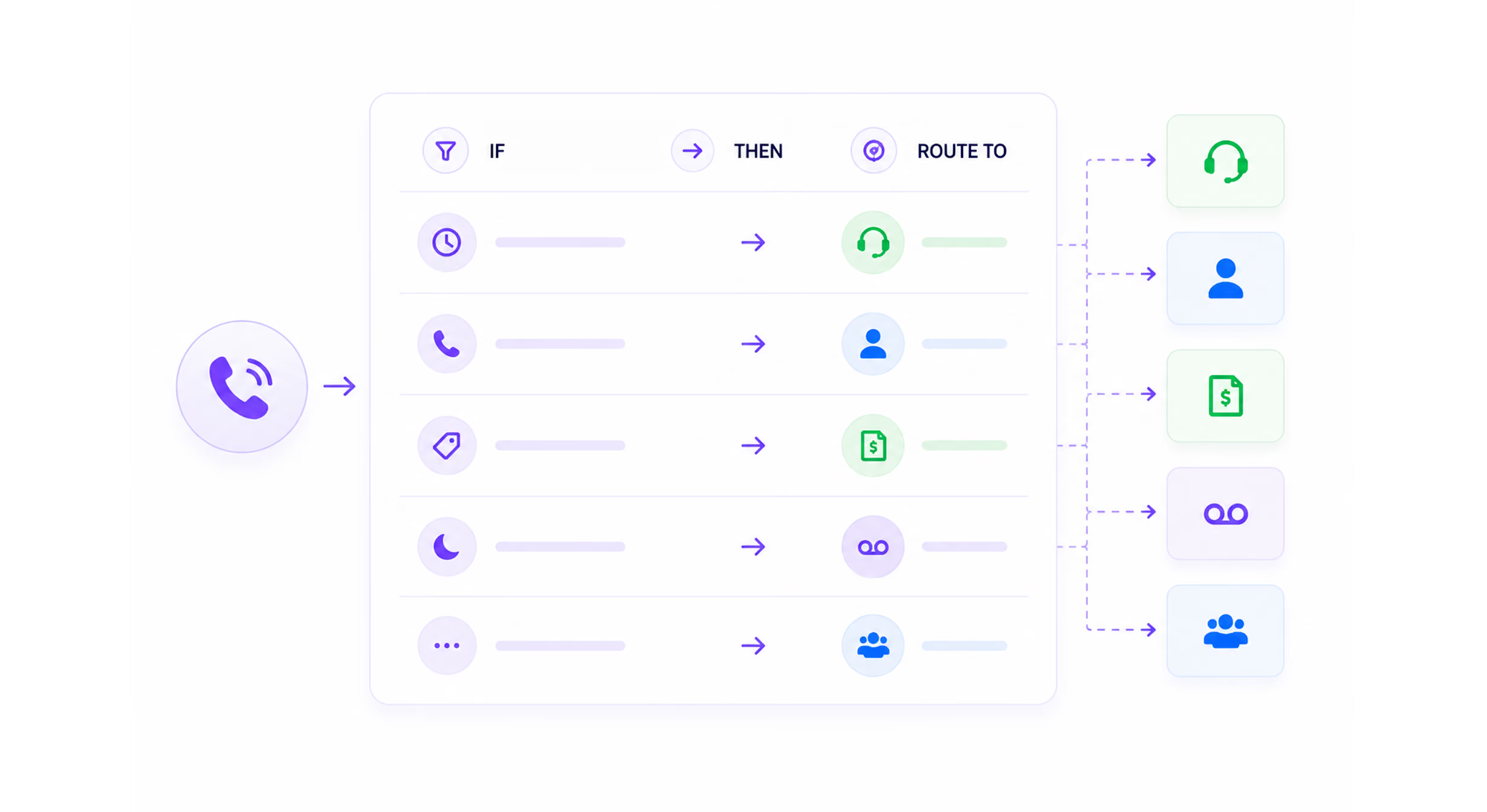
Outbound does not operate in isolation. It connects directly to inbound call handling, intake processing, appointment scheduling, and your reporting dashboard.
.avif)
Full visibility Full Visibility Into Every Outbound Call
Outbound calls are tracked in the same dashboard as inbound calls. Every call your AI agent places is visible, searchable, and reviewable from one place.
Filter your call history by call type to see all outbound calls. Each log entry shows: date and time, contact name and number, call type, duration, outcome, and a link to the full detailed view.
Click into any outbound call and see: AI-generated summary, full transcript, audio recording, and call outcome. Review exactly what your AI agent said, what the contact said, and what was resolved or left open.
Your central dashboard includes outbound call activity alongside inbound. Call volume, outcomes, and escalations visible in real time. No separate reporting tool. No end-of-day summary required.
Trusted by Businesses That Can't Afford to Let Leads Go Cold

Your AI Agent Should Be Making Calls, Not Just Answering Them.
See how AI Answering handles outbound follow-ups, reminders, and reactivation calls in a live demo. Watch the full workflow from trigger to logged outcome.
Or start with one month free.