
Client Intake Software That Captures Every Detail During the Call
Your AI agent guides every caller through a structured intake flow configured for your business. Name, contact details, reason for call, service type, urgency, all captured in real time, organized automatically, and passed to your team before the conversation ends. AI Answering is the client intake software that runs this process on every call, without manual note-taking or follow-up.
- 1 Month Free Trial
- Configured for your workflow
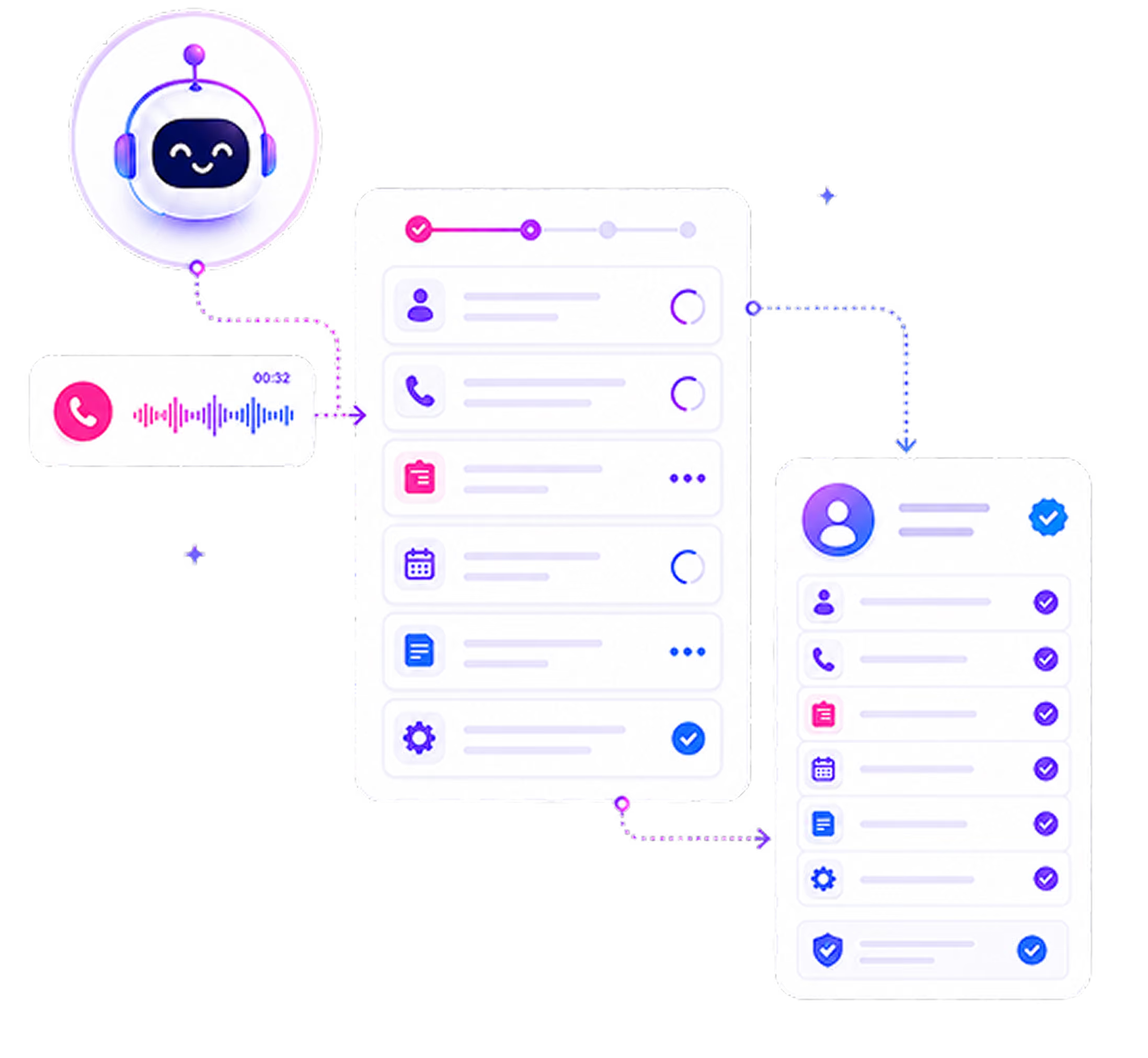
How Intake Happens During Every Call
From the moment a caller connects to the moment your team sees the intake record, here is exactly what the system does.
Call Connects
Your AI agent answers the call with your custom greeting. In the same opening exchange, it begins identifying who is calling and why, not through a robotic menu, but through a guided conversational opening that sounds like your business.
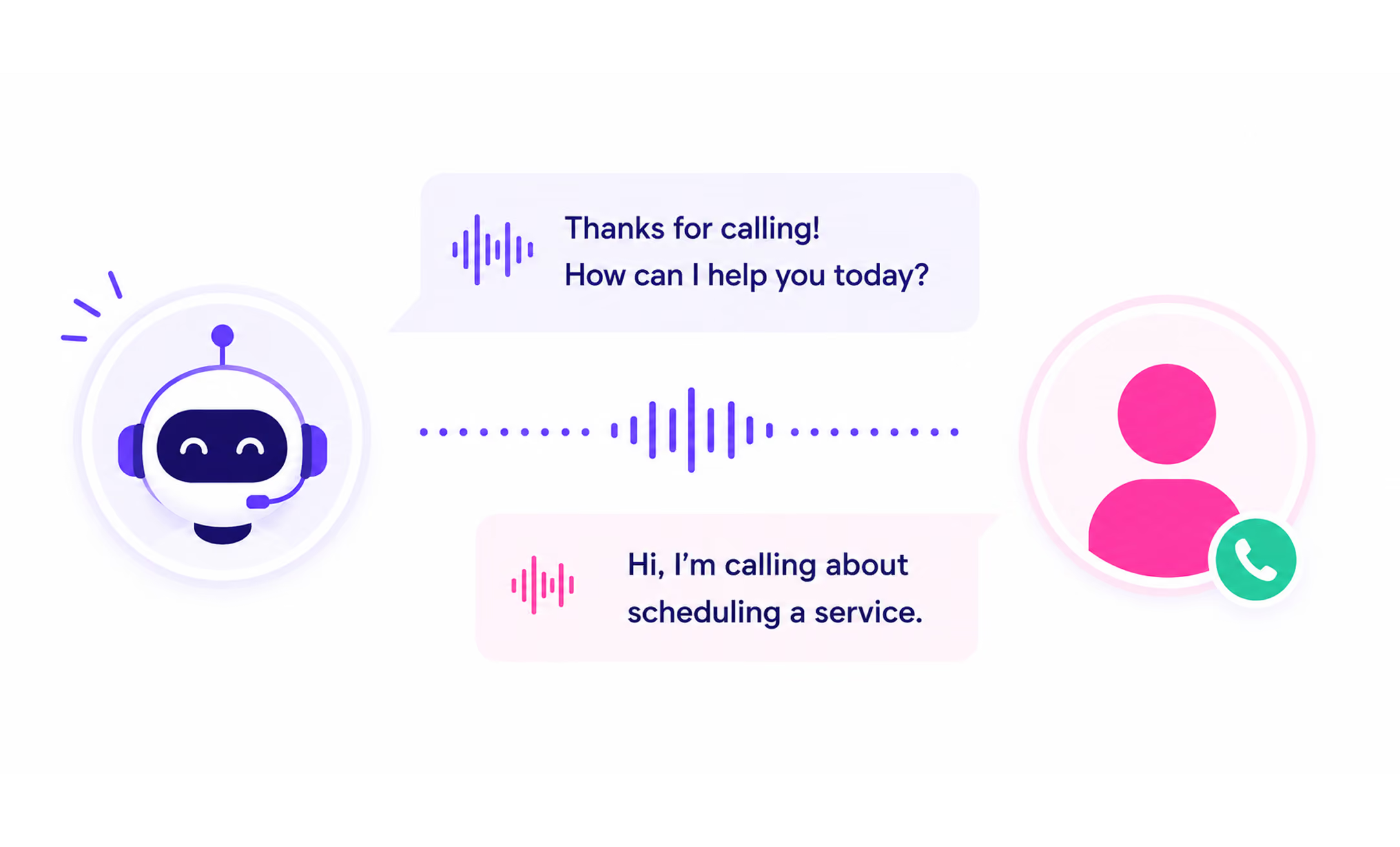
Intake Flow Begins
Based on the caller's response, the AI moves into the intake flow configured for that call type. New lead, existing client, urgent matter, general inquiry, each has its own flow with the specific questions your business needs answered.
Learn more →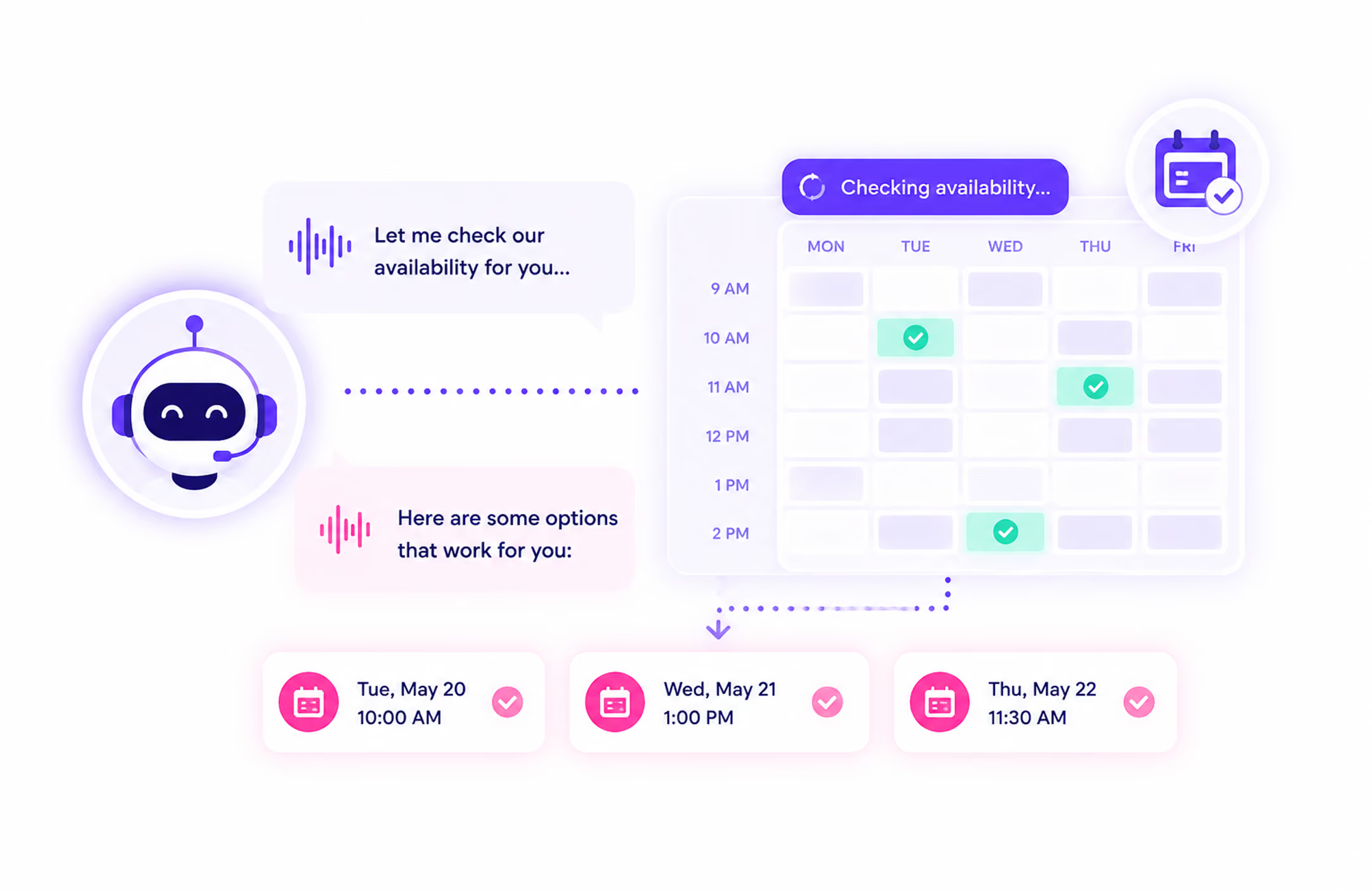
AI Guides the Caller
The AI agent follows the intake flow configured for that call type, asking the structured questions your business needs answered. The conversation is guided and natural, not a robotic menu. Callers are led through the process clearly, and the AI captures their responses at each step.
Data Is Captured in Real Time
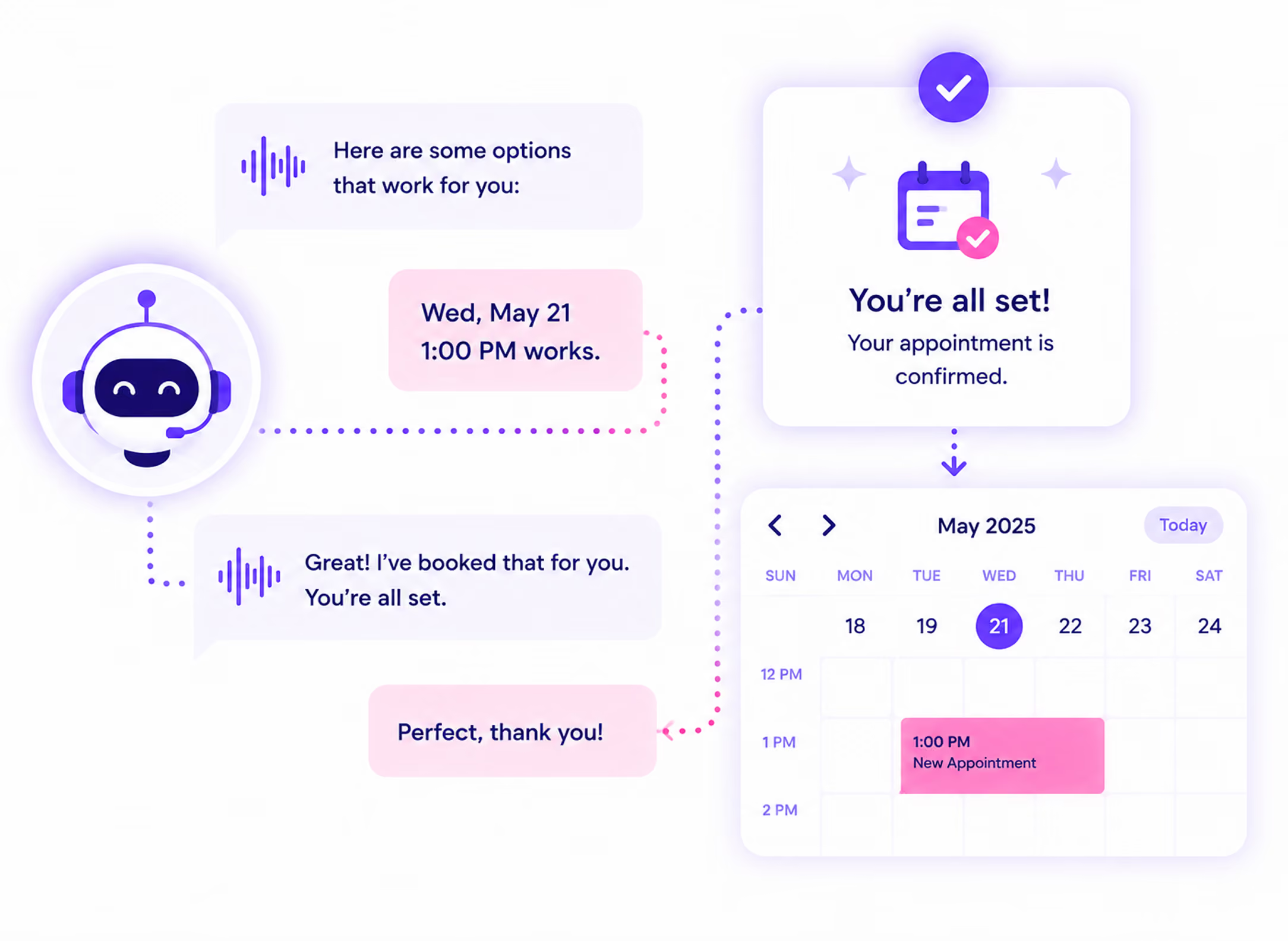
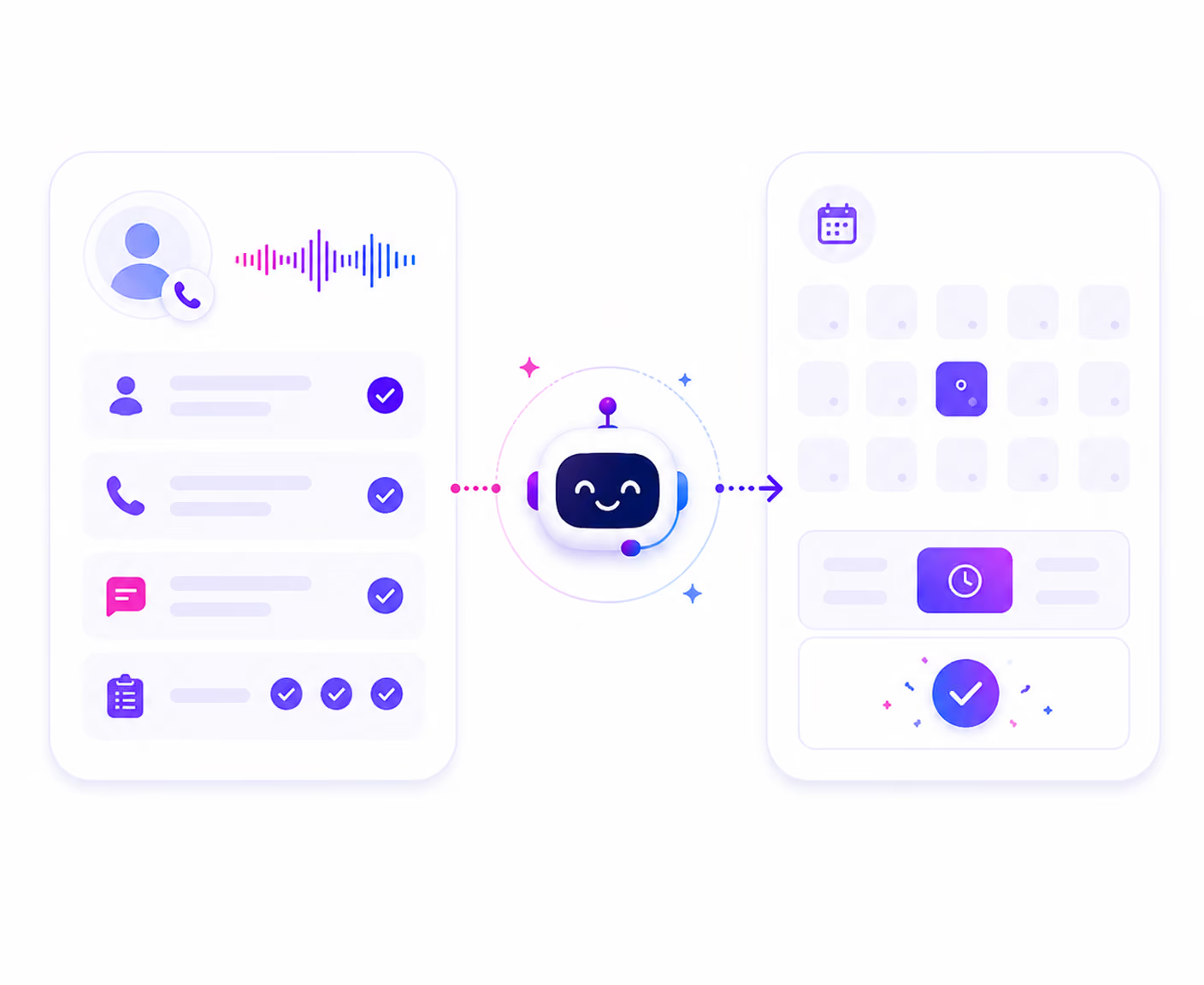
Every detail collected during the intake conversation is structured and recorded as the call happens. Name, contact details, reason for call, service type, urgency level, and any additional fields configured for your intake flow. Nothing is captured post-call from memory or notes.
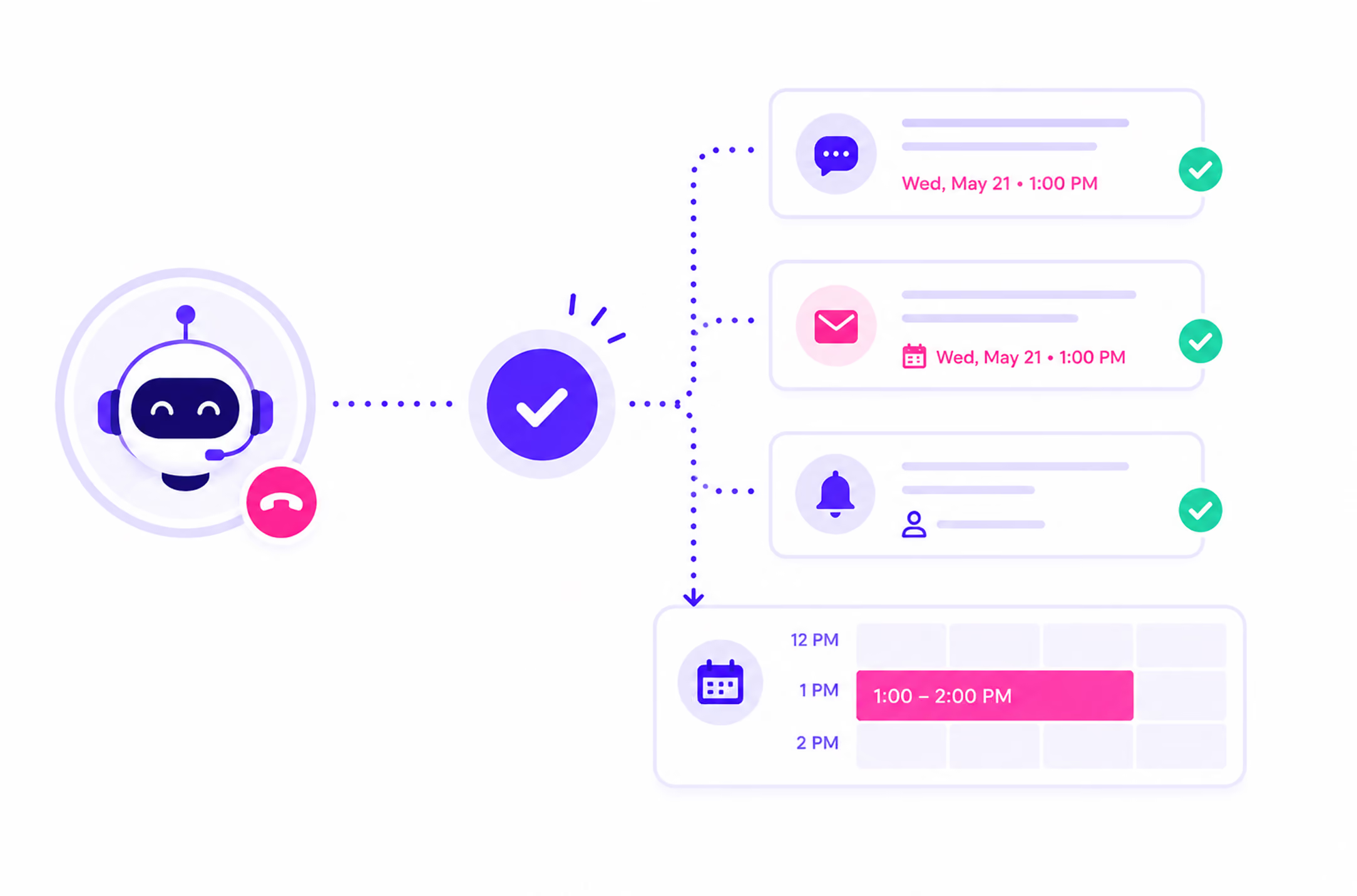
Intake Feeds the Next Step
The call ends. Your team sees the AI-generated summary, the full transcript, the caller details, the reason for call, the urgency flag, and every field captured during intake, all in the call detail view. No notes to decode, no gaps to fill, no follow-up required to complete the record.
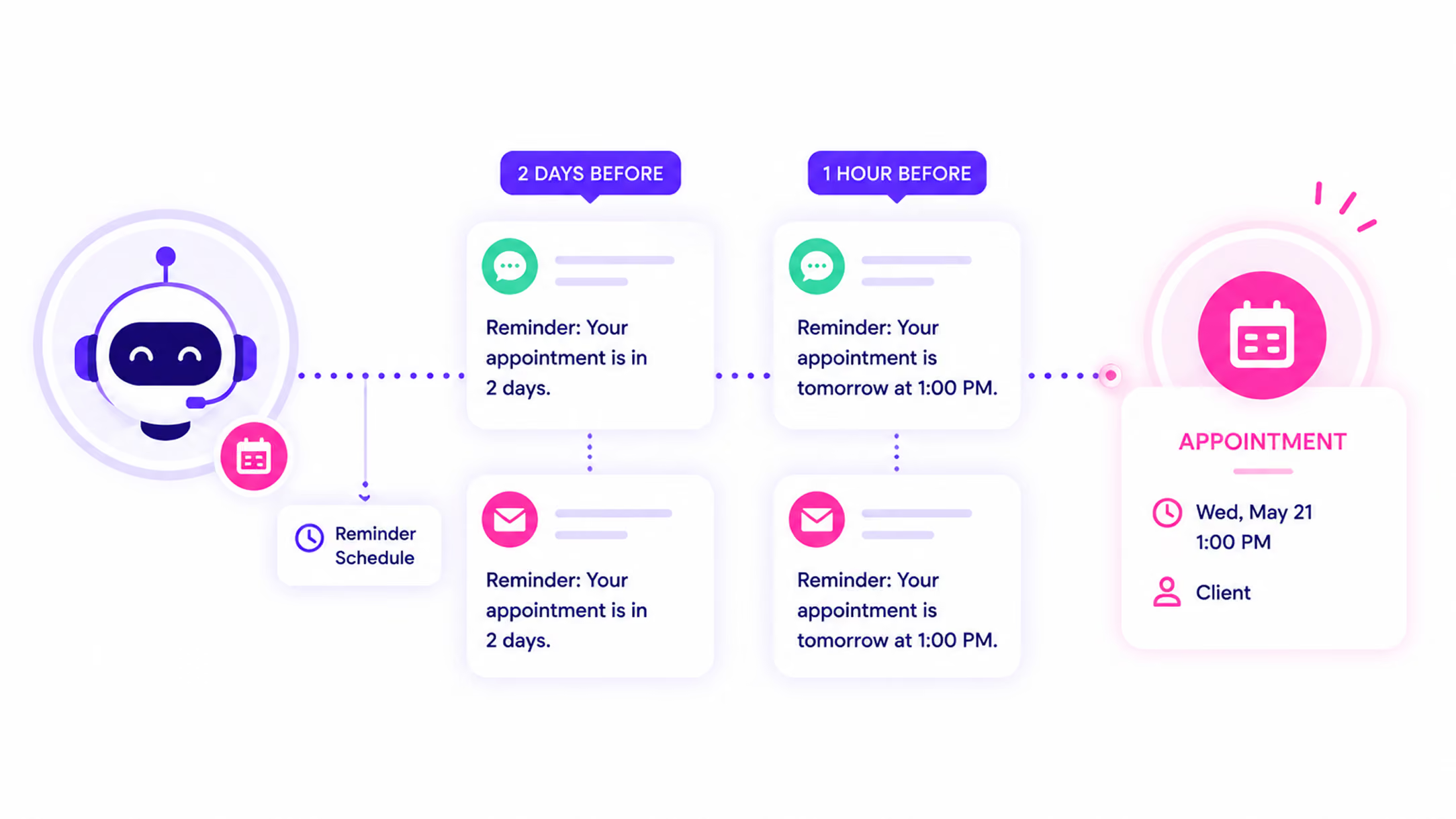
Your Team Receives a Complete Record
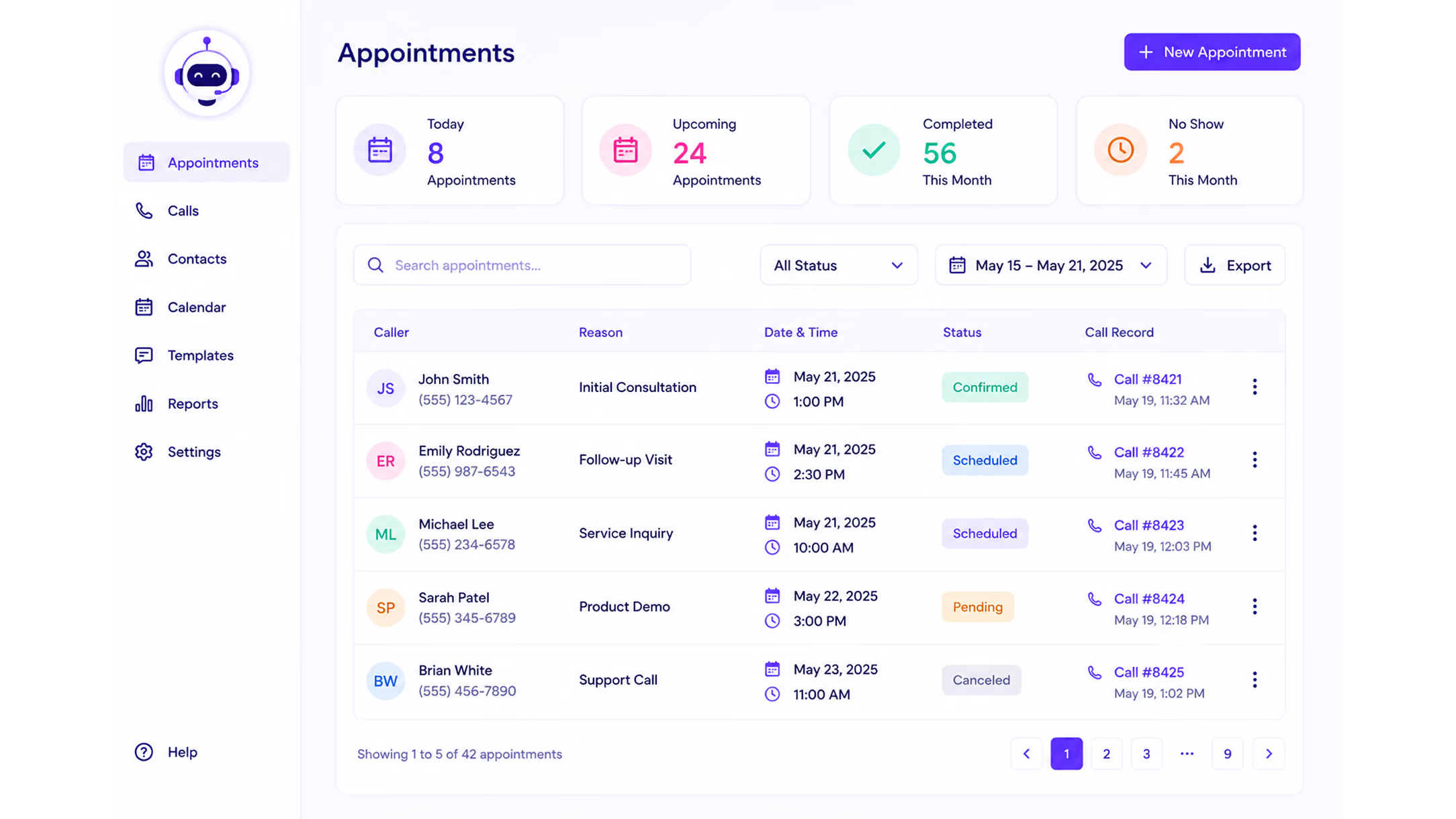
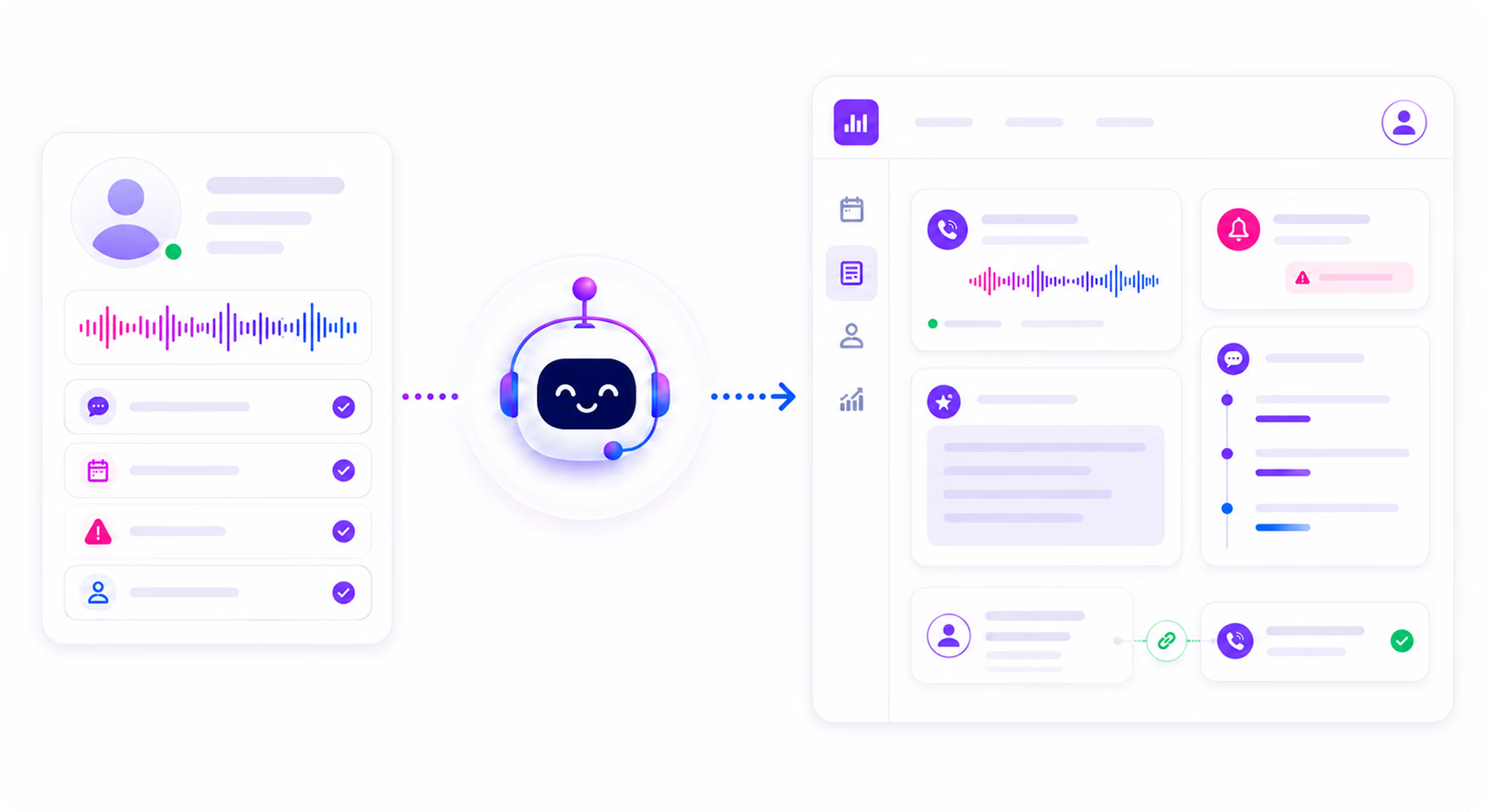
After the call, the completed intake record appears in your dashboard with caller details, captured intake fields, urgency, transcript, and AI summary in one place. Your team can review and act on the record immediately without reconstructing the conversation from notes.
Hear an AI Voice Agent Handle a Real Intake Call
These are real examples of how AI Answering sounds when guiding a caller through structured intake. Natural, consistent, and built for your business.
What the AI Captures During Intake
Intake fields are configured for your specific business type. What is captured on a personal injury call is different from what is captured on a new patient call or a service request. The structure is consistent. The questions are yours.
- Caller name, contact details, and email
- Case type, practice area, and urgency level
- Description of the legal matter
- Additional fields configured per practice area: personal injury, immigration, family law, employment law, workers' compensation, criminal defense, corporate and business law, and more
- Patient name, contact details, and new or existing status
- Reason for call or appointment request
- Insurance information and demographic details
- Referral paperwork and consent form facilitation where applicable
- Additional fields configured for your specific practice type
- Customer name, contact details, and service address
- Service type, problem description, and urgency level
- Preferred service window and property access information
- Service history for returning customers
- Estimate or quote requirements
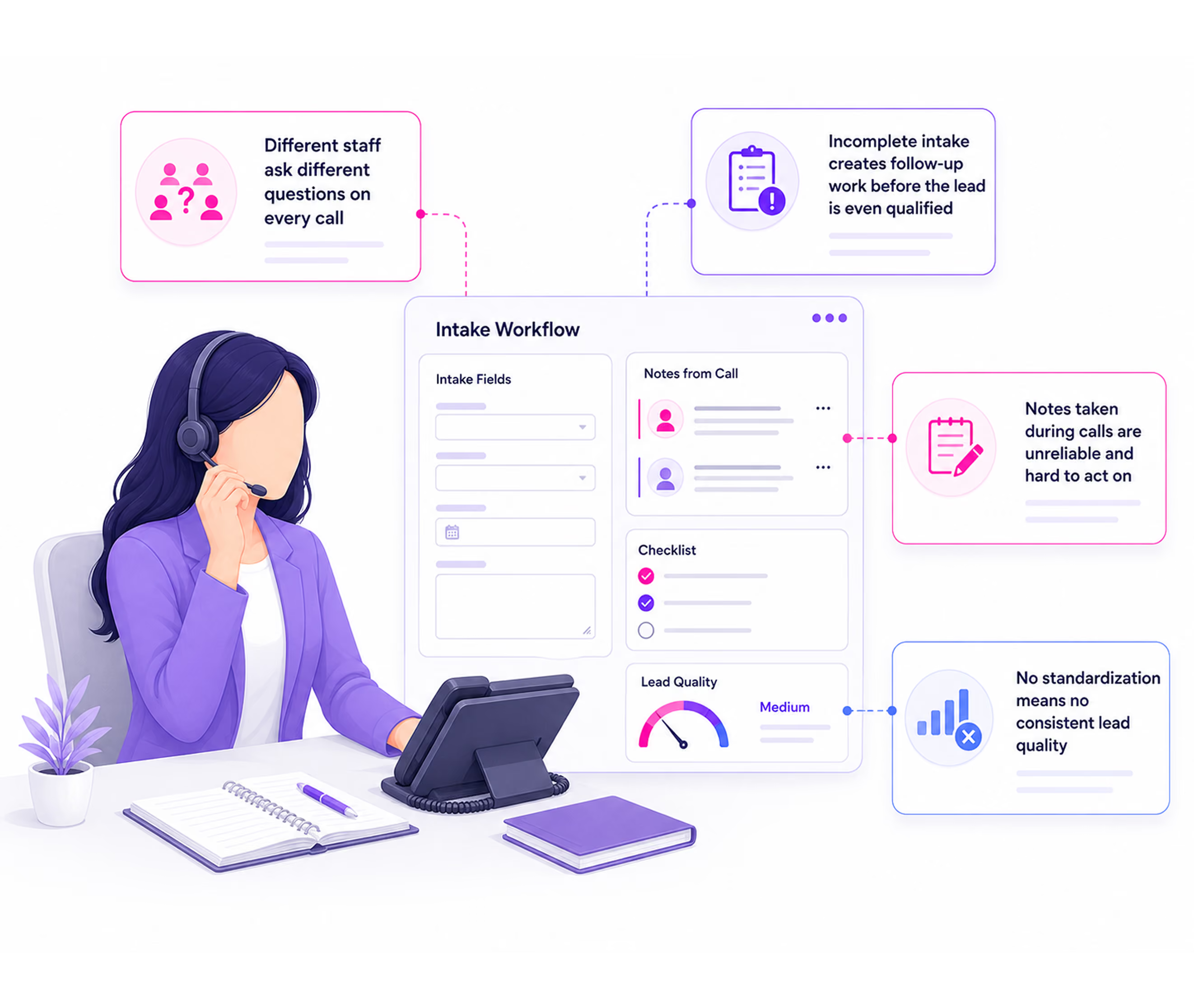
What Happens When Intake Is Inconsistent
Most businesses know intake matters. The problem is that manual intake breaks down differently every day, depending on who is on the call, how busy the team is, and whether the right questions get asked.
If this sounds familiar, AI Answering standardizes every intake call so the outcome never depends on who picked up.
Client Intake Software Configured for How Your Business Actually Works
AI Answering does not use a generic intake script. Every intake flow is configured during onboarding for your specific practice area, service type, and call handling rules.
Each call type has its own flow. New client inquiry, existing client follow-up, urgent matter. The AI asks the right questions for each one.
Intake runs as a natural conversation, not a menu. The AI adapts based on what the caller says and follows the flow your business defines.
Your intake flow is built around how your business actually qualifies calls, not a generic script adjusted to fit.
Intake Drives Every Step That Follows
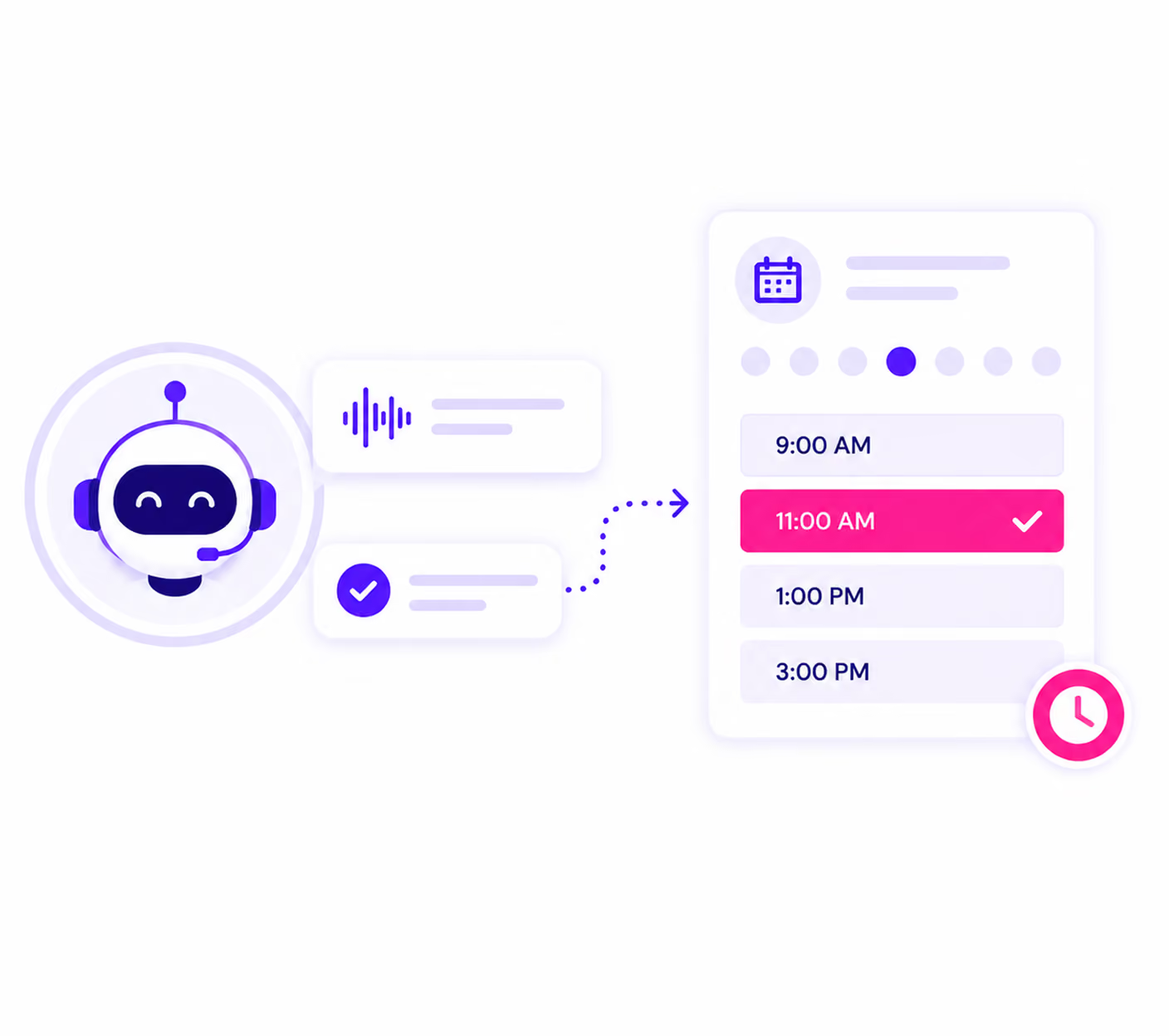
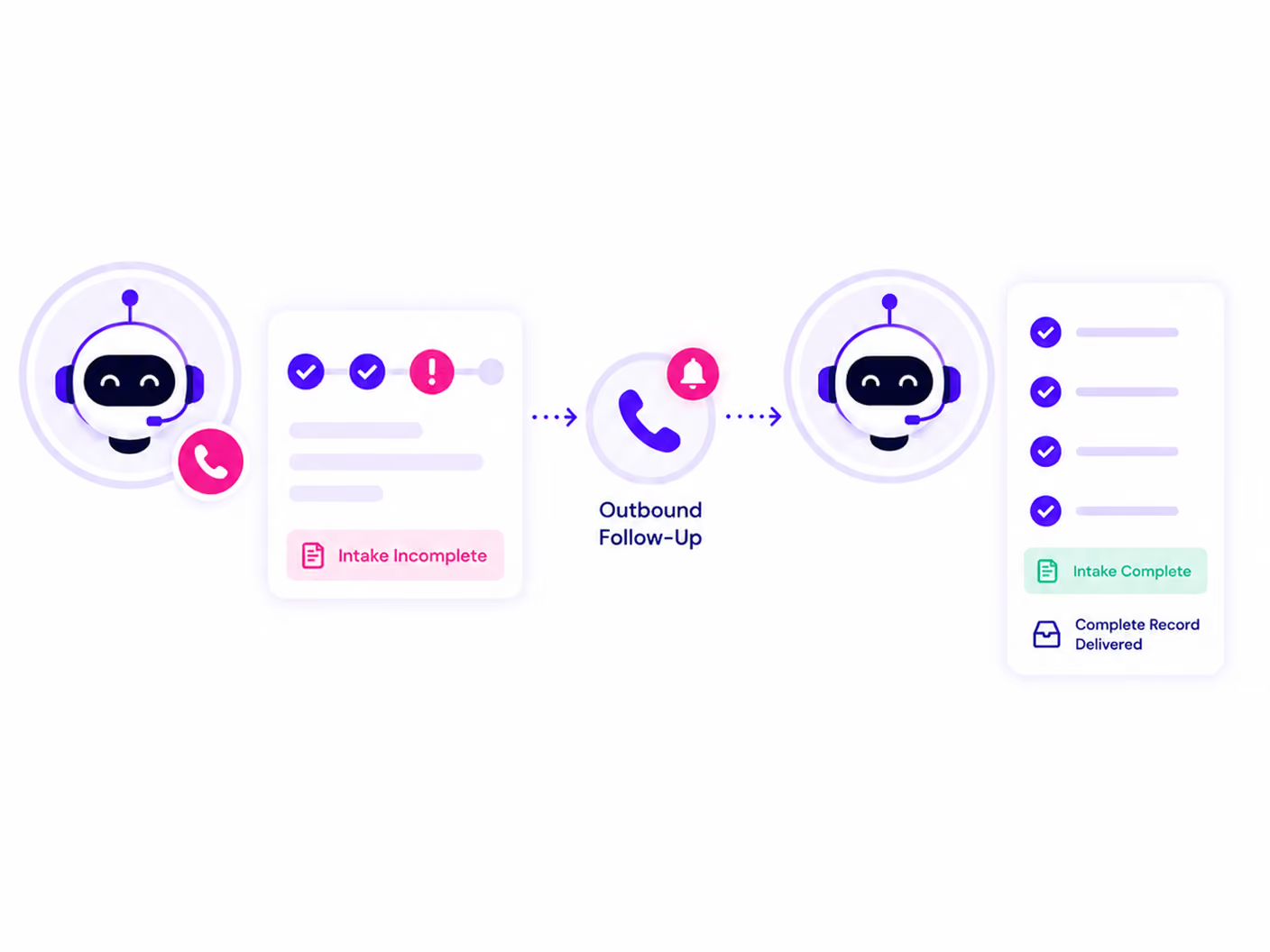
Intake processing does not end when the call ends. The data captured during intake feeds directly into every downstream part of the system.
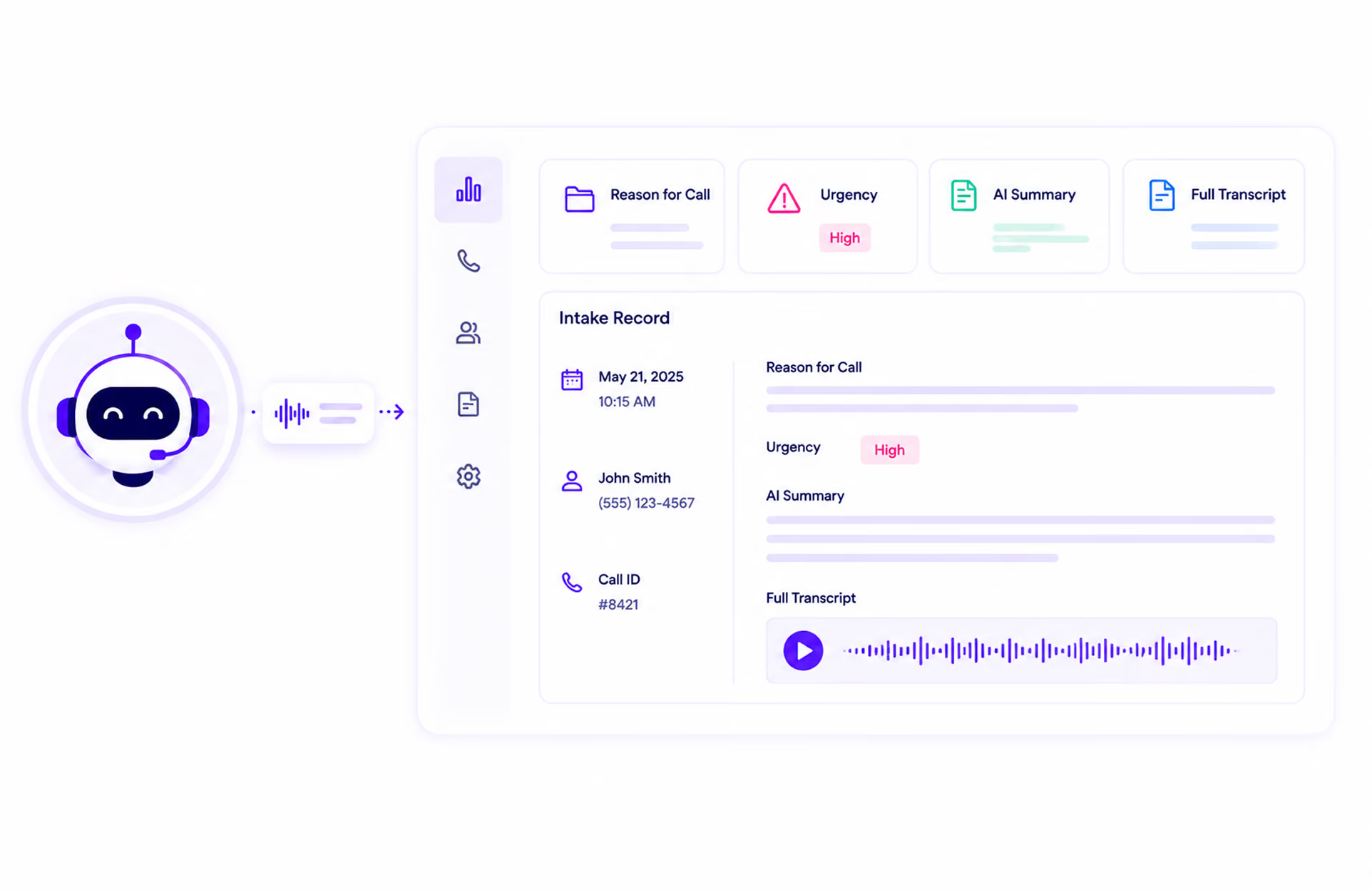
What Your Team Receives After Every Intake Call
When an intake call ends, your team does not receive a voicemail message or a staff member's handwritten notes. They receive a structured, complete record, ready to act on immediately.
Every intake call generates a call detail record showing: caller name and contact information, phone number, date and time, duration, reason for call, and urgency level. Accessible from your call logs dashboard, filterable by status, urgency, and call type.
The AI summary captures what was discussed, what was captured, and what next steps were identified during the call. Your team reads the summary to understand what happened without listening to the full recording.
The complete conversation is transcribed and searchable. If a specific detail needs to be verified, an exact quote, a date, a description of events, it is findable in seconds.
Every call is recorded and available for playback from the call detail view. Download for review, compliance, or quality monitoring.
Each call is tagged with an urgency level and a call outcome. Your team can filter the call log by urgency to prioritize which intakes to act on first.
Trusted by Practices That Can't Afford Incomplete Intake

See What a Complete Intake Record Looks Like After Every Call.
Watch AI Answering guide a caller through structured intake, capture every detail in real time, and deliver a complete record to your team before the call ends.
1 month free trial.