
AI Call Routing and Dedicated Phone Numbers. Every Call Directed the Right Way From the First Ring.
Every AI Answering plan includes 2 dedicated business phone numbers. Configure routing rules that direct every call based on caller type, urgency, time of day, or department. Calls reach the right destination automatically, with no calls that end up in the wrong place.
- 1 Month Free Trial
- Built for client-facing teams
What Happens When Call Routing Depends on Manual Decisions
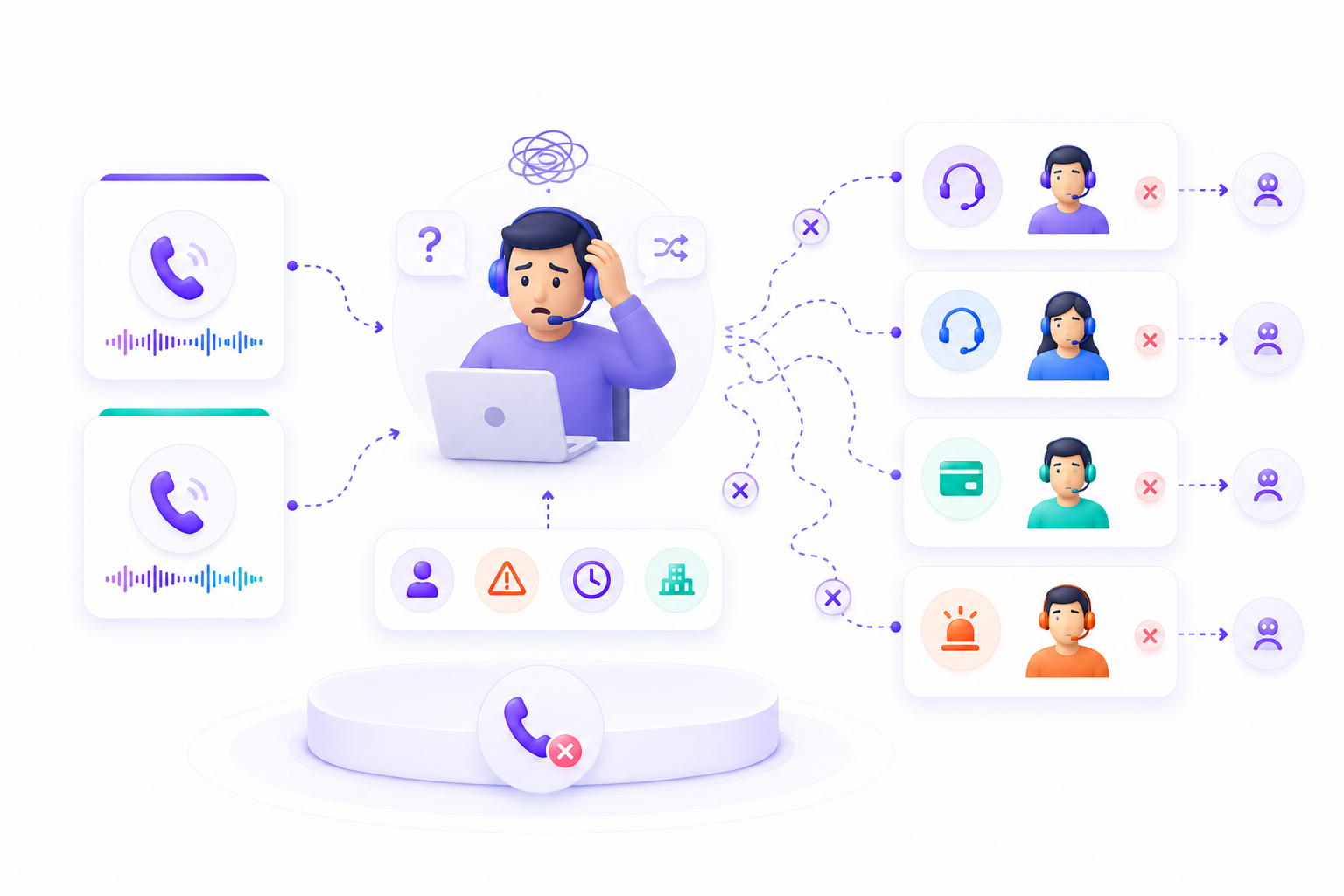
Every business has a call routing system, whether it is configured or not. The difference is whether routing happens based on your rules or based on whoever picks up the phone.
Without routing rules, calls go wherever the phone rings instead of where they should go.
Without after-hours routing, calls are either unanswered or sent to voicemail nobody checks until morning.
Without overflow handling, high call volume leads to missed calls and busy signals.
With legacy systems, routing changes take tickets and wait times instead of a quick dashboard update.
Two Dedicated Business Phone Numbers. Included on Every Plan.
Every AI Answering plan includes 2 dedicated phone numbers that callers can dial to reach your AI agent. Numbers are generated from your dashboard during onboarding and are ready immediately.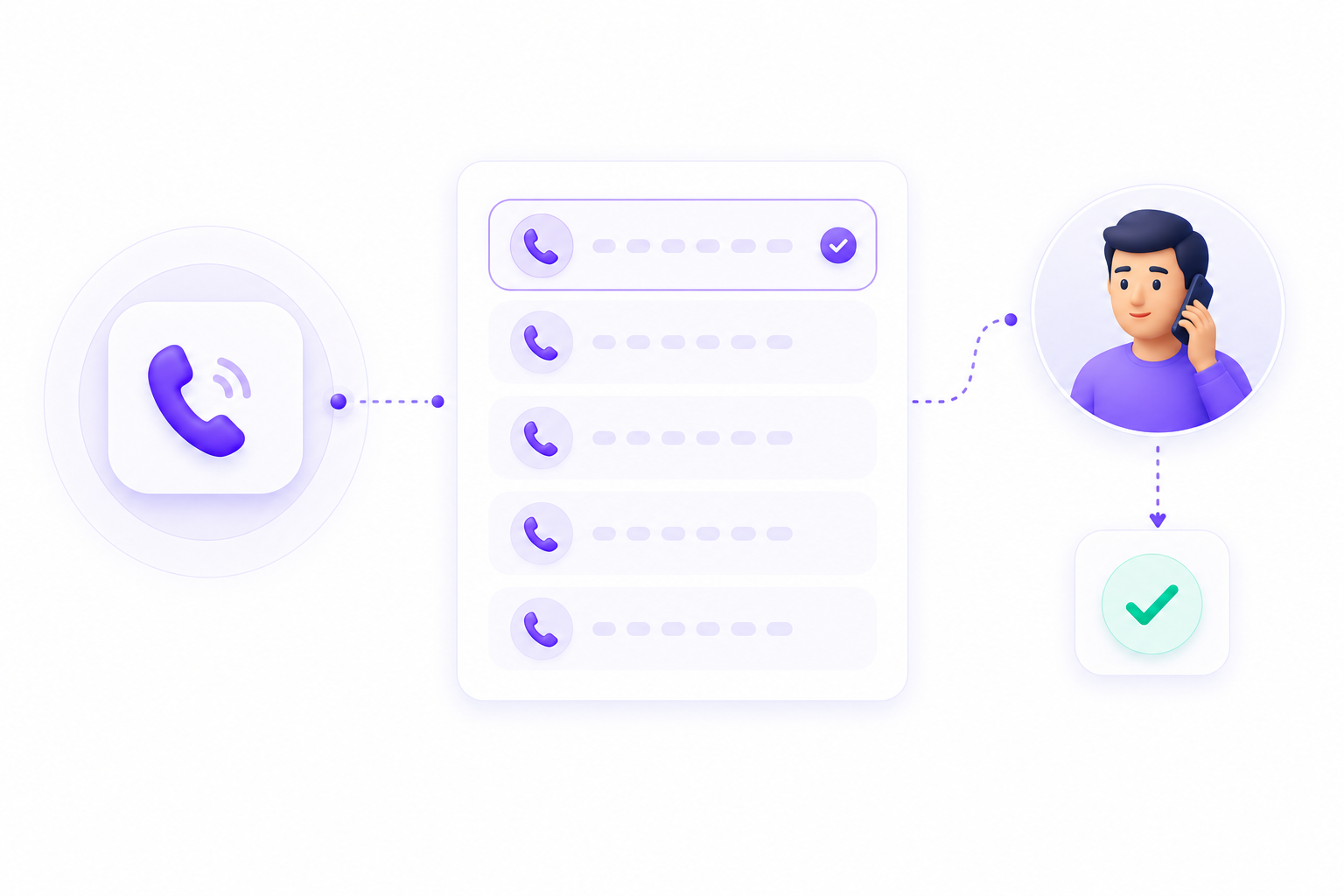
Keep Your Existing Number. Forward It to AI Answering.
If your business already has a phone number your clients or patients know, you do not have to replace it. Forward your existing number to AI Answering, and callers can keep dialing the same number they already use.
Once forwarding is active through your current phone provider or carrier, calls are answered by your AI agent on the AI Answering platform. Your dedicated AI Answering numbers and forwarded existing number can work at the same time, using the same AI agent, routing rules, and configured workflows.
Route Every Call Based on Your Rule
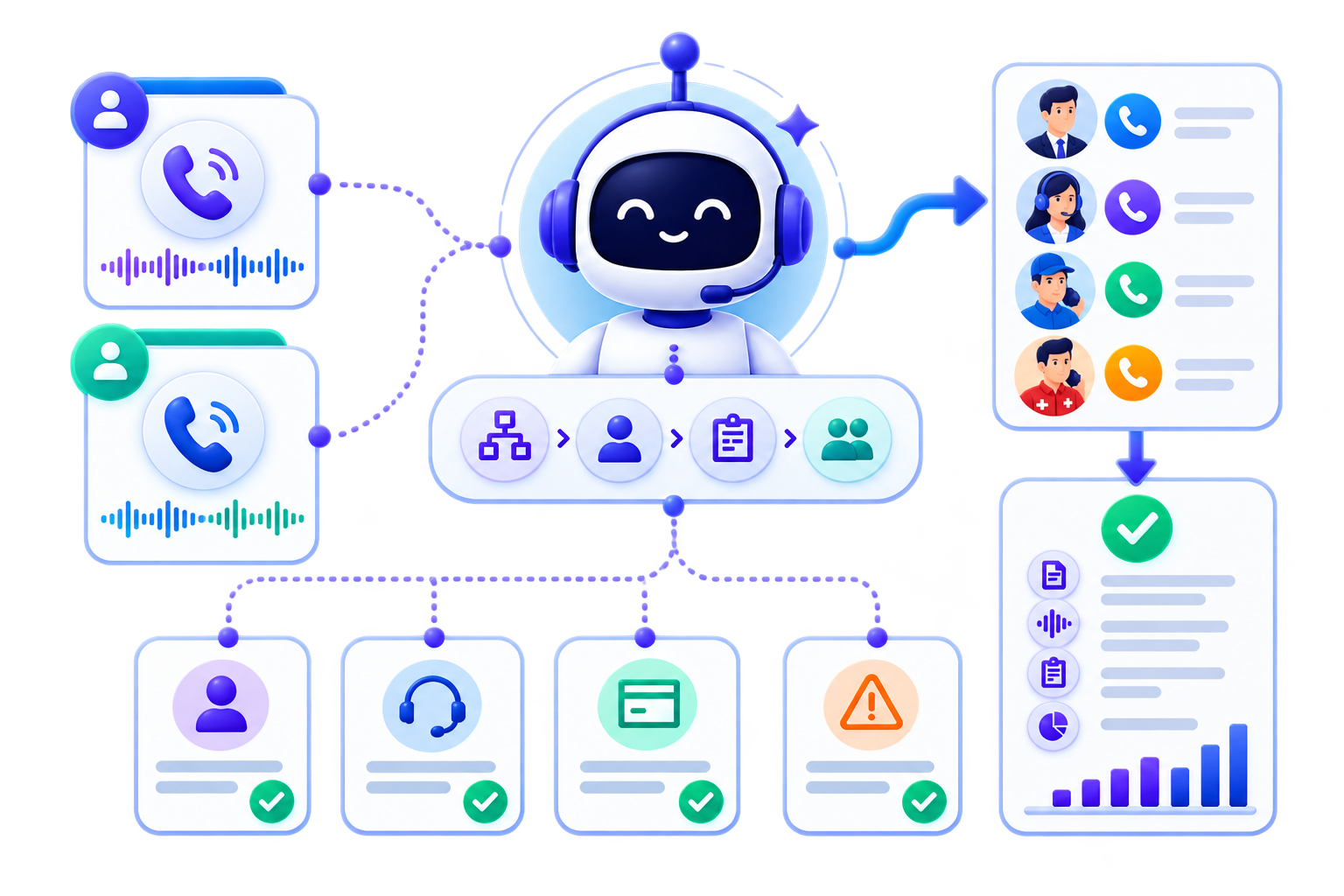
Routing rules are configured from the Routing & Numbers tab in your Call Configuration panel. Once configured, every call is routed automatically based on the criteria you define.
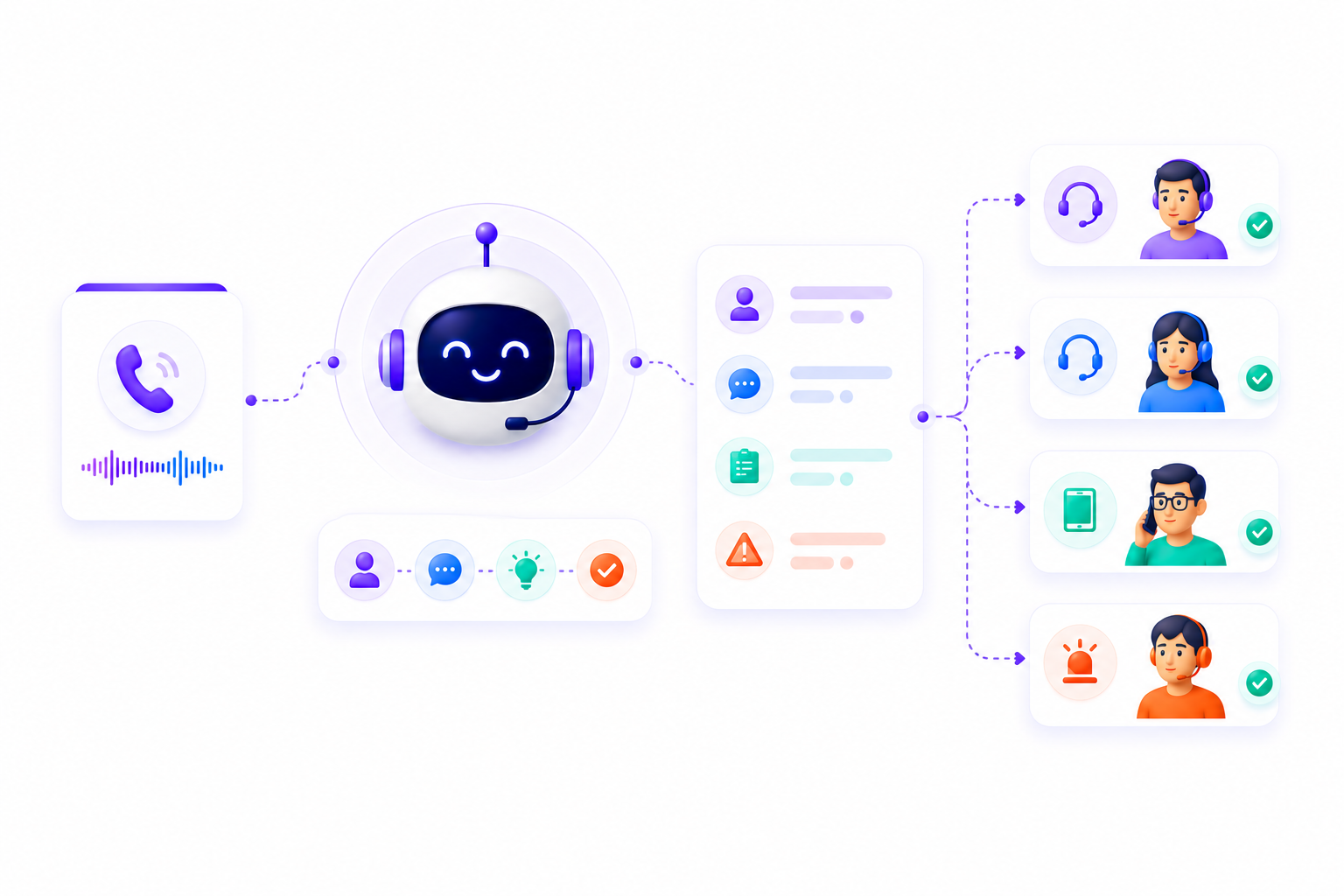
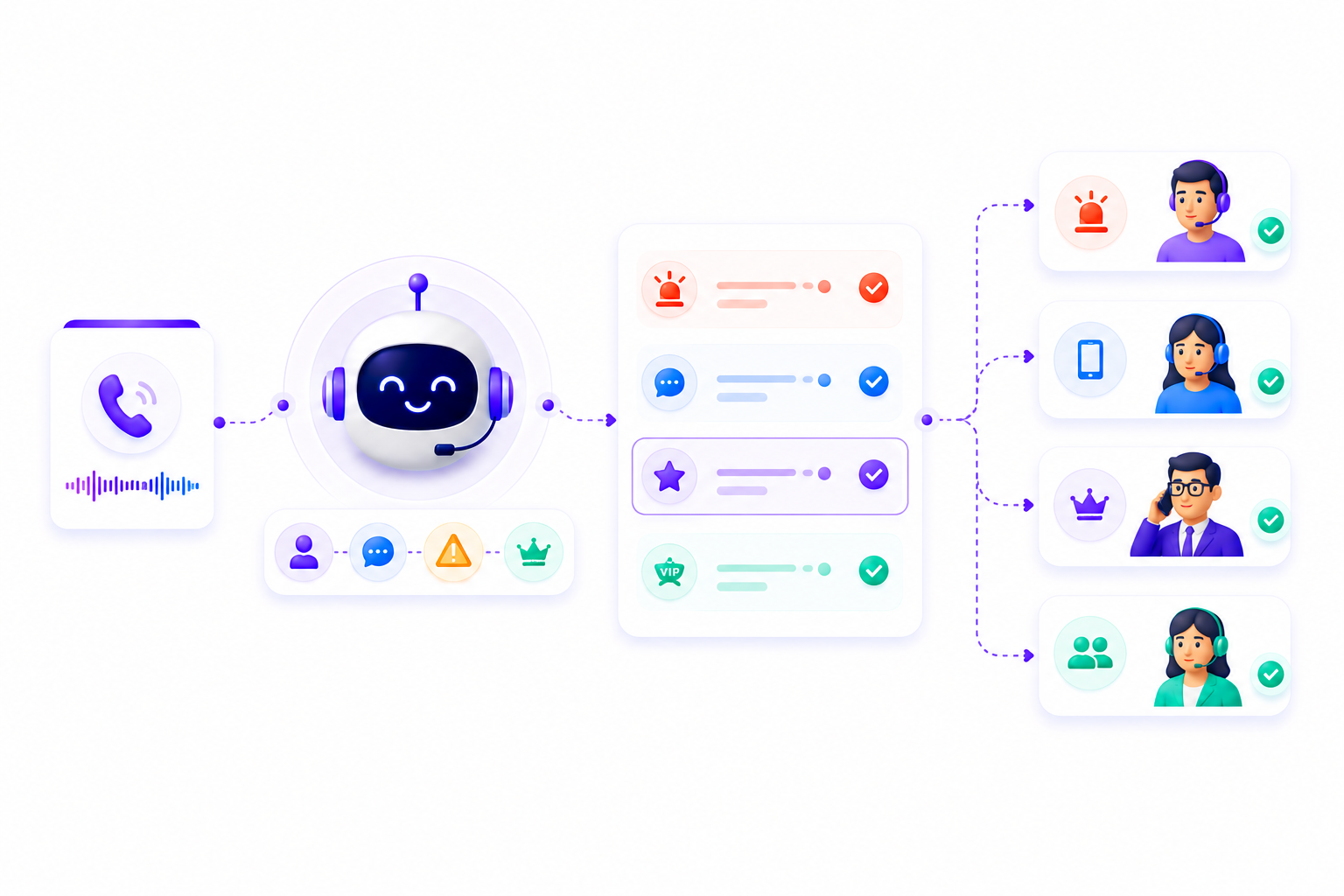
New leads, existing clients, known callers, and unknown callers can each follow different paths. A new inquiry goes to intake, while an existing client can be routed straight to your team.
Urgent calls flagged by the AI can go to escalation immediately, so high-priority issues reach the right person faster. An urgent legal matter reaches an attorney; an urgent patient concern reaches a clinical coordinator.
Calls follow different paths during business hours and after hours. Emergency calls can still route to the right contact regardless of time.
Multi-department or multi-location businesses can route calls to the right team or office based on call type, caller location, or service area.
When call volume spikes, overflow routing sends calls to backup agents or contacts so nothing gets missed.
Choose Where Routed Calls Go
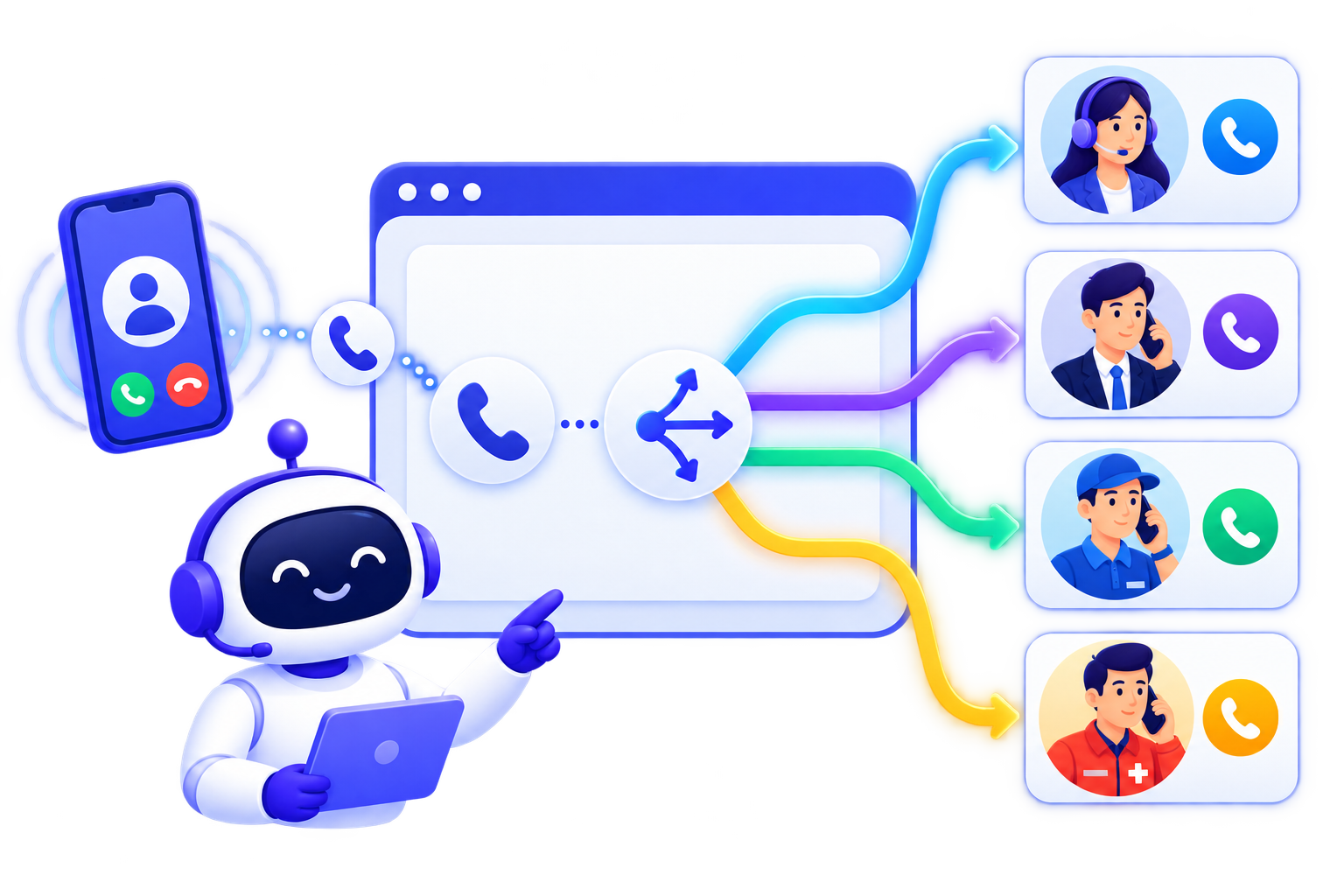
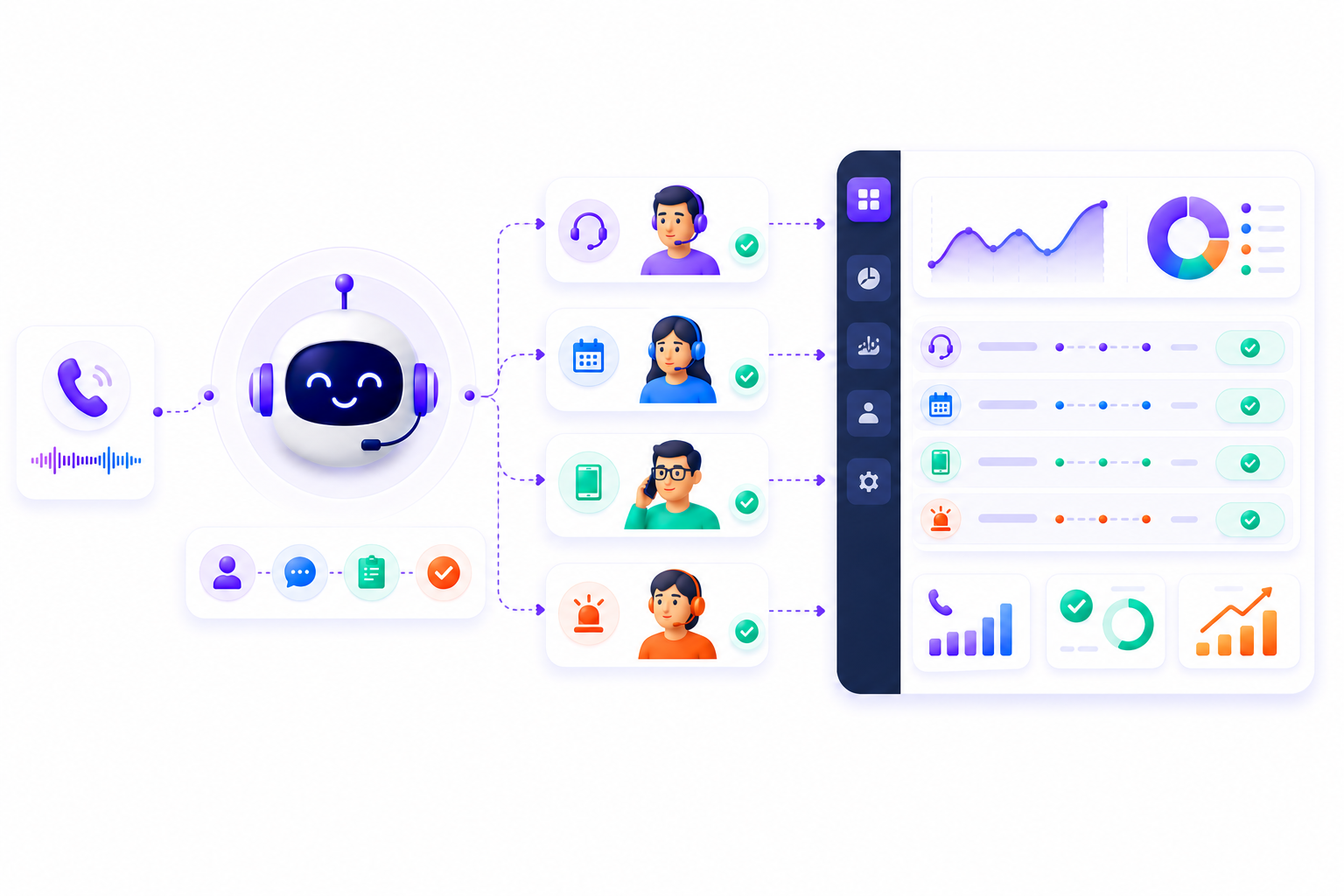
Every routing path in AI Answering routes to one of four confirmed destination fields. These are phone numbers you configure to match your actual team members, on-call contacts, and emergency contacts.
How AI Call Routing Fits Into the Full Workflow
Every other feature in AI Answering operates downstream from how calls are routed. The number is where calls arrive. The routing rules determine what the platform does with them.
Trusted by Businesses That Needed a Call Center Built Around Their Workflows

Get Your Dedicated Number and Configure Your First Routing Rule. In a Single Demo.
See how AI Answering assigns a dedicated business number, sets up routing rules for different caller types and times of day, and routes a real call to the right destination.