SOC 2 Type II Certified · HIPAA-Compliant

Security & Compliance Built Into the Platform

AI Answering was designed from the ground up to handle the sensitive data that moves through your business every day, with clear control and accountability over every caller’s information, transcripts, and contact details.
Trusted by Growing Businesses

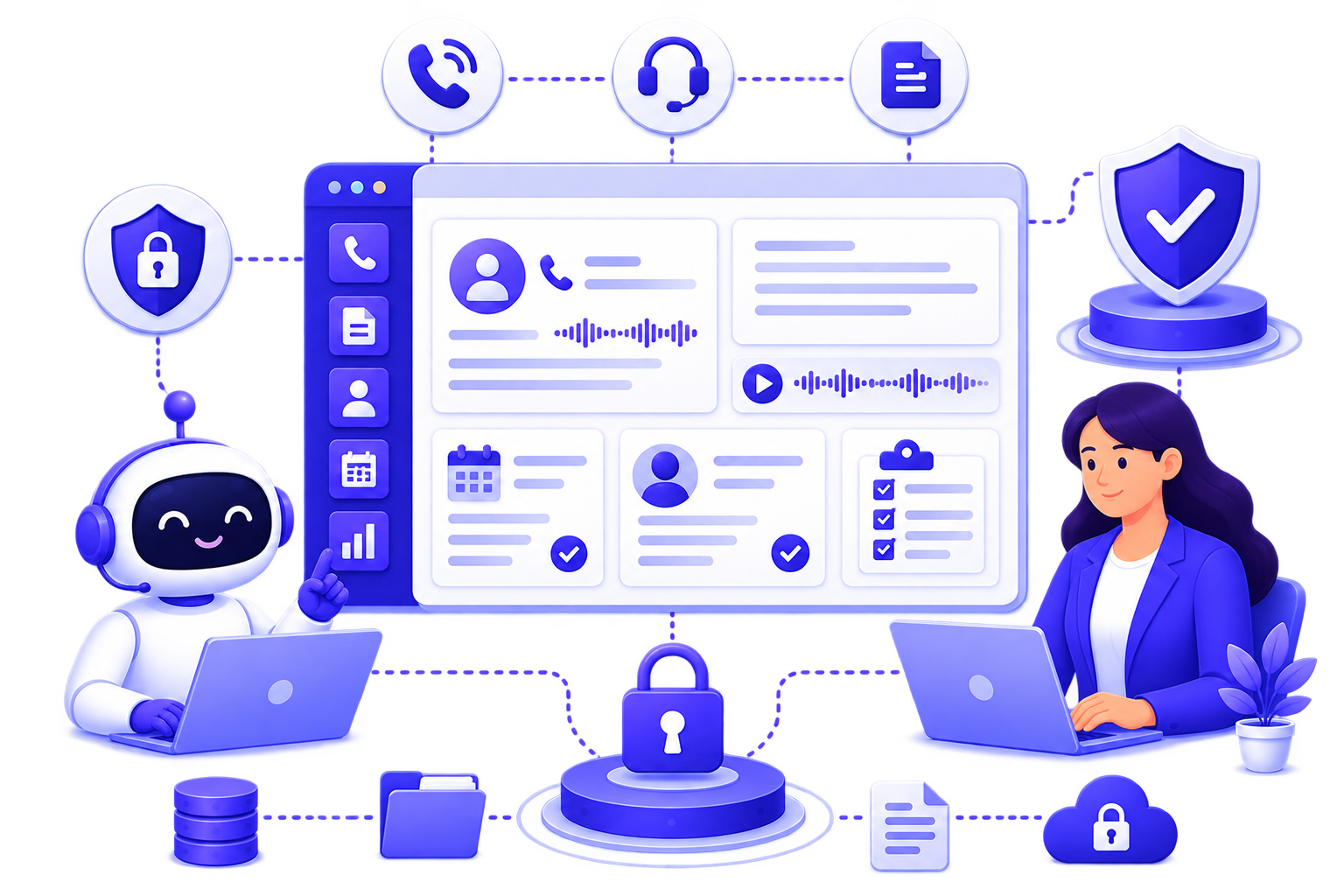
Robot and woman using laptops with secured call management interface and security icons around them.

Your Calls Are Handled Securely. Every Time.

Every call your business receives creates a real record. Caller details, transcripts, appointments, and intake data that lives inside your platform. AI Answering gives you structured controls over who can access it, who can act on it, and how it's managed. For legal, healthcare, and home services businesses, that level of control isn't optional.

A Platform Built to Meet Serious Standards
SOC 2 Type II Certified

AI Answering maintains SOC 2 Type II certification: an independently audited standard that evaluates our controls for security, availability, and confidentiality.

Security as a Design Principle

Our security isn't a layer applied on top of the product. It's reflected in how the platform handles sensitive data across every workflow.

HIPAA Compliant

AI Answering handles patient calls over encrypted infrastructure built to HIPAA standards, keeping protected health information secure at every step. Business Associate Agreements (BAA) are available for practices that require them.

Control Who Accesses What. Down to Every Module

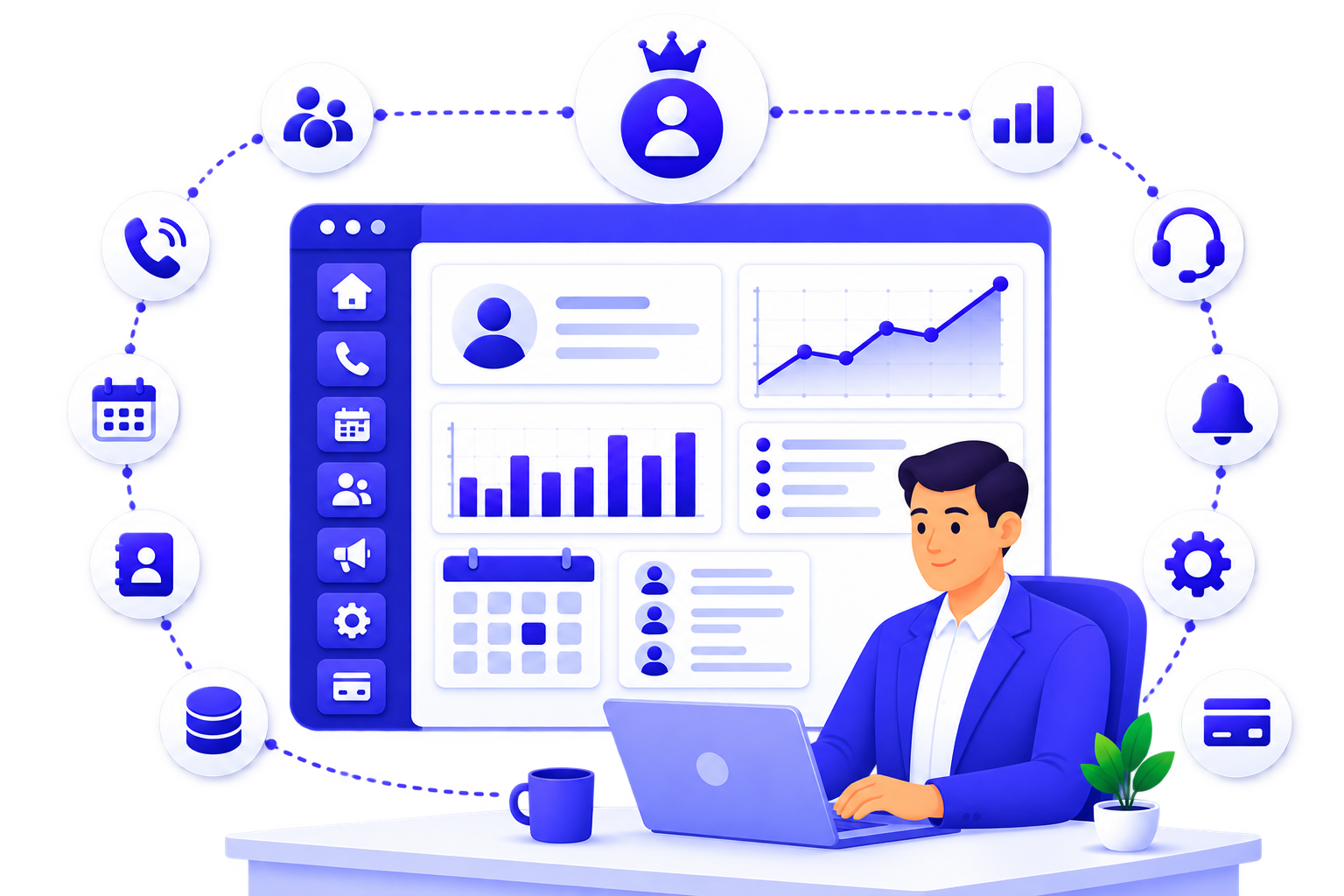
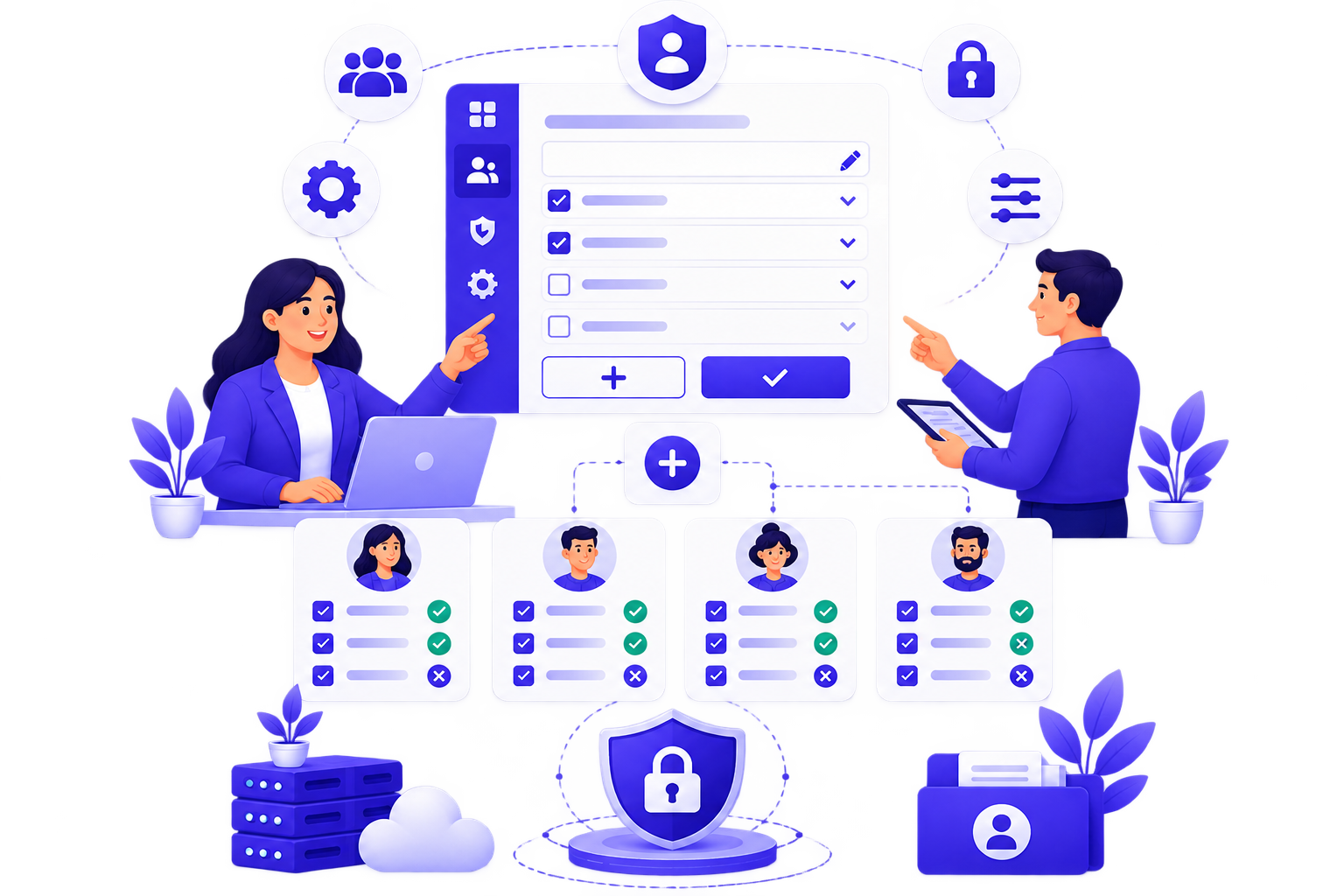
Every team member is added through a controlled invitation flow. The Team Management dashboard gives you a live view of each member's name, role, appointment agent status, and active status. Three built-in roles cover most teams out of the box. If you need something more specific, you can build it.
Owner

Full organizational access and control. Manages the org profile, team, roles, call logs, appointments, contacts, escalation, call handling, notification settings, and billing.

Manager

Can view, add, and edit but cannot delete. Right for team leads who need working access without the ability to remove records or users.

Supervisor

Read-only access across the platform. Built for oversight without the risk of accidental changes to records or settings.

Man in blue suit working on laptop at desk with business dashboard and icons around him.

Need a Custom Role?

Use the Create Role function to build access levels that match exactly how your team is structured.

Org Profile
Team
Roles
Call Log
Appointments
Contacts
Escalation
Call Handling
Notification
Settings
Billing

Each module can be granted View, Create, or Update access independently. This lets you build roles that fit specific job functions without giving anyone more access than they actually need.

Every Conversation, Organized and Controlled

AI Answering doesn't just answer calls. It creates a structured record of every interaction, one that your team can reference, review, and act on. That visibility comes with accountability built in.
Call Logs

Every call is captured in the Call Logs dashboard with date, time, caller information, assigned agent, call duration, type (inbound or outbound), and status.

Transcripts, Recordings & Summaries

Selecting any individual call opens a detailed record that includes the caller's contact information, a full conversation transcript, and the audio recording of the call.

Contact Records

All caller data is captured and organized in your Contacts section, building a searchable, structured database of the people your business interacts with.

Appointment Records

Appointments booked through AI Answering are logged and accessible within the platform, giving your team visibility into scheduling activity and follow-up needs.

Visibility Without Overexposure

Because records are tied to the permissions system, not every team member sees every record. Access matches responsibility by design.

Notification Controls

Notification settings are configurable within the platform, giving administrators and users control over how and when they're alerted to call activity, escalations, and account events.

Platform Controls That Support Real-World Operations
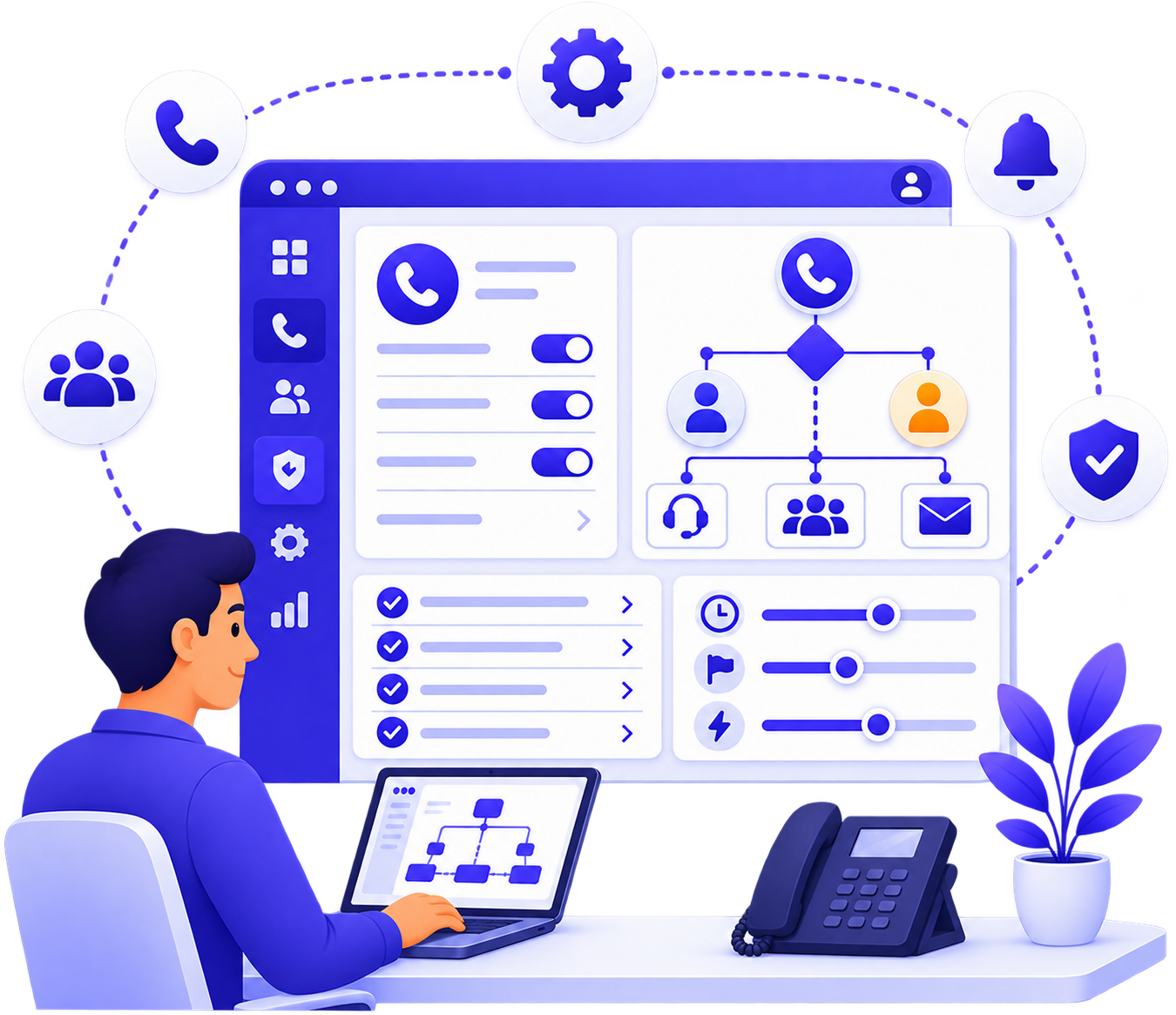
Call Configuration & Escalation Rules
Call routing and escalation rules are live and configurable inside the platform. Administrators define how calls are handled, when they escalate, and which team members are notified, giving you full control over how sensitive interactions are routed and resolved.
Person at desk using laptop displaying call configuration software with call routing and settings.
Business Profile Management
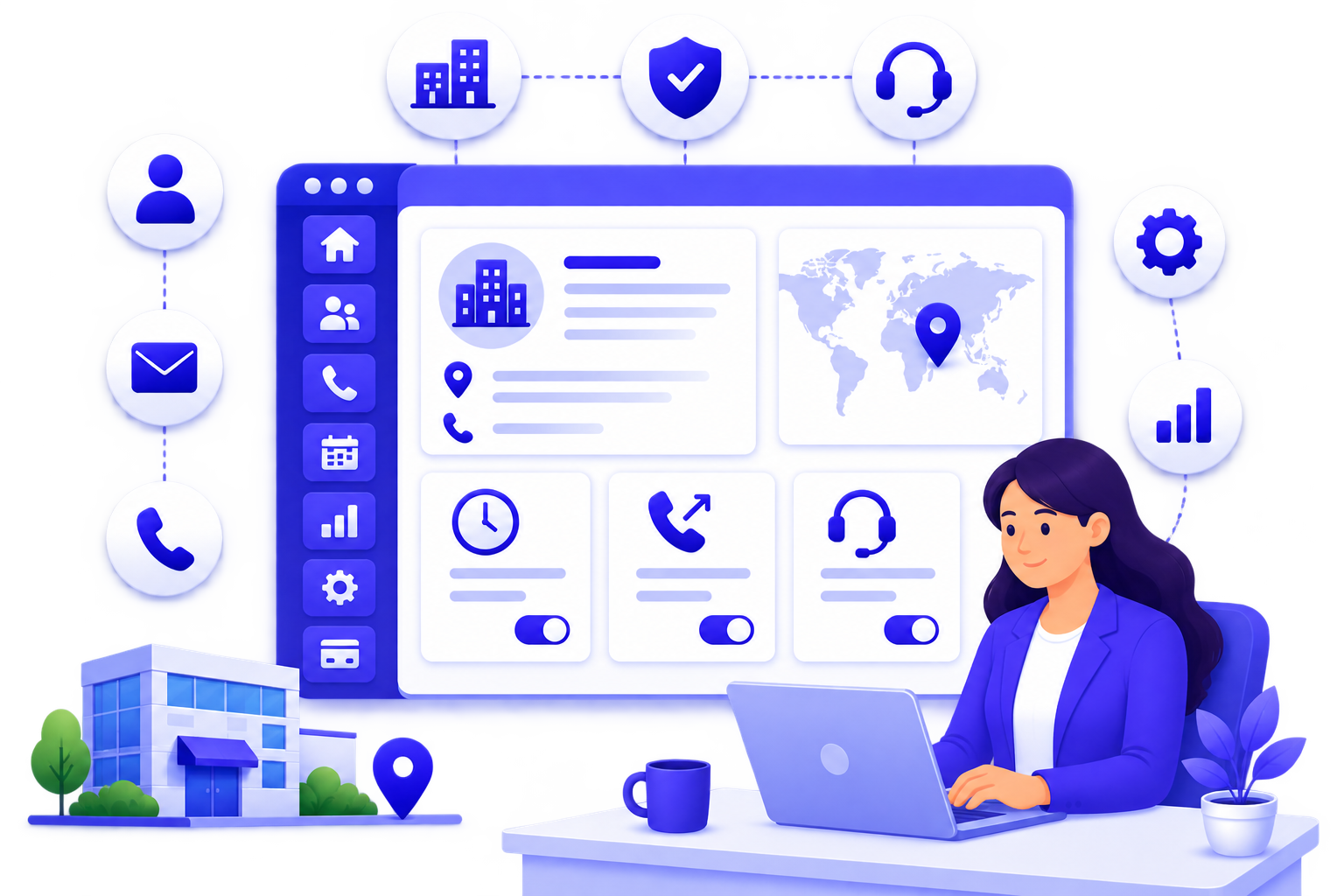
Your organization's core identity: business name, industry, contact information, operating address, timezone, and outbound call configuration is managed through the Business Profile settings. Administrators control when and how the platform represents your business during calls.
Woman using laptop at desk with business profile dashboard and icons for communication and settings.
Security Settings
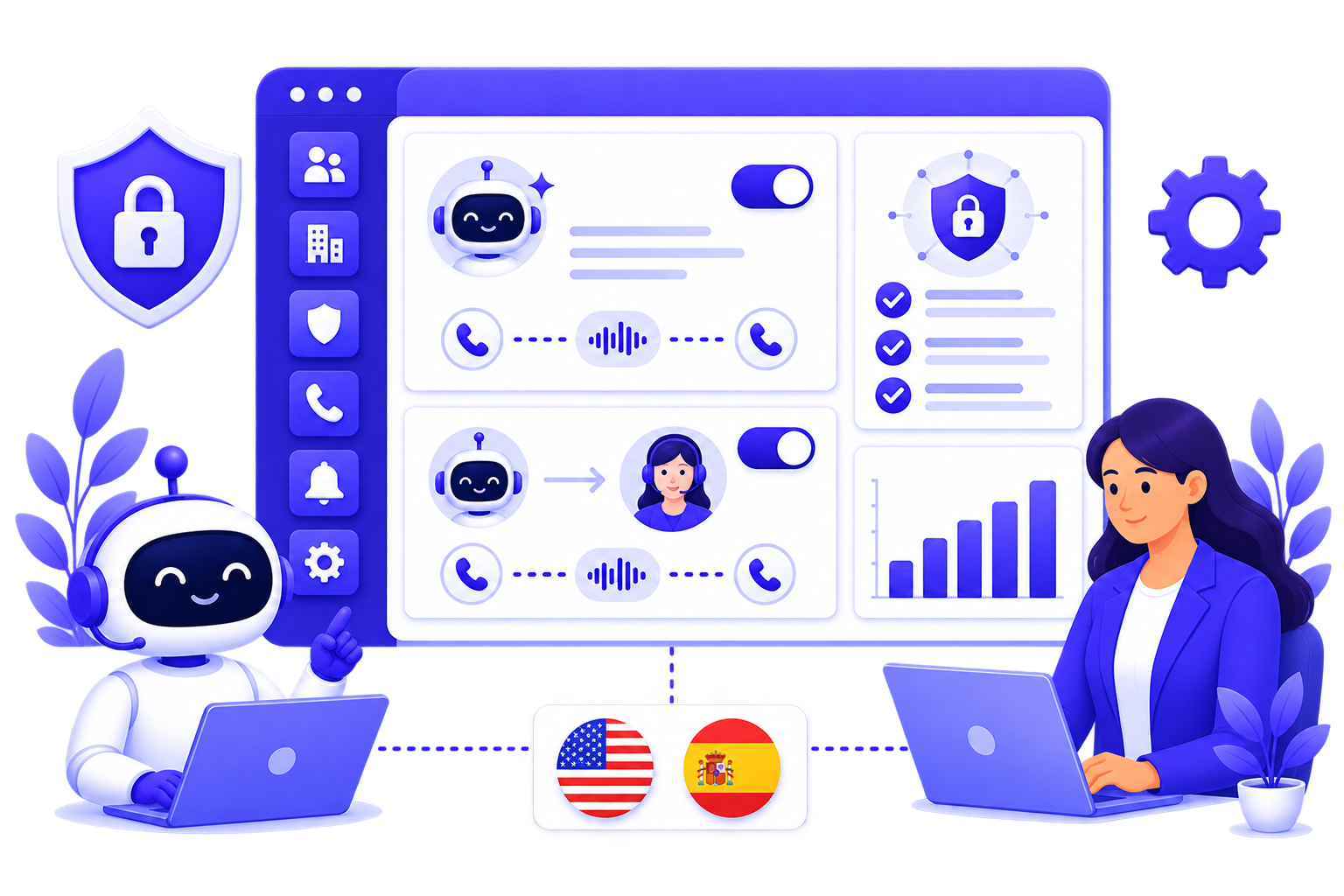
Within Business Settings, you choose how your calls are handled, either Full AI, where the AI manages the complete conversation, or AI + Agent, where your AI handles the initial flow and seamlessly transfers to a trained bilingual intake and appointment specialist when needed. English and Spanish are currently supported. This setting is controlled at the admin level and can be updated as your operations evolve.
Robot and woman work on laptops, with chatbot interface and language flags (USA, Spain) between them.
Personal Profile & Account Security
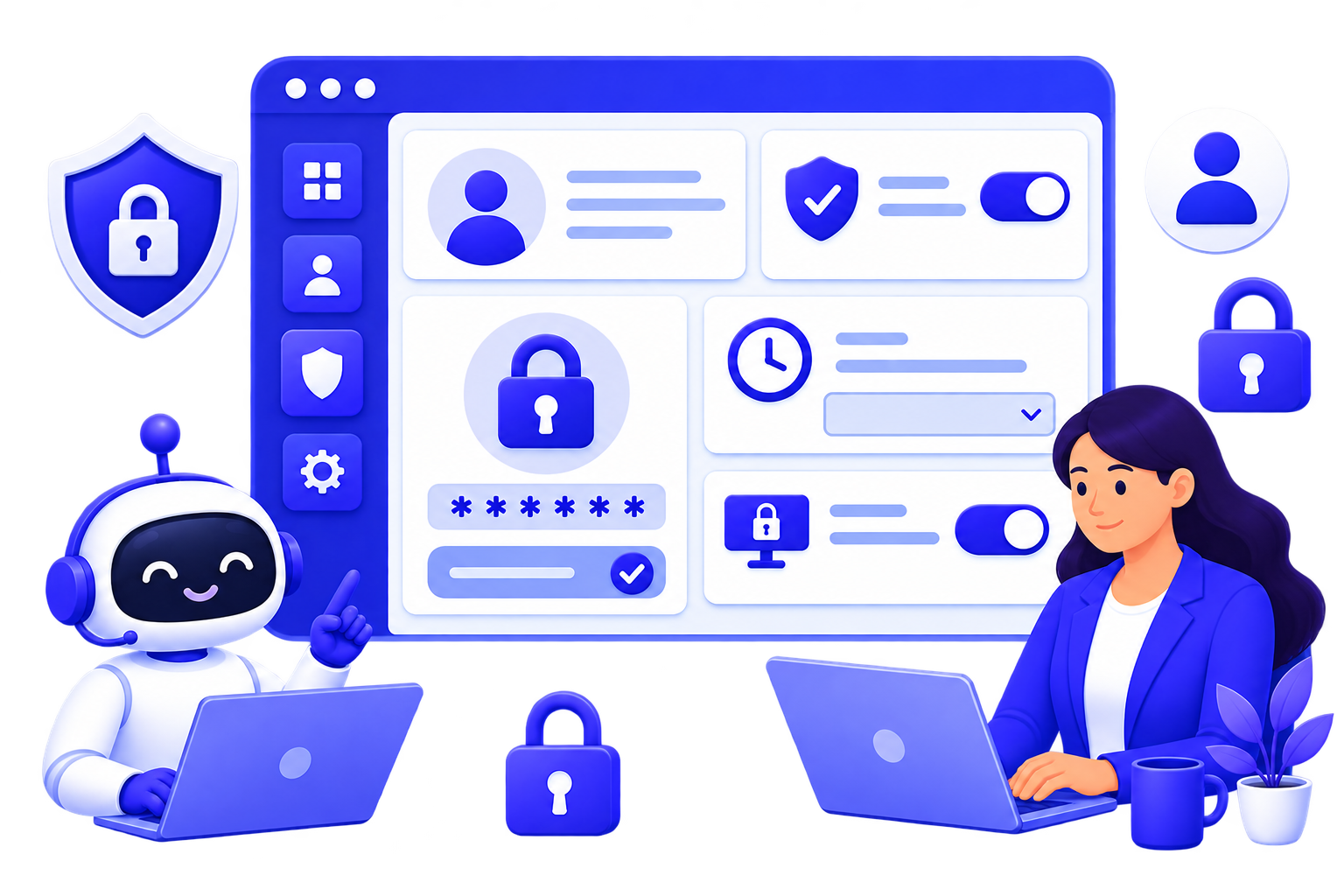
Each individual user manages their own account through the Personal Profile settings. The dedicated Security tab lets users manage and update their account password. Session timeout controls are also available at the account level, adding an additional layer of protection for businesses that require it.
Robot and woman using laptops with a security settings interface showing locks and user icons.

Connects With the Tools Your Practice Already Uses

AI Answering integrates with your existing calendar and CRM systems so patient data flows into your workflows without manual re-entry.

See the Platform for Yourself

AI Answering gives you the call handling capability of a full-time team with the access controls, data organization, and compliance readiness that serious businesses require. The best way to evaluate it is to see it in action.

All Your Questions, Answered

FAQs About Answering AI

Is AI Answering SOC 2 Type II certified?
Is AI Answering HIPAA-compliant?
Can I control which team members see call recordings and transcripts?
How is new team member access managed?
Can I build custom permission roles?
Where is AI Answering's integration data handled?
Does AI Answering use my call data to train AI models?
What happens if I need to remove a team member's access?