
Automated Appointment Reminders and Call Alerts
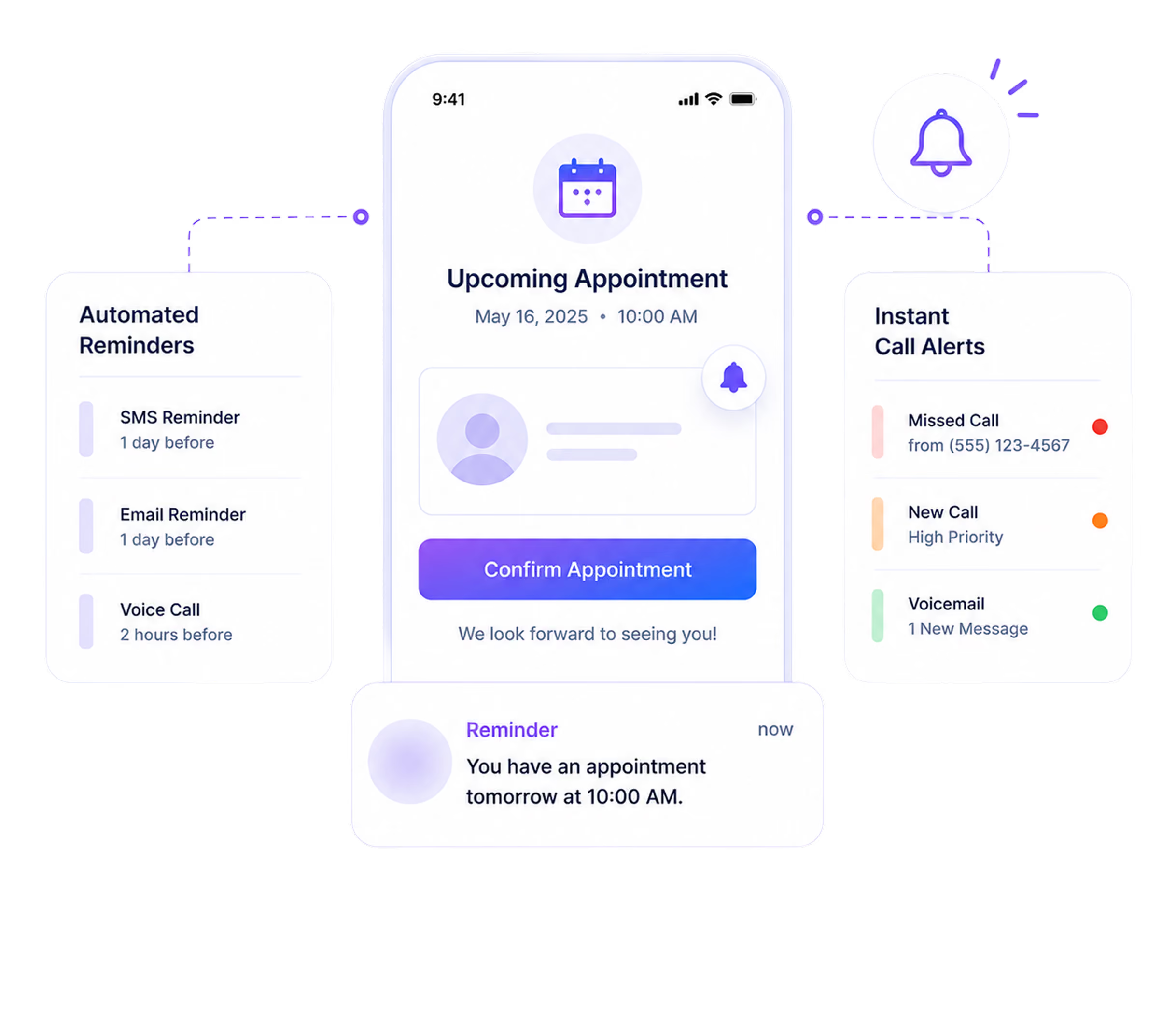
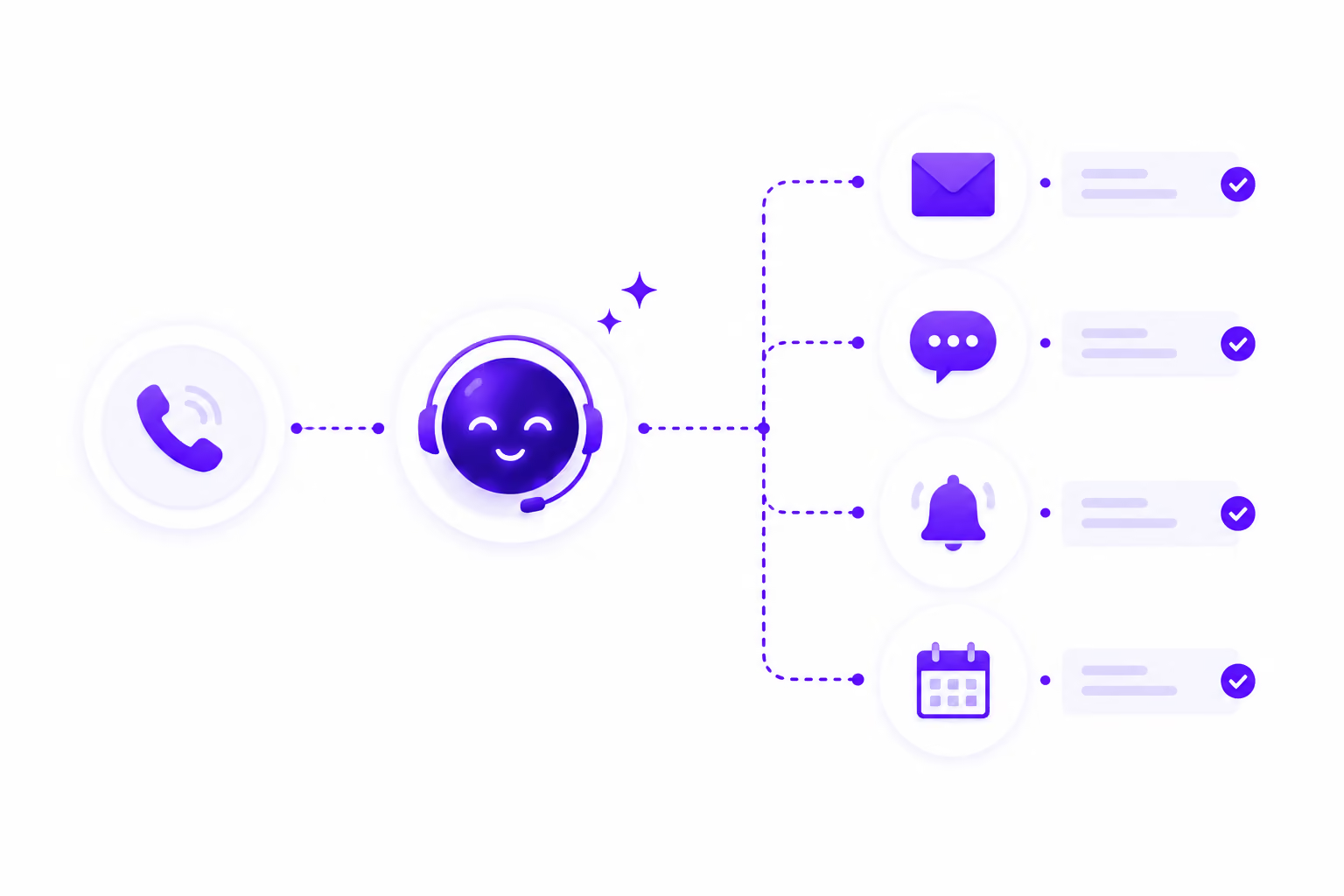
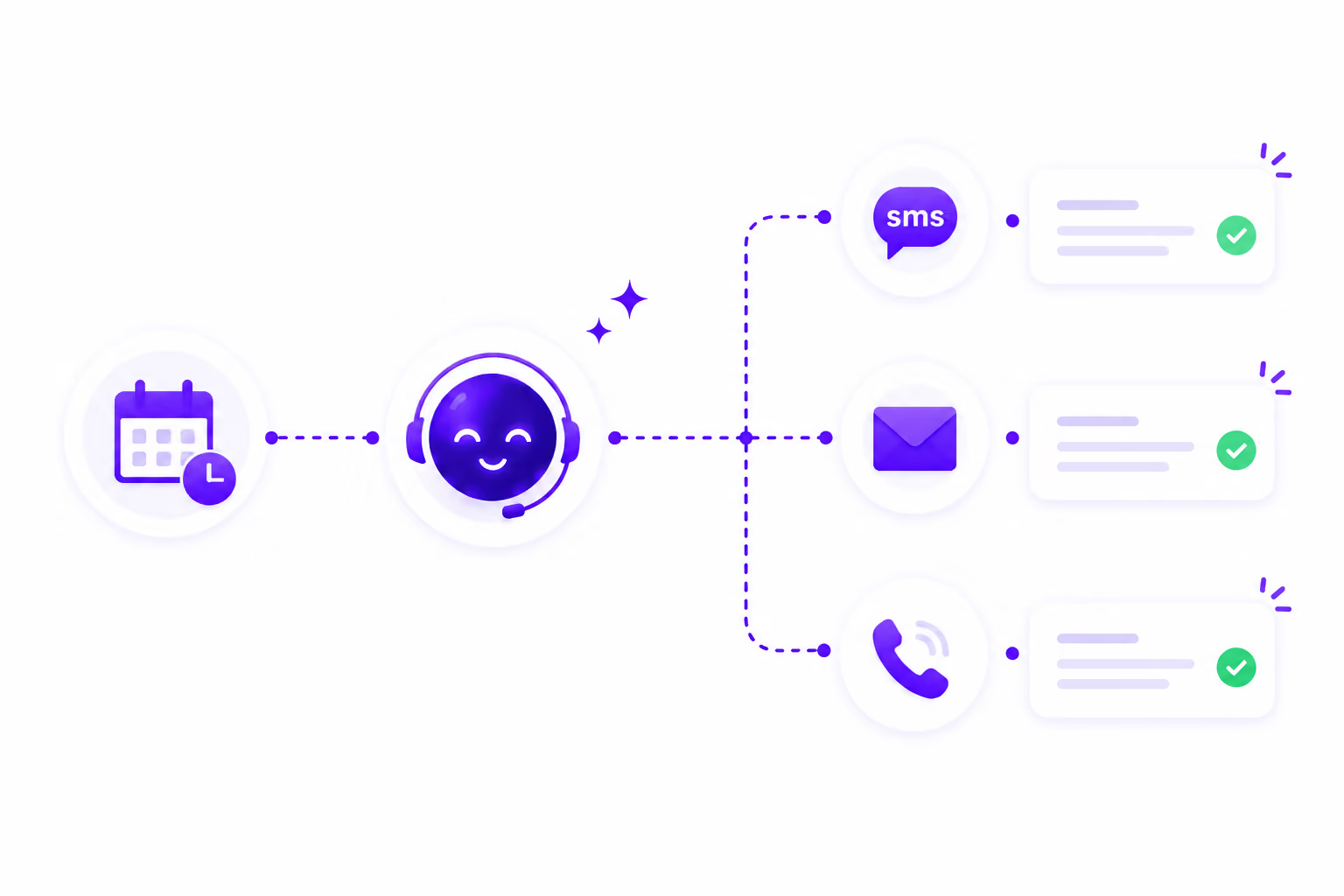
When a call is handled, your team receives a notification. When an appointment is booked, your caller receives a confirmation. When an appointment is approaching, reminders go out automatically. Voice, SMS, and email stay connected to every call event, without anyone on your team manually managing it.
- 1 Month Free Trial
- Built for client-facing teams
What Runs Automatically After Every Call
Every call and appointment triggers the right communication on its own. Your team stays informed, your callers stay confirmed, and no one has to remember to send a message.
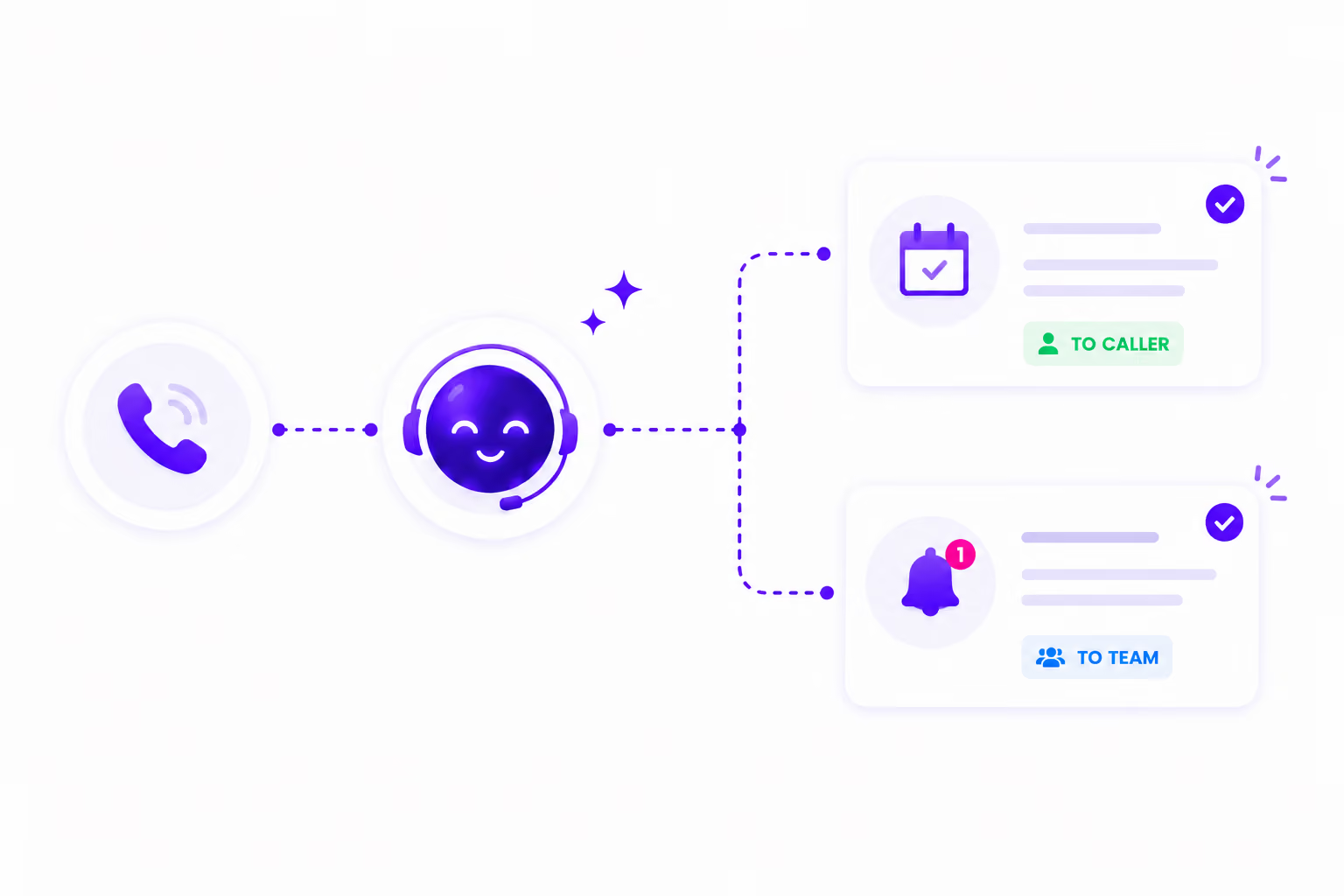
Your team gets notified, without checking the dashboard or waiting for someone to pass the message along.
The confirmation includes the booking details, and the caller leaves knowing the appointment is confirmed.
Your team does not have to track upcoming appointments or send reminders manually, and callers are reminded before their appointments.
A managing partner can receive call alerts only, while a front desk coordinator can receive both call and appointment notifications.
What You Get With Every Call and Appointment
Notifications, confirmations, and reminders run automatically across voice, SMS, and email, triggered by call activity in the platform.
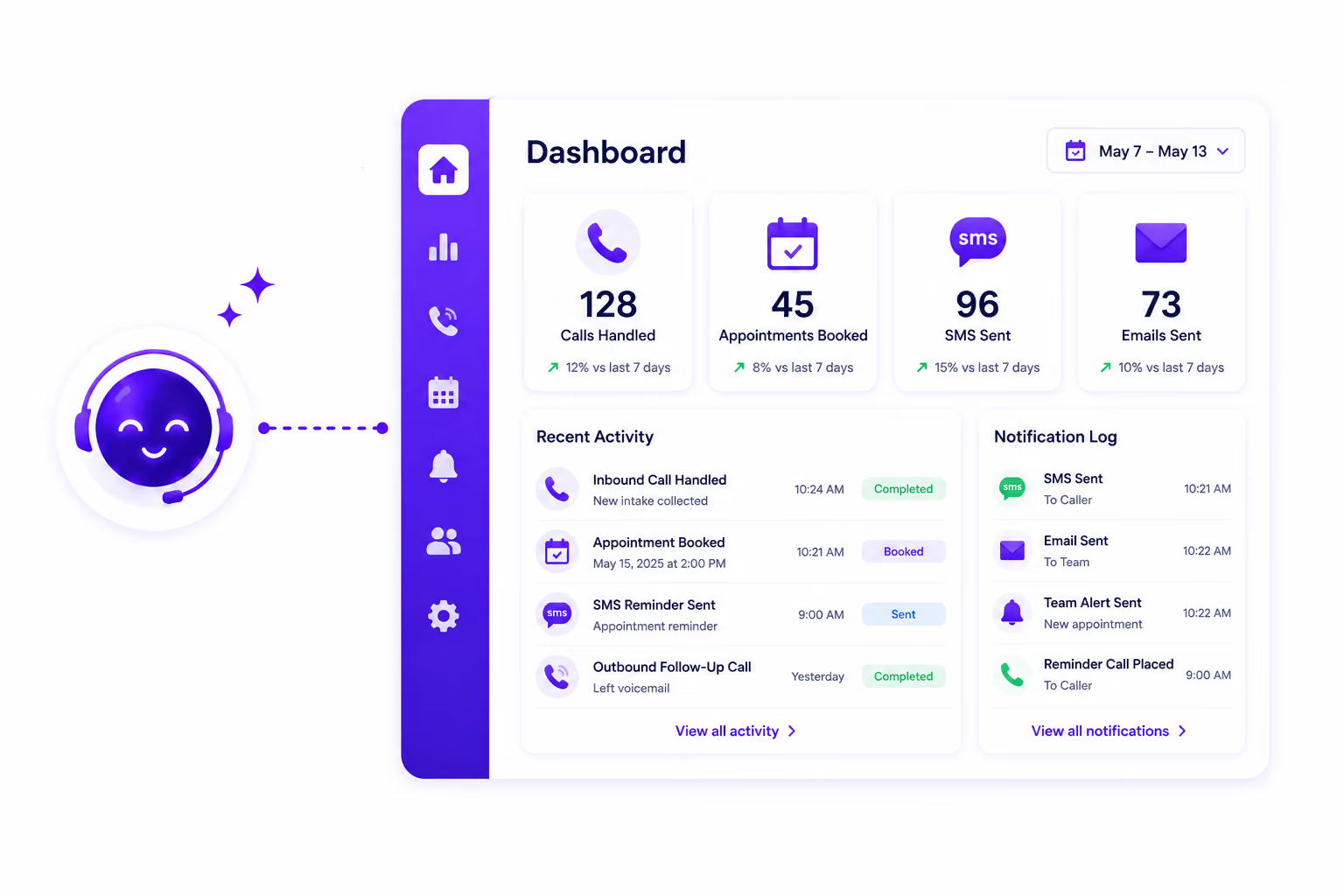
Your team is alerted automatically when a call is handled or when an appointment is booked or updated. Each person’s alerts can be turned on or off independently.
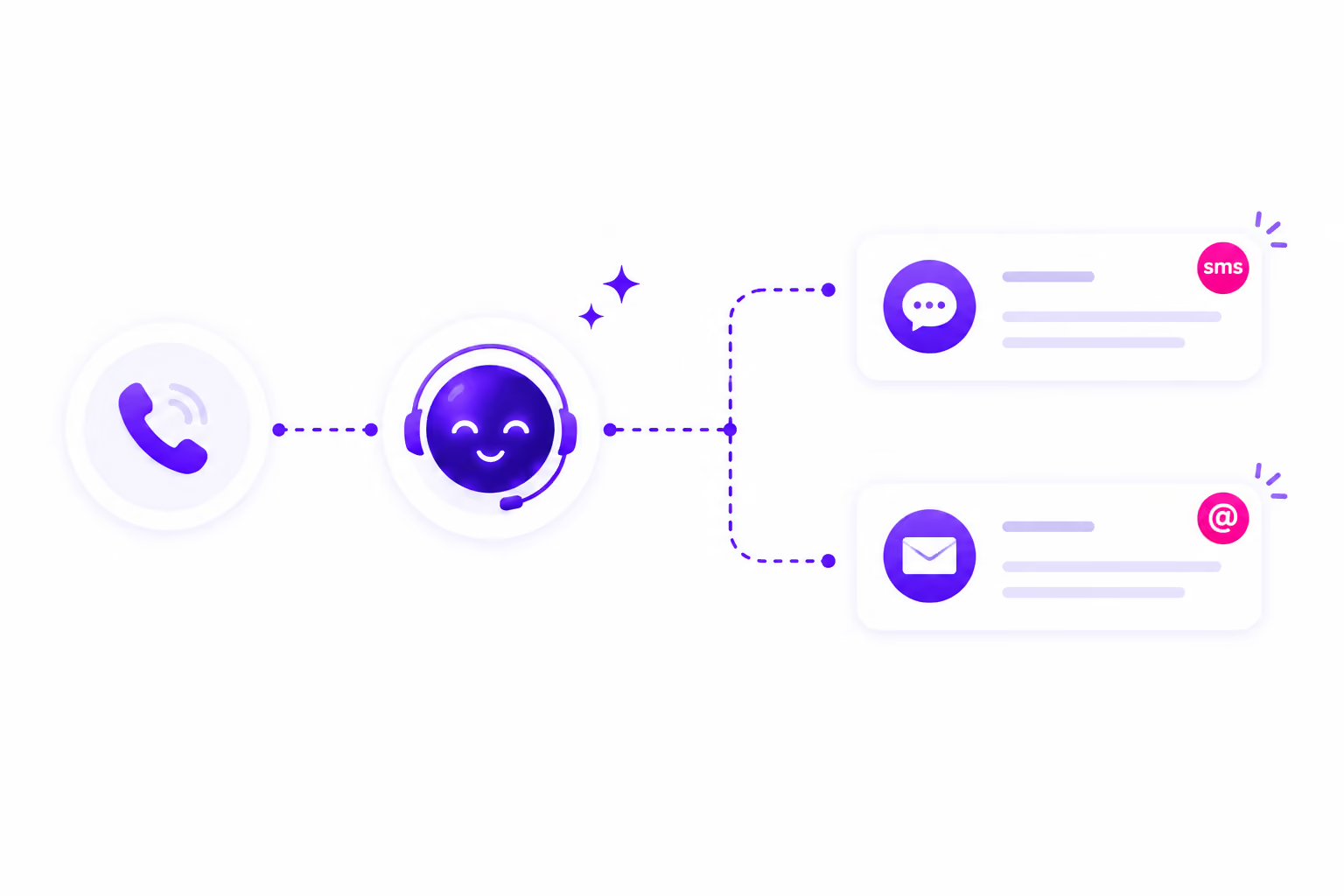
The moment an appointment is booked, the caller receives an automated SMS confirmation, an automated email confirmation, or both, based on your configured settings.
Get email alerts for calls answered by the AI agent and for appointments booked or updated. Email notifications do not carry additional per-message charges.
Reminder messages go out automatically based on the timing rules you set, and no one on your team has to manage them manually.
Get instant SMS alerts for calls handled by the AI agent and for appointments booked or updated, configured per team member.
Notification preferences are configured per person, per event type, and per channel from Settings > Notification.
Notifications Stay Connected to the Full Call Workflow
SMS and email communication in AI Answering does not operate separately from call activity. Every notification and confirmation is triggered by a call or appointment event in the platform.
You Control Who Gets Notified, When, and How
Notification settings in AI Answering are not platform-wide switches. They are configured per team member, per event type, and per channel.
Each team member’s notification preferences are set independently.
Call and appointment notifications are separate triggers and can be toggled on or off independently for each team member.
Email and SMS are separate toggles per team member.
Trusted by Teams That Can't Afford to Miss an Update

Your Team Should Know What Happened on Every Call. Without Checking.
See how AI Answering keeps your team informed and your callers confirmed, automatically, across every call and appointment event.
1 month free trial.