
Document Collection Software That Starts the Moment a Call Ends
AI Answering starts the document collection process as soon as a call ends. A secure request is sent by SMS or email, clients submit through the link without creating an account, and documents are organized with the caller’s record. If something is missing, automated follow-up keeps the request moving.
- 1 Month Free Trial
- Built for client-facing teams
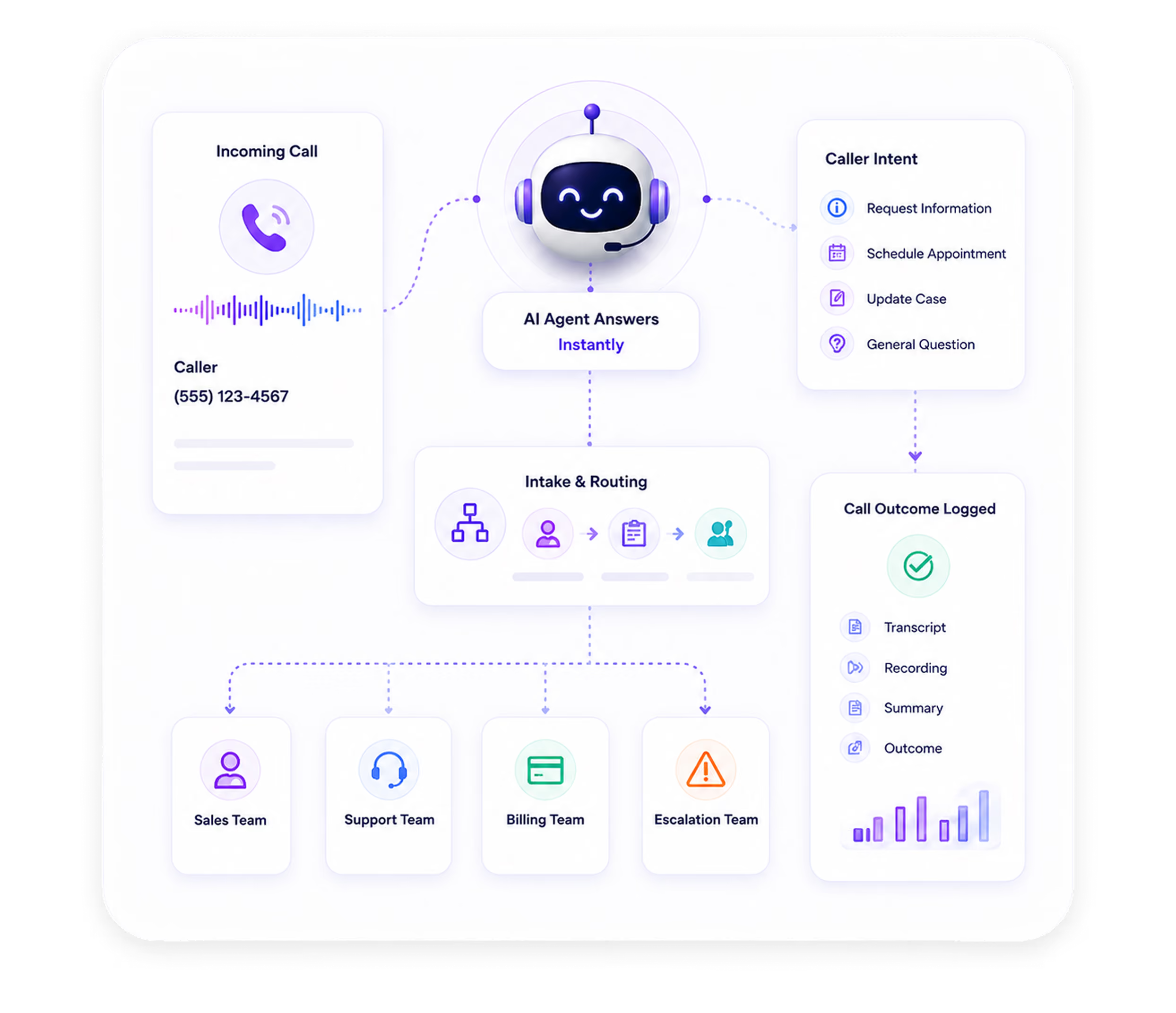
How Automated Document Collection Runs After Every Call
Document collection software sits inside the same workflow as your call handling, intake, scheduling, and follow-up. There is no separate tool to log into and no manual handoff between steps.
Call captures what is needed
During the call, your AI agent collects the details that determine which documents are required, like service type, case type, account type, or the reason for the call. Based on that intake, the system selects the right document request for that workflow.
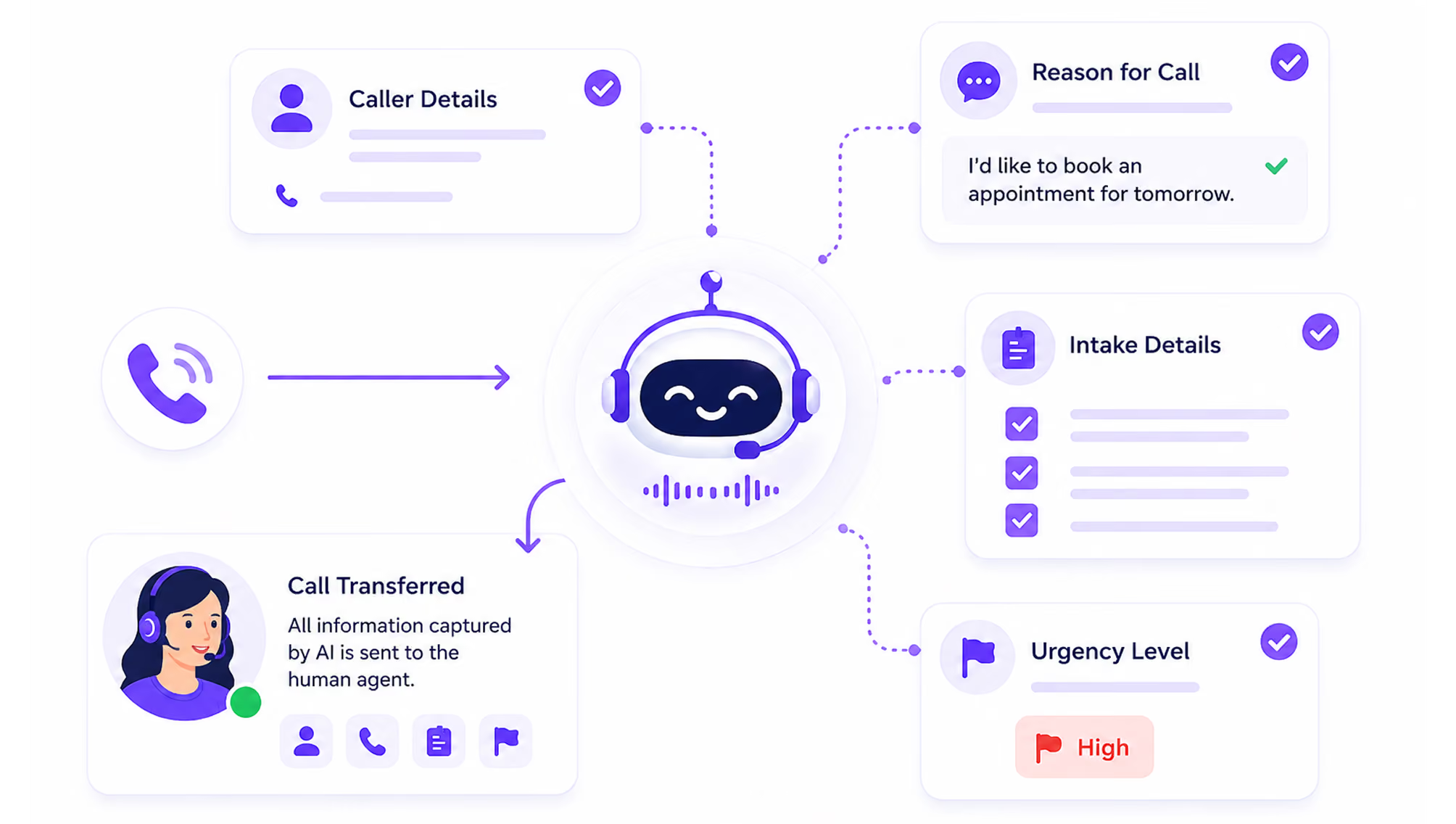
Secure request link is sent to the caller
Immediately after the call, a secure document request link is sent to the caller by SMS or email. The caller does not need to create an account or log into a portal.
Learn more →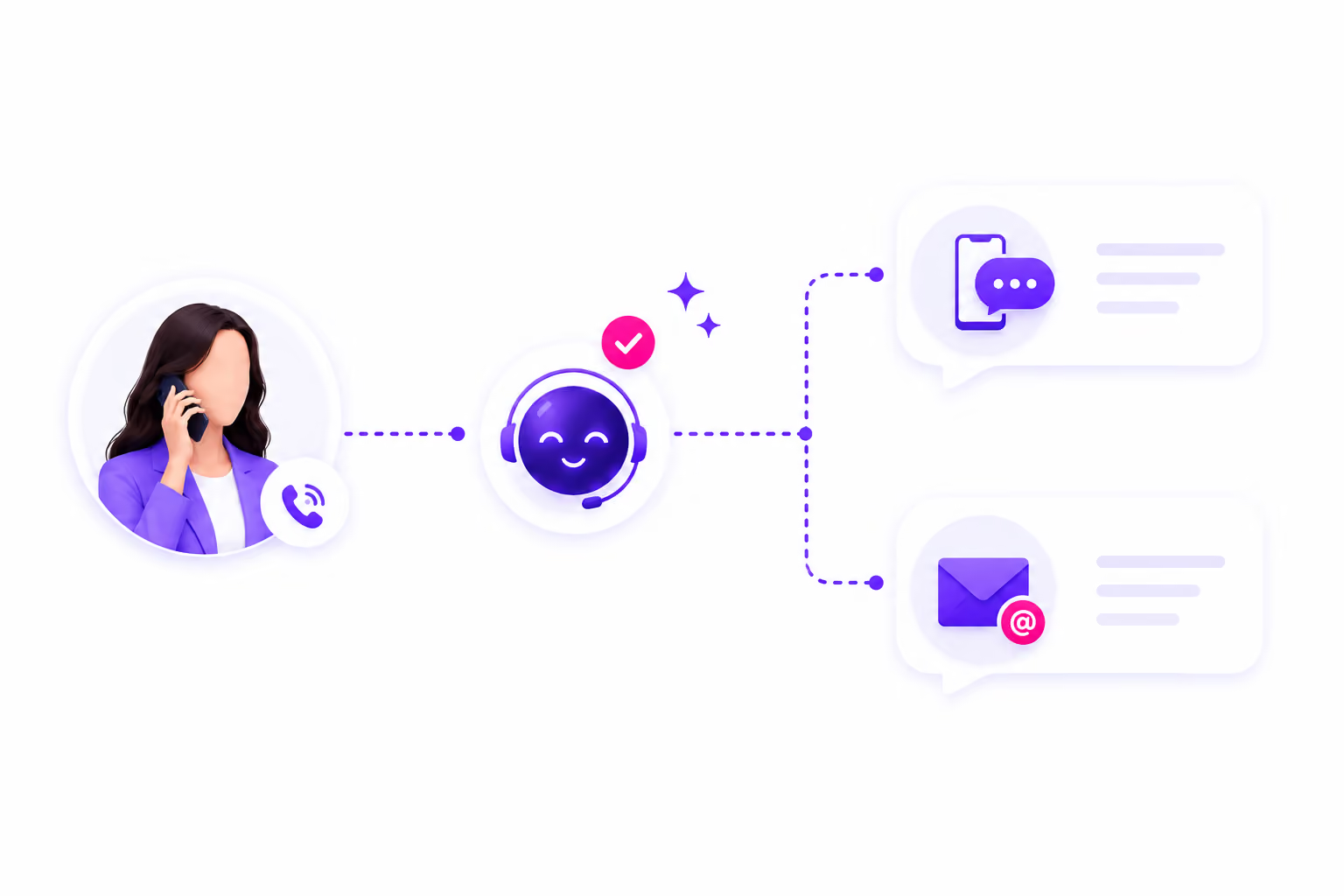
Client submits documents through the link
Clients upload requested documents directly through the link, on their own time. No email attachments, no faxing, no separate forms to fill out.
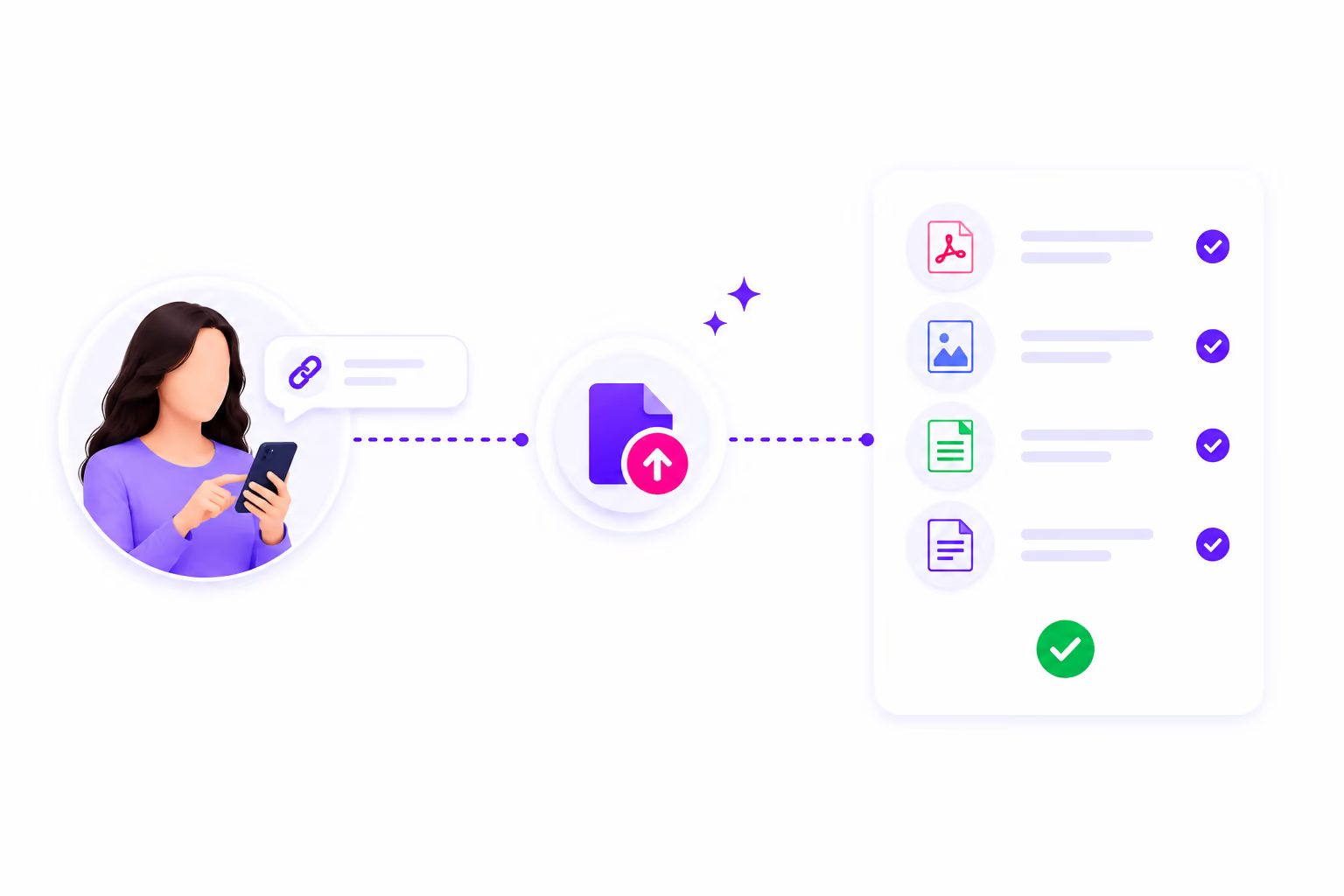
Submissions are organized in your contact record
Submitted documents are stored in the caller's contact record, where your team can review them alongside the call transcript, summary, and recording. There is no inbox to sort through and no separate folder to track down.
Learn more →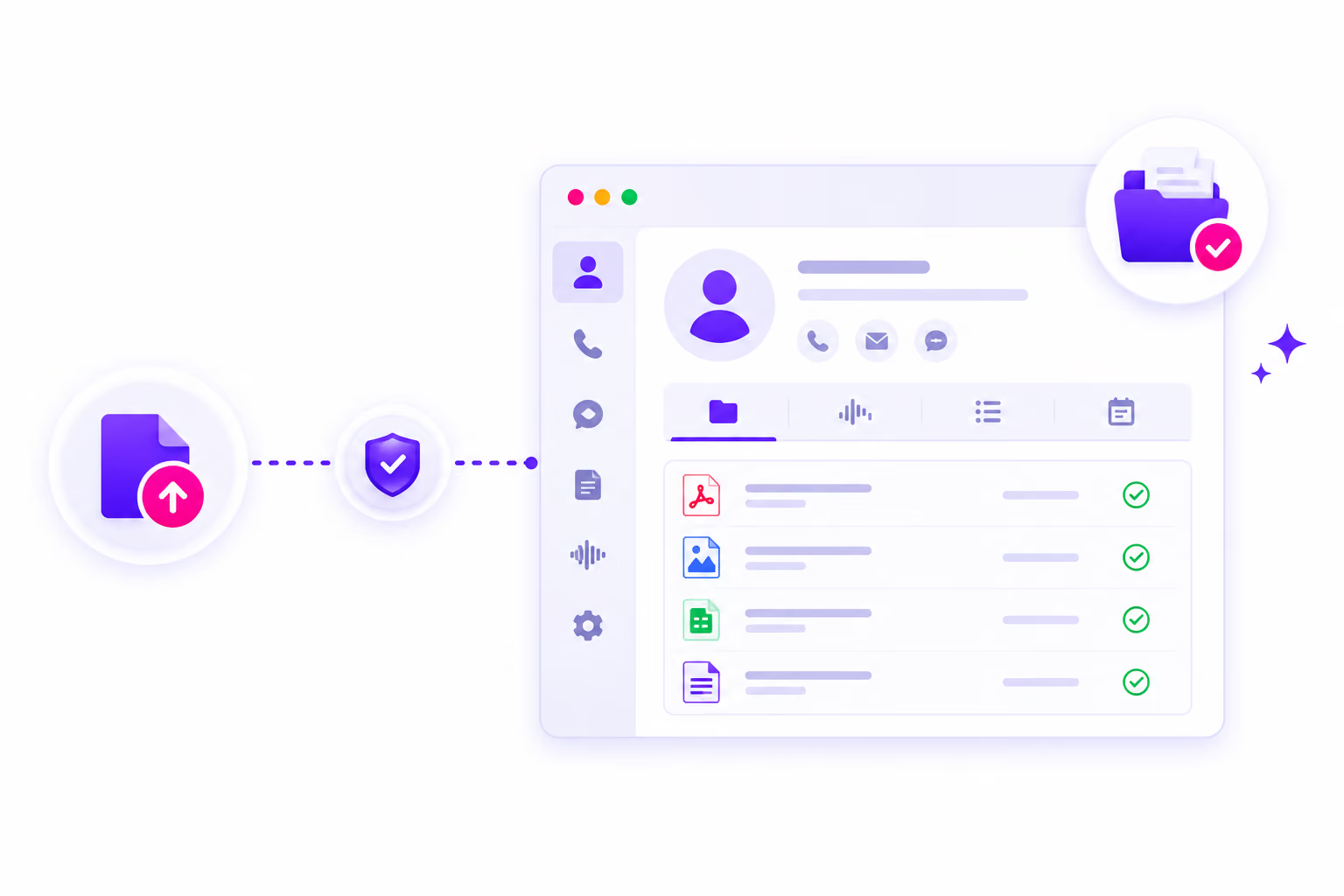
Outbound follow-up runs when documents are missing
If a client does not submit on time, the outbound system places a follow-up call to prompt submission, with the timing you configure. Every follow-up attempt is logged with a transcript and outcome, so your team always knows where each request stands.
Learn more →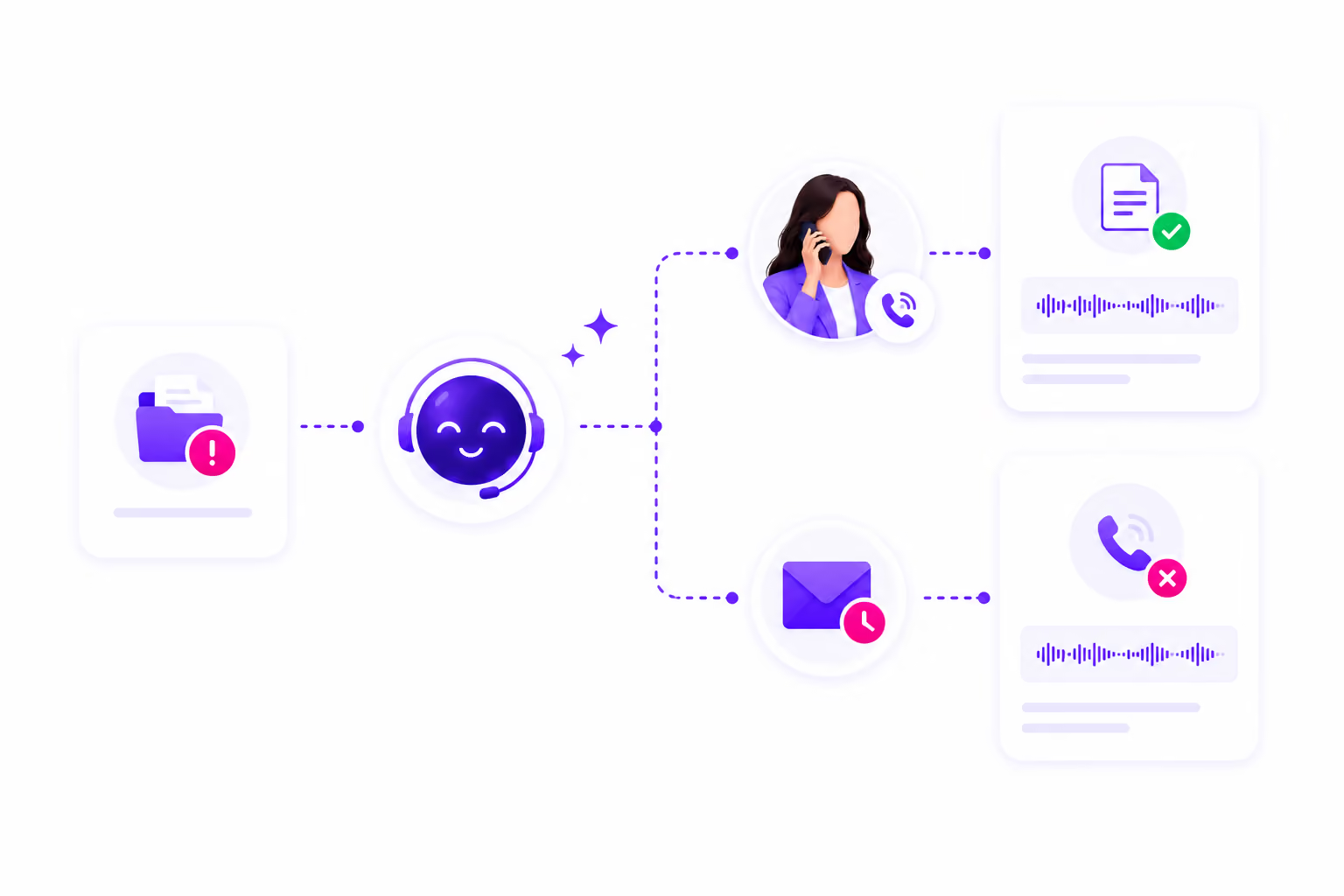
Who This Is Built For
Any business that asks clients for documents after a call benefits from automating the request. The workflow is configurable, so the questions asked, the documents requested, and the follow-up cadence can be set up to match how your team operates.
Law Firms
Accident reports, medical records, insurance correspondence, contracts, court documents, and identification requested after intake, with outbound follow-up if documents are not submitted.
.avif)
Healthcare Practices
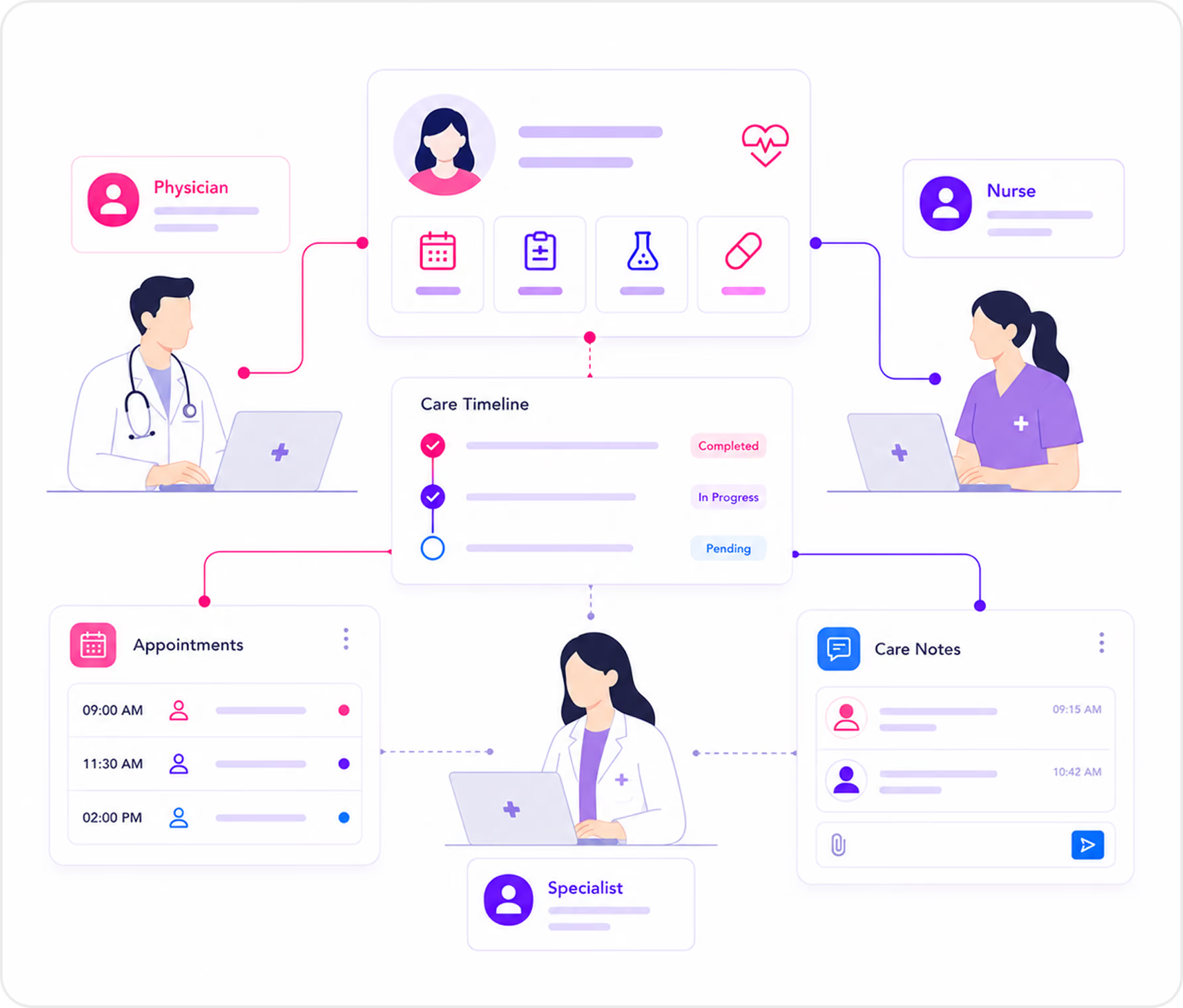
Patient intake forms, insurance cards, consent forms, and referral paperwork requested after a scheduling or intake call, then organized in the patient's contact record before the visit.
Home Services
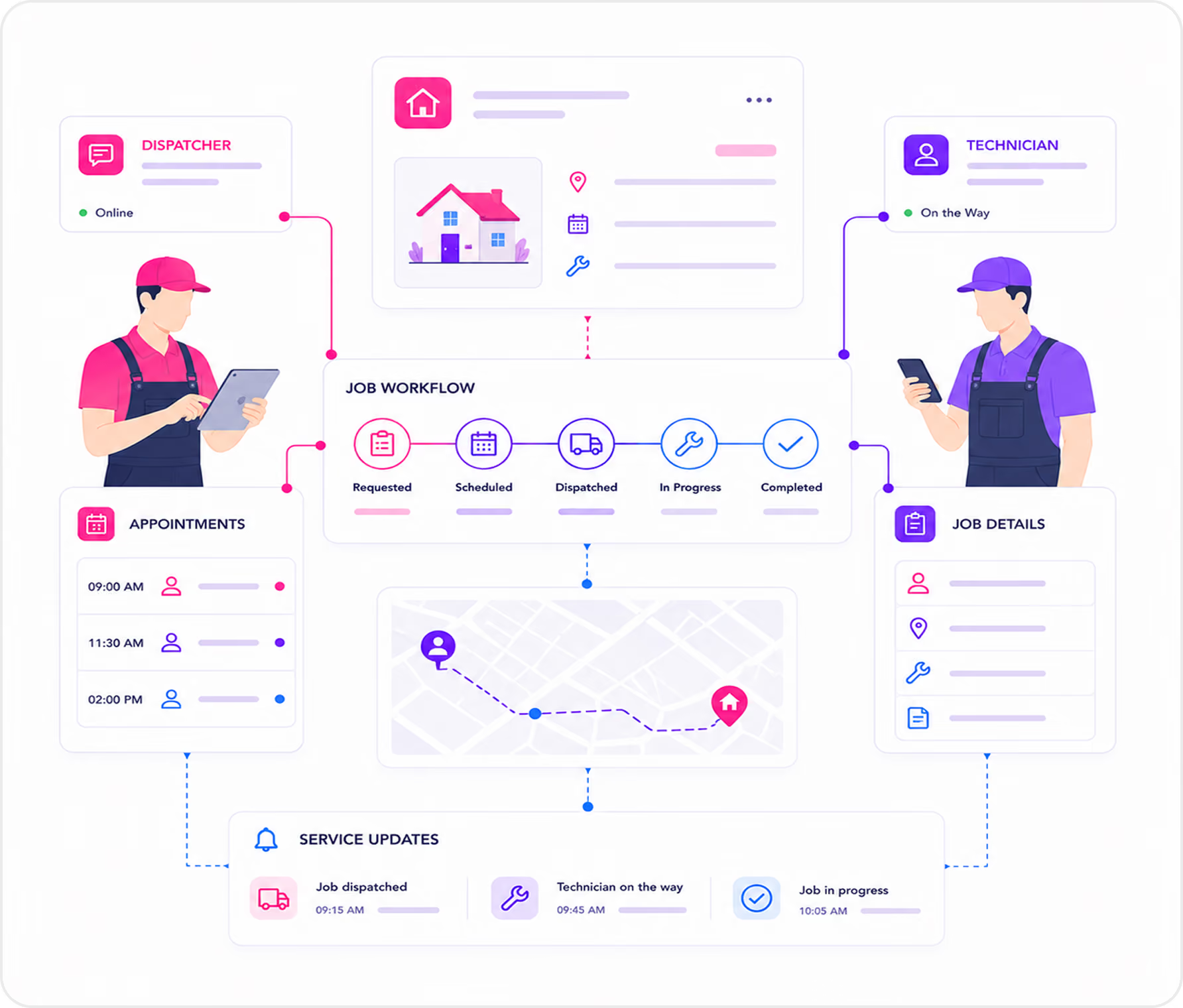
Site photos, property access details, equipment information, or service authorization documents requested after a job is booked or quoted.
Other client-facing teams
If your business asks clients for documents after a phone conversation, AI Answering's document request workflow can be configured for your use case. Talk to our team about how it would fit your operation.

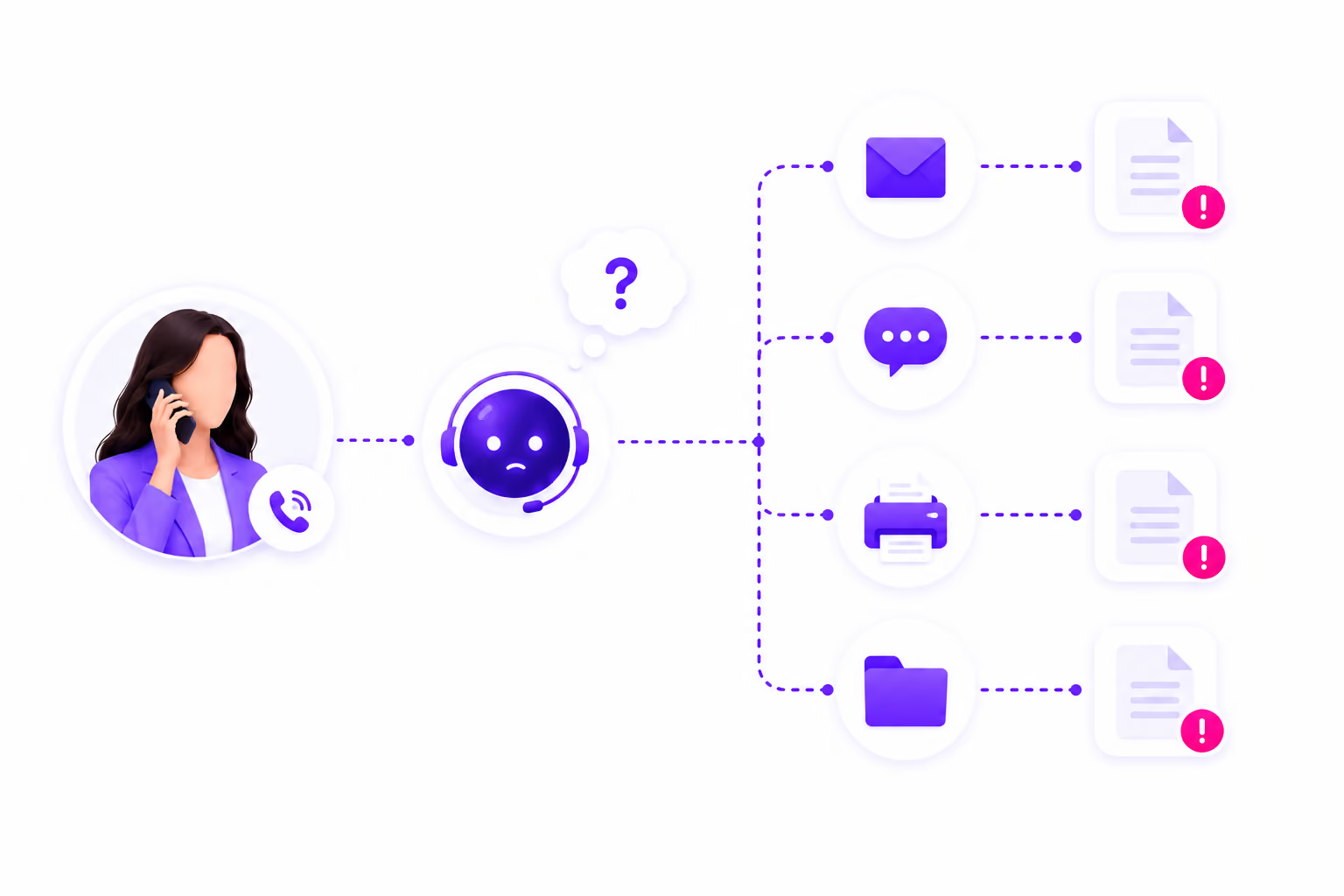
What Happens When Document Collection Is Left to Memory
Most teams do not have a problem knowing what to collect. The problem is what happens between the call ending and the document arriving.
If this sounds familiar, the problem isn't your process. AI Answering automates it.
Secure Document Collection on a Compliance-Ready Platform
Documents collected through AI Answering move through the same security and access controls as the rest of the platform.
The platform is built on SOC 2 Type II certified infrastructure. All data, including document submissions, call records, and intake information, is encrypted at rest and in transit.
For workflows that involve protected health information, document collection operates within HIPAA-aware handling, with a Business Associate Agreement available where applicable.
Access to documents, call records, and contact data is controlled by the role-based permissions your team configures. Only authorized users see submitted files.
Document requests are sent as secure links by SMS or email. Clients do not need to create accounts, install anything, or log into an external system. Every request and submission is logged.
Trusted by Law Firms That Can't Afford Cases Stalled on Missing Documents

See How a Document Request Goes Out After Every Call
Walk through the full workflow with our team, from inbound call to secure document request to organized submission, with no manual step in between.
1 month free trial.