
Call Center Escalation That Transfers the Right Calls to the Right People
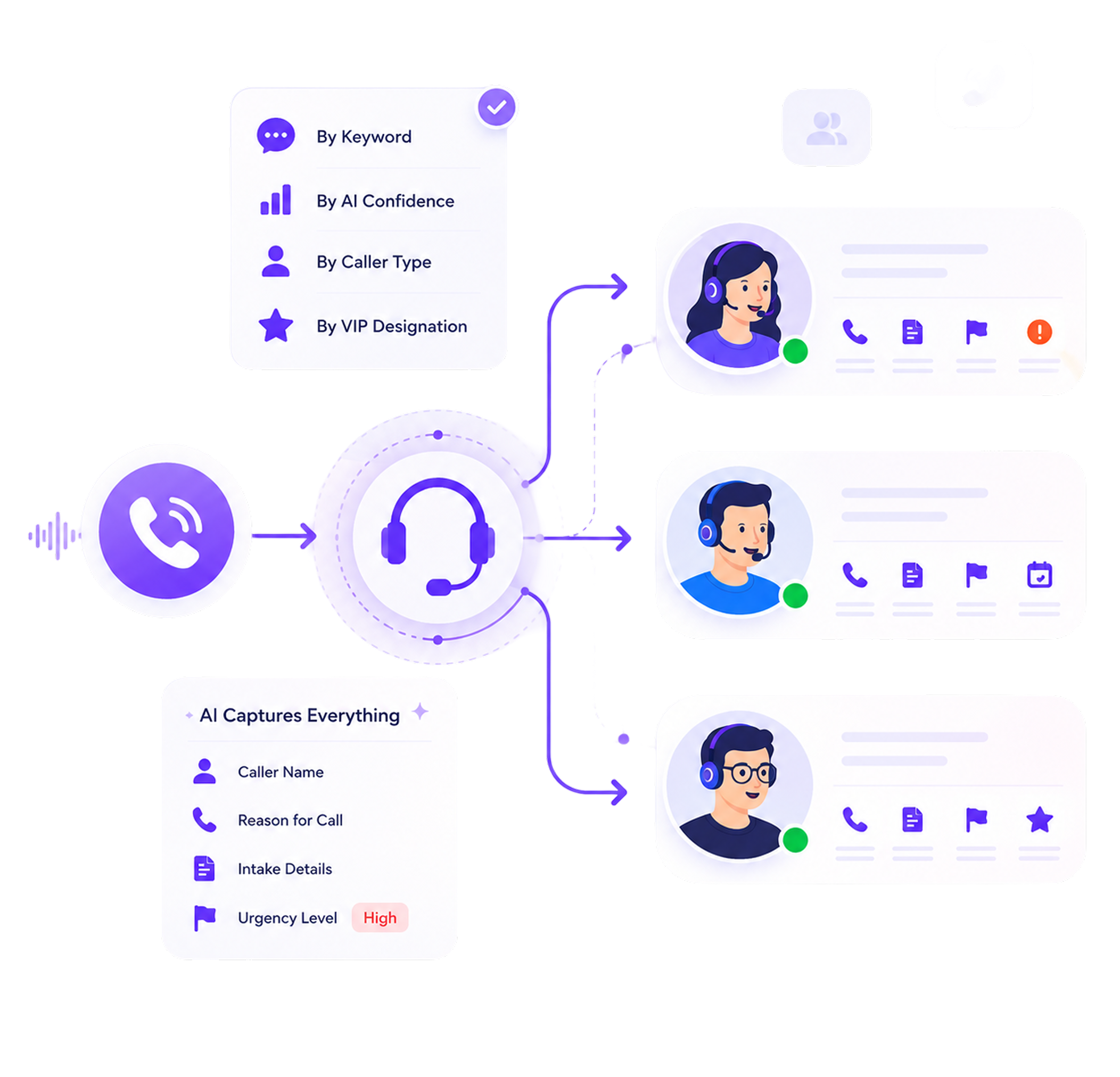
AI Answering uses configurable call center escalation rules to transfer the right calls to the right people. You decide when a call moves from AI to a human based on keywords, AI confidence, caller type, or VIP status. When the transfer happens, the receiving agent gets the caller details, reason for the call, intake information, and urgency already captured during the conversation.
- 1 Month Free Trial
- Built for client-facing teams
What Happens When There Are No Escalation Rules
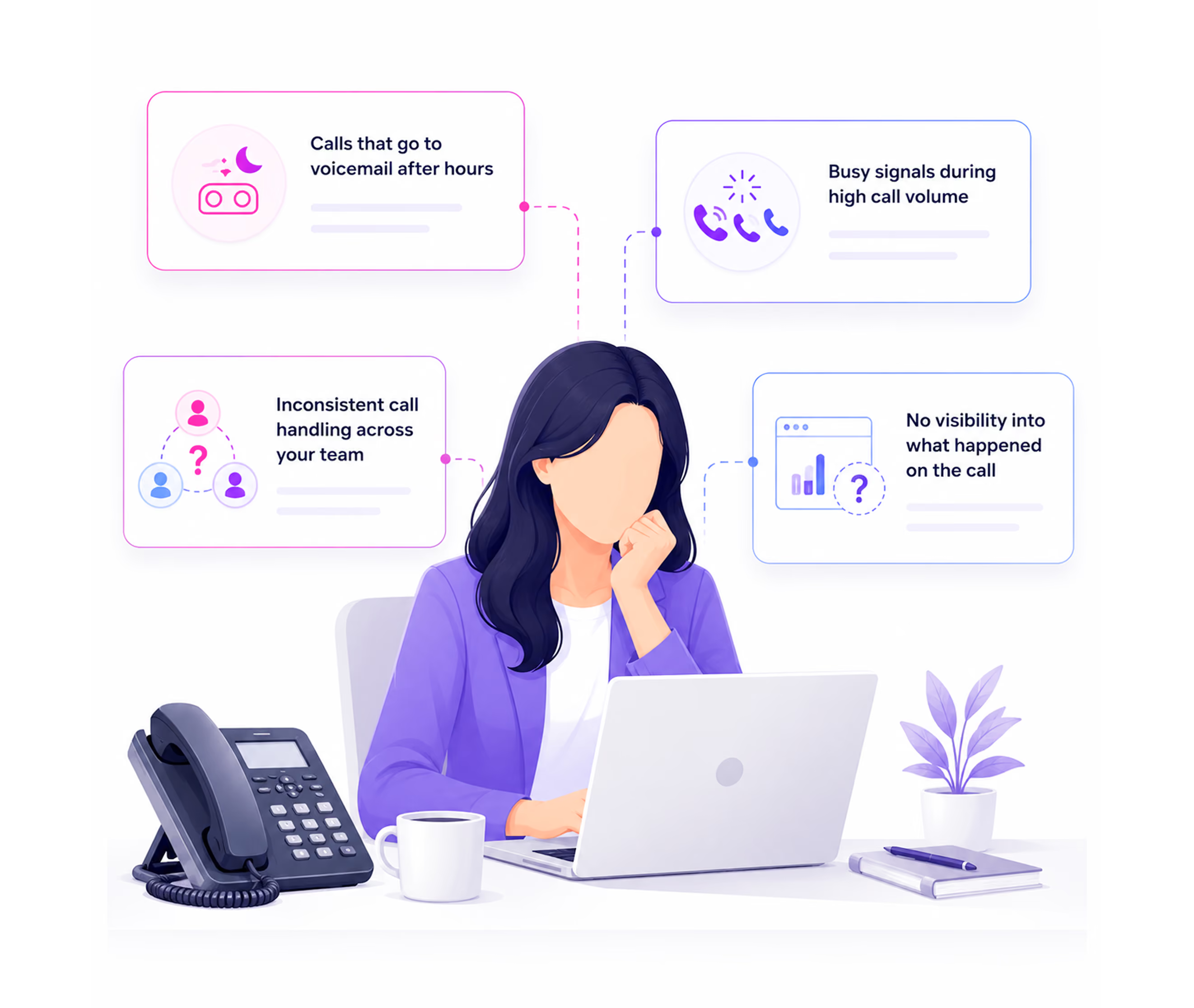
Every AI call center reaches moments where the call needs more than the AI can provide. What happens in that moment defines whether the system is trustworthy or risky.
When a caller signals an emergency and no rule exists, the AI continues its standard flow, unaware of the urgency.
The AI routes the call with no context handed off, so the caller explains everything again from the beginning.
Distressed callers, complex legal situations, and sensitive patient conversations continue through an automated flow that was never designed for them.
Without VIP escalation, an existing client or key account gets the same intake flow as a first-time inquiry, with no way to recognize or prioritize them.
From Trigger to Transfer to Logged Record
Every escalation in AI Answering follows the same sequence:
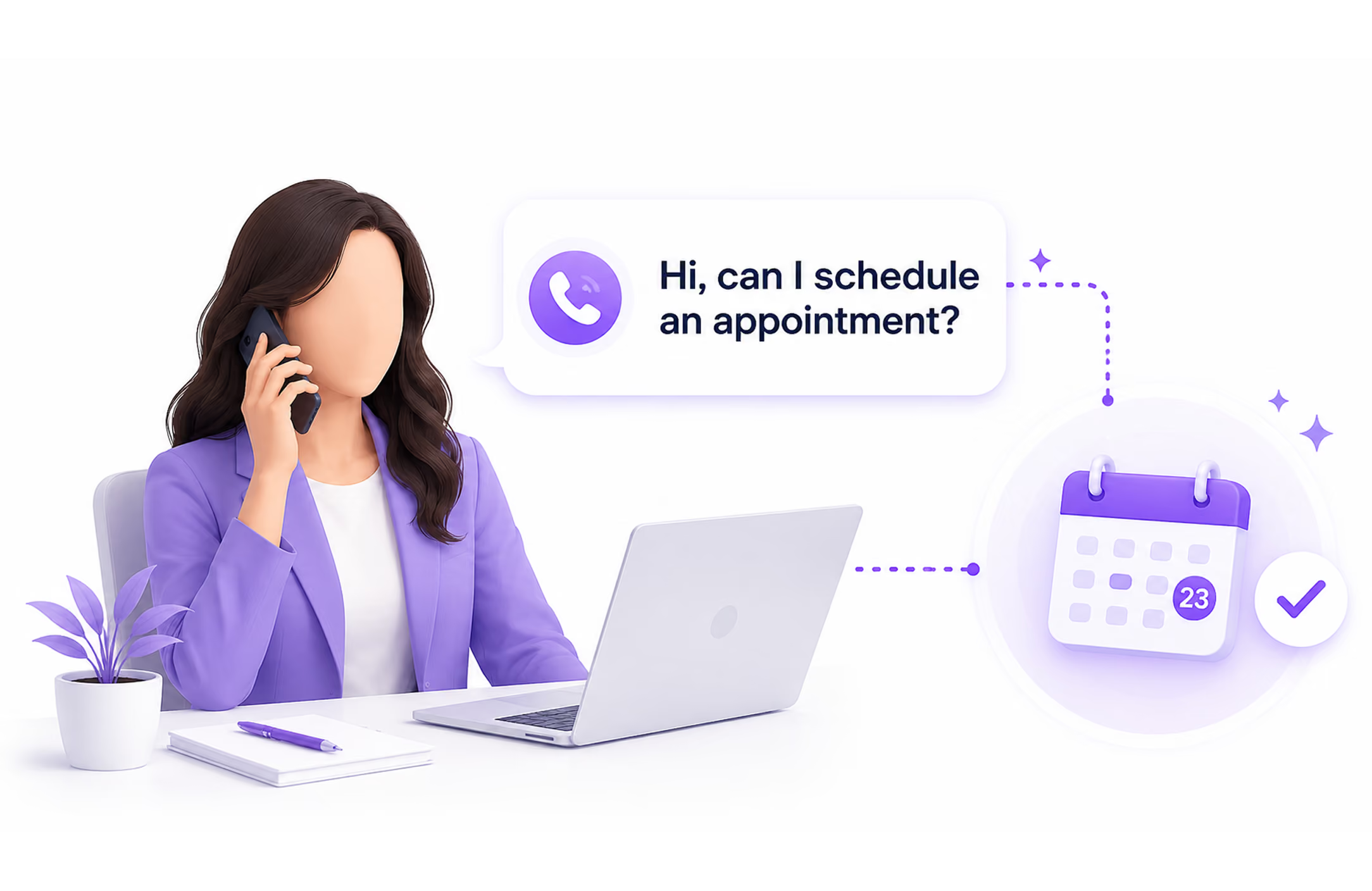
A Trigger Fires
When a configured condition is met, such as a confidence drop, a keyword spoken, a VIP caller identified, or a failed attempt limit reached, the escalation triggers based on your rules.
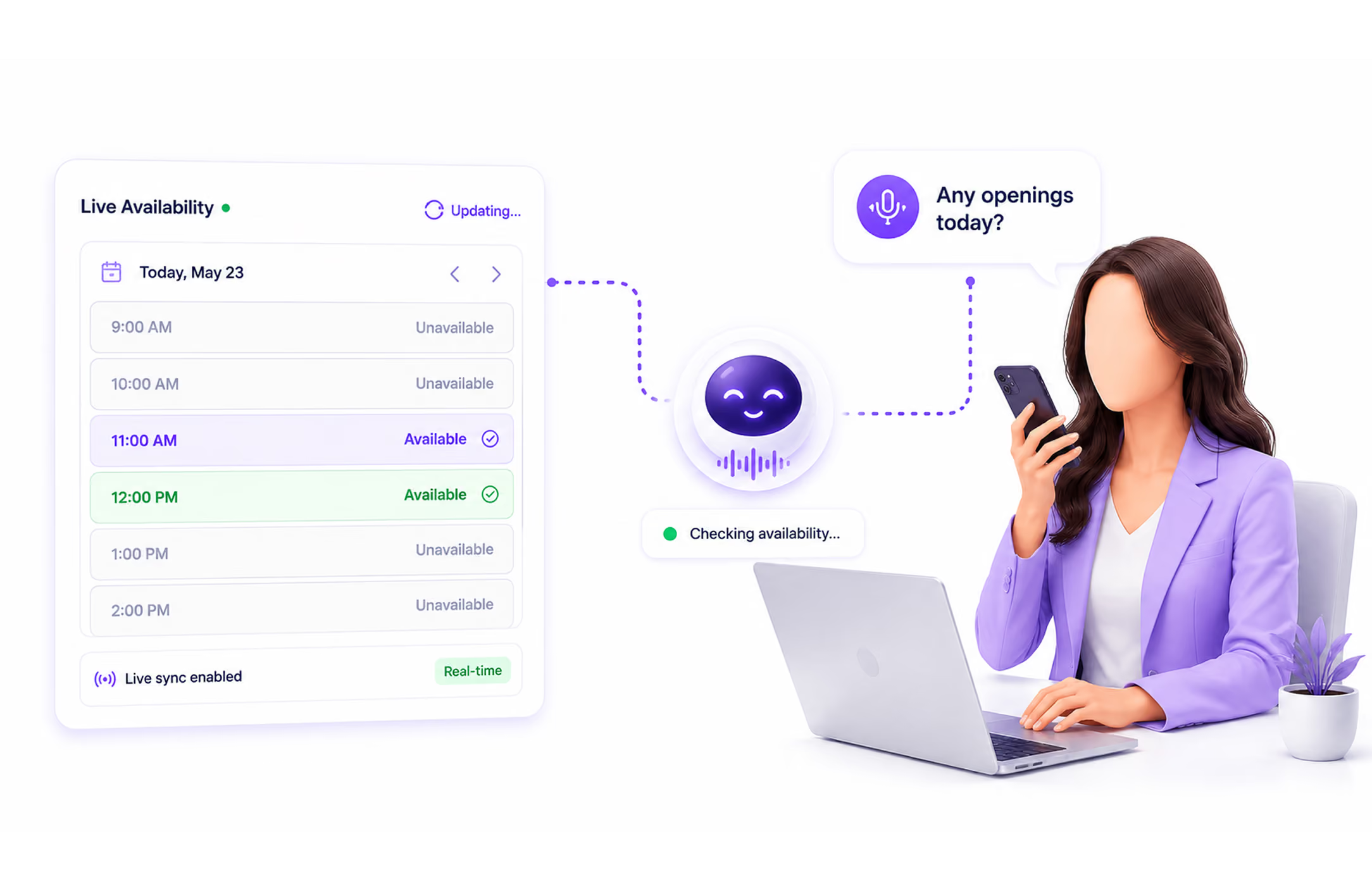
The Call Transfers With Full Context
The call routes instantly to your designated destination, and the receiving agent already has the caller's name, number, reason for calling, urgency level, and everything captured during the AI conversation.
The Human Handles the Call
The receiving agent has the context already captured by the AI, so the caller can continue the conversation without repeating the information they already provided.
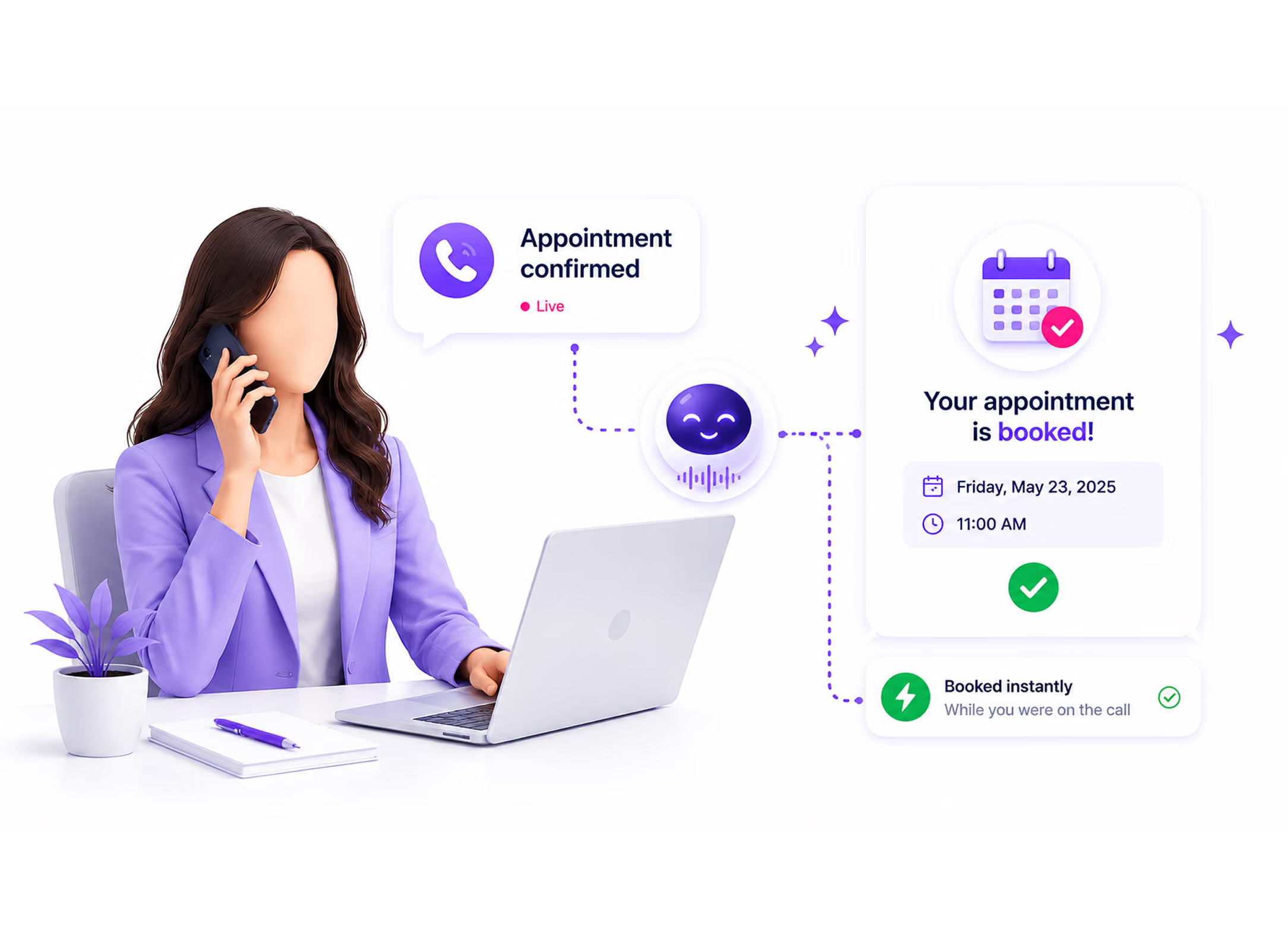
The Full Call Is Logged
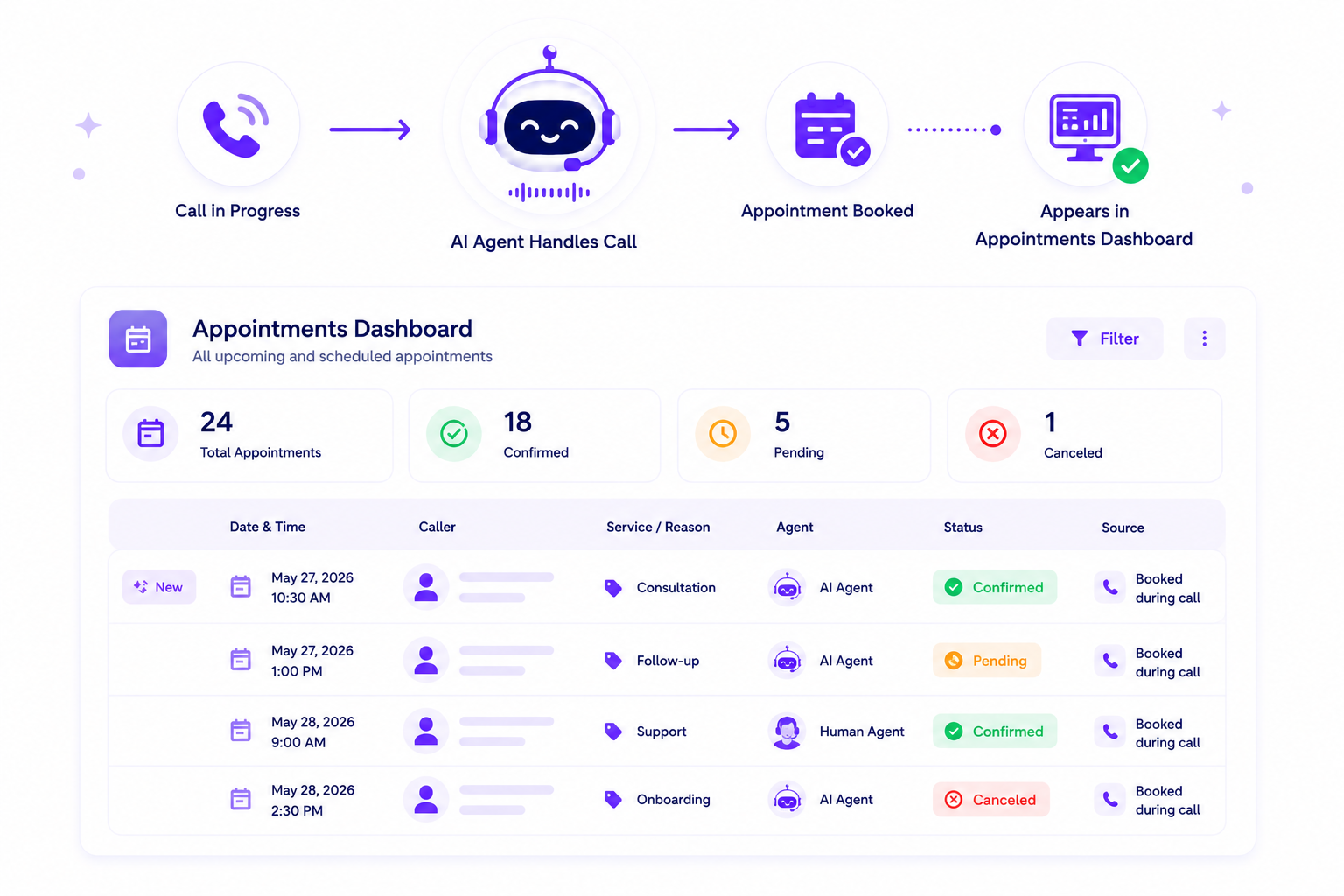
Every call, whether handled by AI, a human, or both, is fully documented in your dashboard with a complete transcript, escalation record, and call outcome.
Learn more →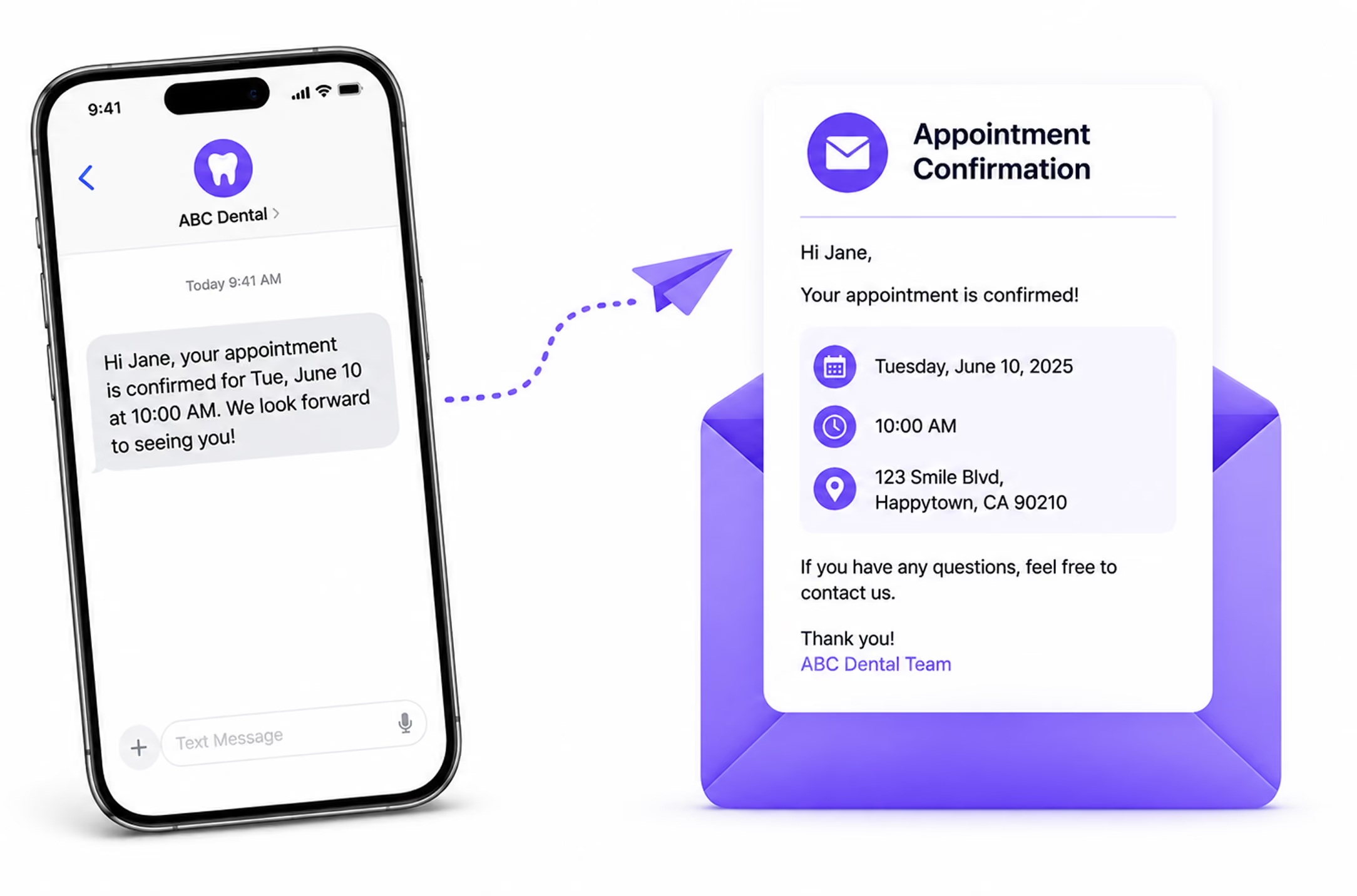
You Control What Triggers an Escalation
Every escalation rule is configured from the Escalations tab inside your Call Configuration panel. Five confirmed trigger types are available.
Set the confidence percentage at which the AI escalates automatically. If the AI drops below your defined level during a conversation, the call routes to a human agent immediately.
Define words or phrases that trigger an instant transfer the moment they are spoken. Examples: emergency, urgent, lawsuit, arrest, supervisor. You manage your keyword list from the Escalations tab at any time.
Flag specific callers by name and phone number. When a VIP calls, they are routed directly to a live agent, bypassing the standard AI flow or after an initial greeting, depending on your configuration.
Set the number of times the AI can attempt to resolve a request before escalating. If the limit is reached without resolution, the call transfers to a human agent.
Speak With a Person
When a caller asks to speak with a human at any point in the call, the AI escalates immediately, regardless of where the conversation stands.
Every Escalated Call Is Logged and Tracked Automatically
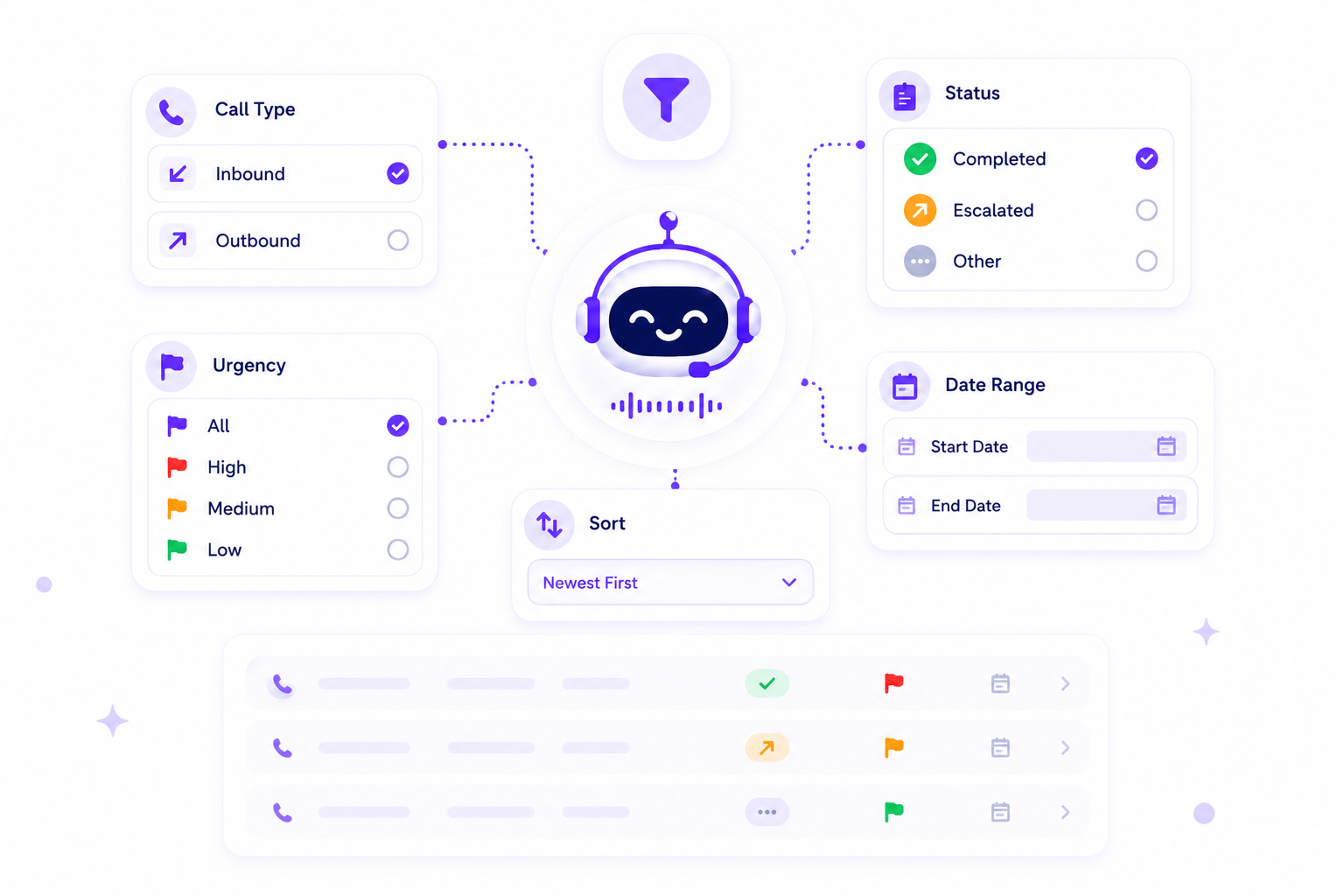
Escalated calls are logged and tracked in the same dashboard as all other call activity.
Two Types of Escalation. Know Which One You Need.
AI Answering supports two types of call escalation. They serve different operational needs and are available on different plans.
When a Call Transfers, the Human Already Knows What Happened
The biggest problem with most AI-to-human transfers is that they reset the conversation. AI Answering prevents that by passing full context to the human agent before they even say hello.
What the Agent Receives at Transfer
The agent gets the caller’s name, number, reason, and urgency. They also receive the intake details and the point where escalation triggered.
What the Caller Experiences
The caller does not repeat themselves or start over. The transfer feels like one continuous conversation.
How Escalation Rules Differ by Business Type
Different businesses need different escalation configurations. Here is how three of AI Answering's primary ICPs use escalation rules.
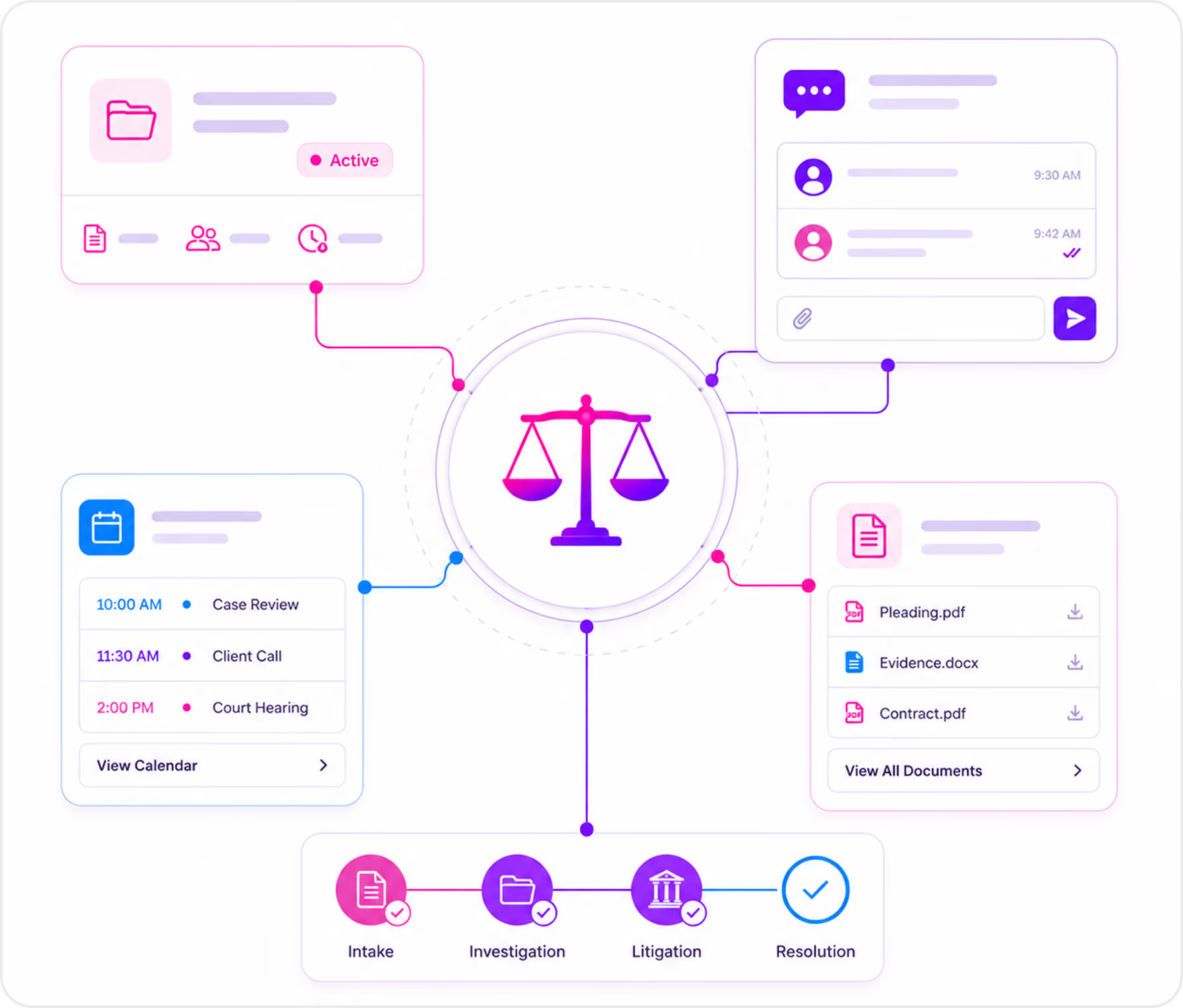
Law Firms
Personal injury firms escalate urgency keywords to an attorney or senior paralegal, use VIP routing for active clients, and set a confidence threshold so edge cases reach a human.
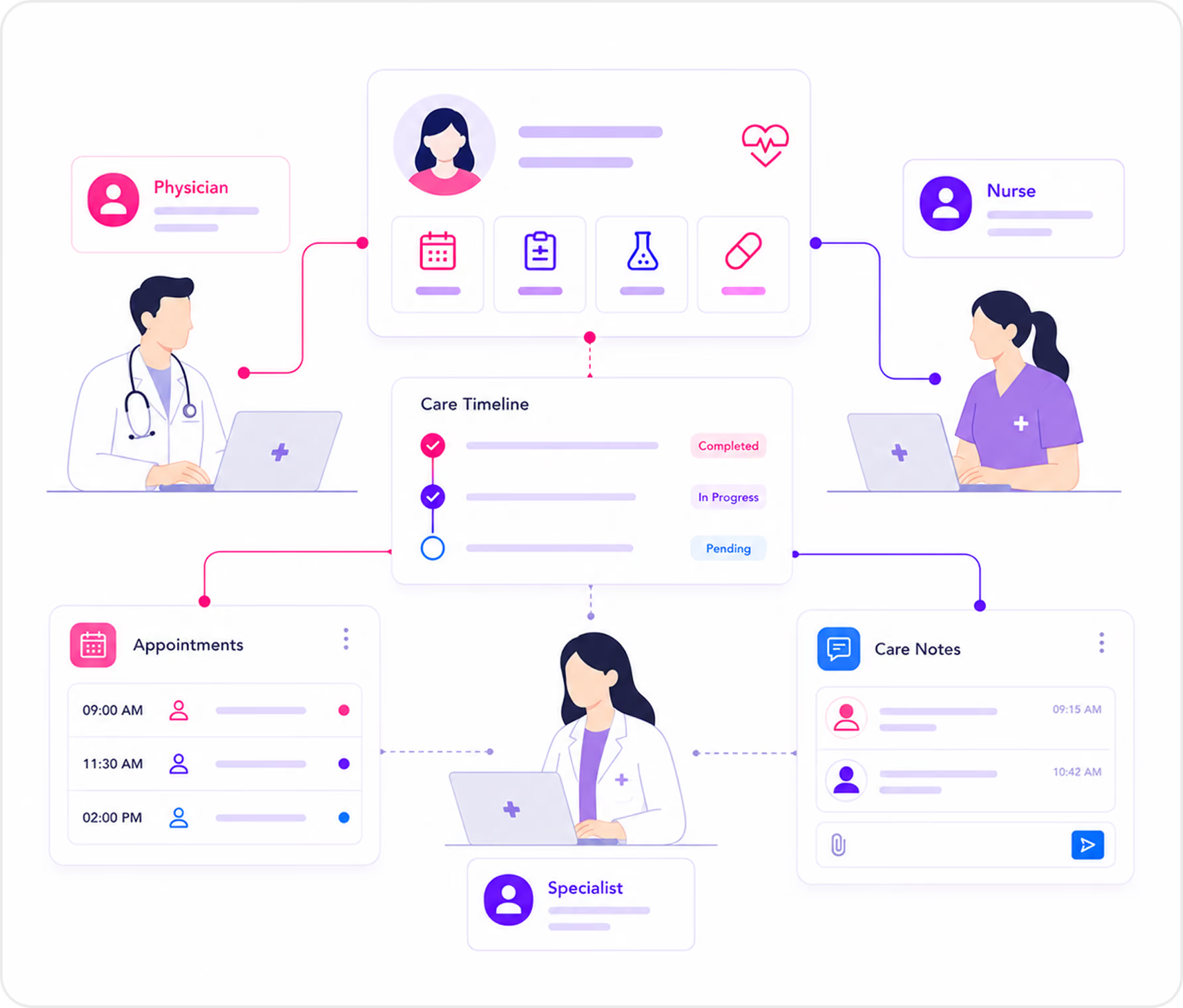
Healthcare Practices
Medical practices escalate symptom keywords to a clinical coordinator or on-call line, use confidence-based escalation for out-of-flow calls, and prioritize established patients with complex histories.
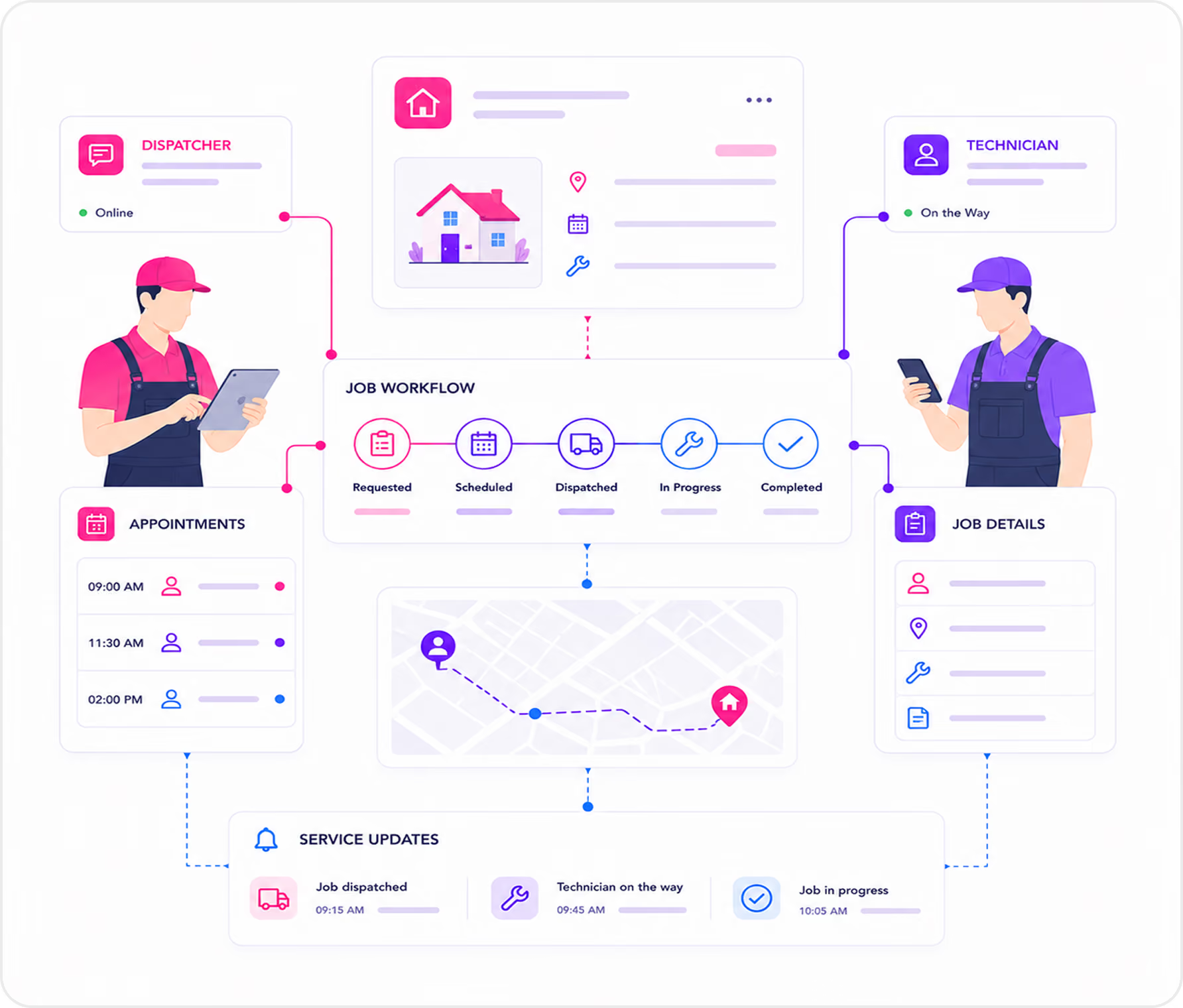
Home Services
Plumbing companies escalate emergency keywords to an on-call dispatcher, keep routine calls in AI for intake and scheduling, and use VIP routing for property management clients.
Trusted by Businesses That Can't Afford to Miss a Call

See What Call Transfer Looks Like in Real Time.
In a live demo, we walk through how escalation triggers are set up, show what the Escalations tab looks like, and demonstrate a real AI-to-human transfer with full context handoff.